

Migrating a WordPress website is a task that many website owners eventually face. Whether you’re changing hosting providers, moving from a staging environment to production, upgrading infrastructure, or consolidating multiple websites, a reliable WordPress migration plugin becomes essential. This guide explores dependable migration plugins that can simplify the process, reduce downtime, and ensure your website remains fully functional after the move.
Not all migration plugins offer the same capabilities. Some prioritize simplicity and ease of use, while others are designed to handle large websites with advanced backup and recovery features. Consider these factors before choosing a migration plugin:
The WordPress ecosystem includes many migration plugins, but a few options stand out for their reliability and functionality:
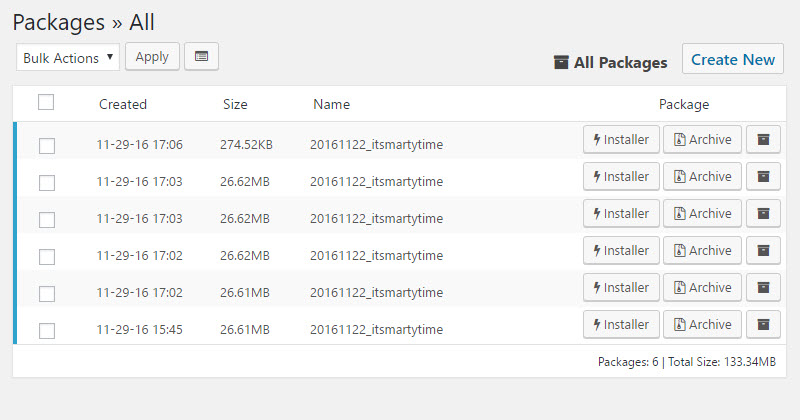
Duplicator has earned a strong reputation as one of the most reliable migration plugins. It packages your website into a migration bundle that can be transferred to another server or domain. With support for backups, cloning, and migrations, Duplicator offers considerable flexibility. Although some advanced features require premium access, the free version remains highly capable for many scenarios.
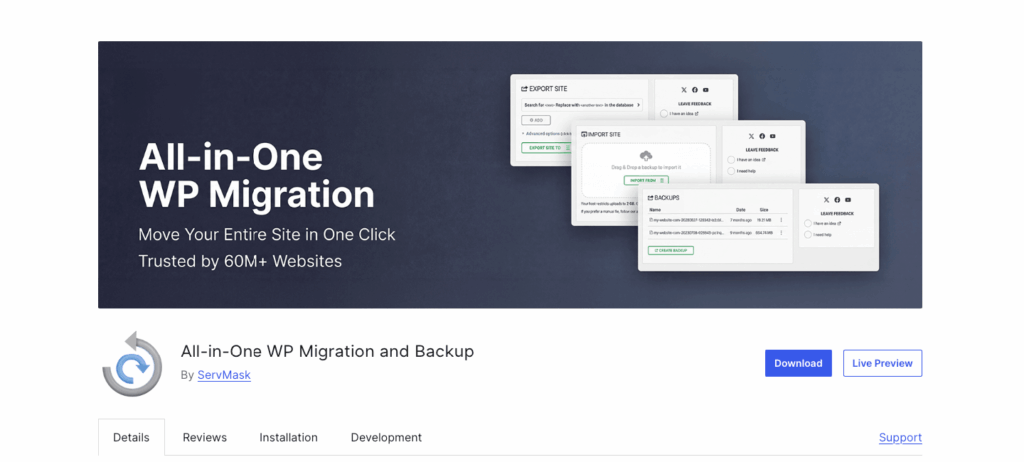
All-in-One WP Migration provides an intuitive export and import system with a user-friendly interface that is especially attractive for beginners. For larger websites, premium extensions may be necessary, but the basic version covers most standard migrations effectively.
Designed specifically for WordPress, Migrate Guru excels at handling large websites. Instead of relying on the source server’s resources, it performs migrations using external servers, helping to avoid timeouts and performance issues during transfers. This plugin is ideal for sites with substantial databases or extensive media libraries.
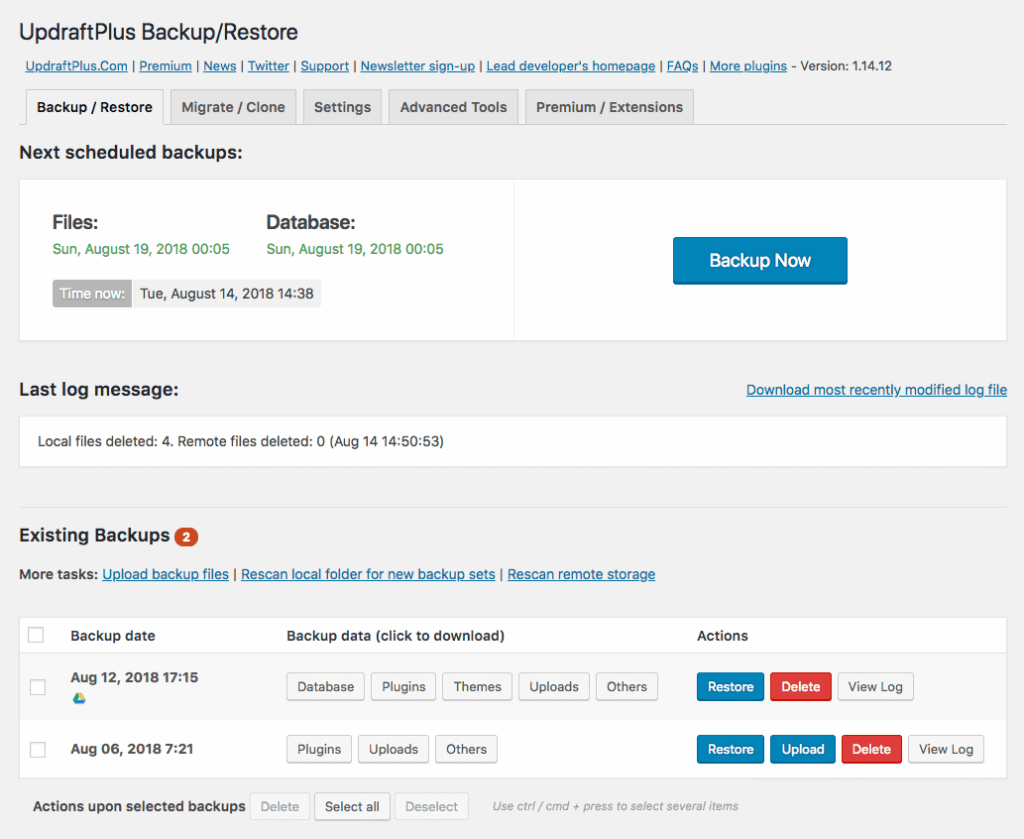
UpdraftPlus is well-known for its backup capabilities, and its migration features are equally valuable. It enables users to create backups and restore them in a different environment, effectively combining backup management with migration functionality. This integration is particularly convenient for organizations already using UpdraftPlus.
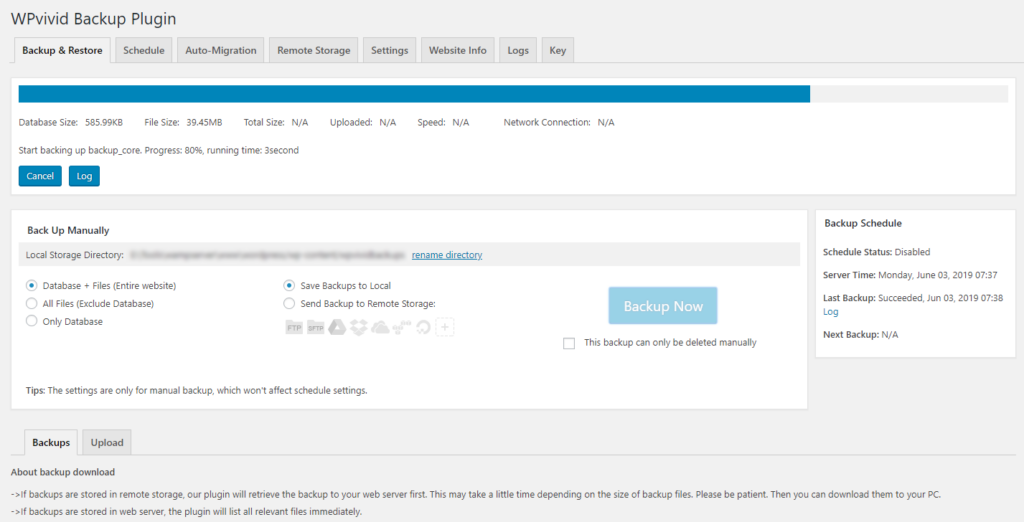
WPvivid offers a balance of backup, migration, and staging functionalities, making it a strong choice for users who manage multiple environments or frequent updates. Its combination of flexibility and affordability makes it a popular option.
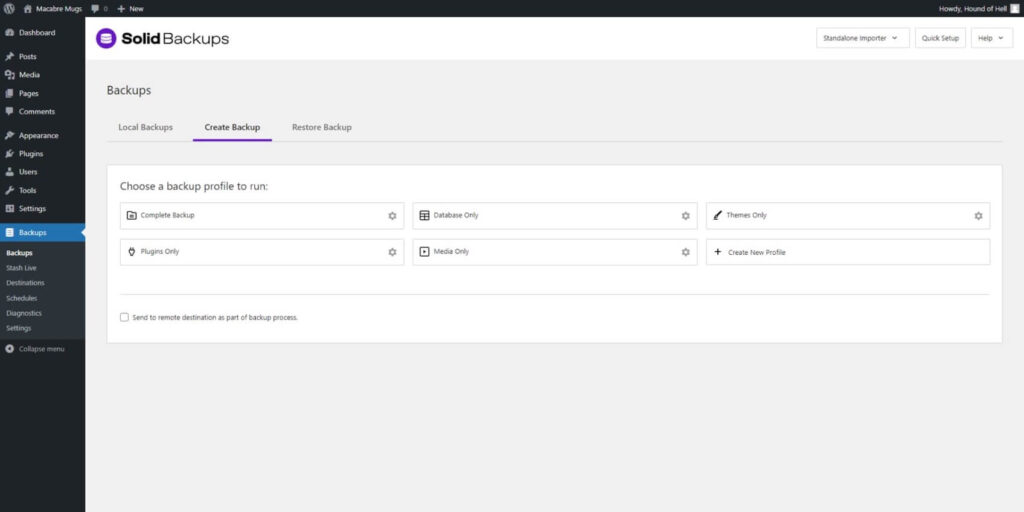
Formerly known as BackupBuddy, Solid Backups integrates backup management, disaster recovery, and migration into one package. This solution is especially useful for businesses seeking comprehensive website protection and migration tools.
Different websites have different requirements. Here are recommendations based on specific needs:
Even experienced website owners can encounter migration challenges. Here are common issues and strategies to prevent them:
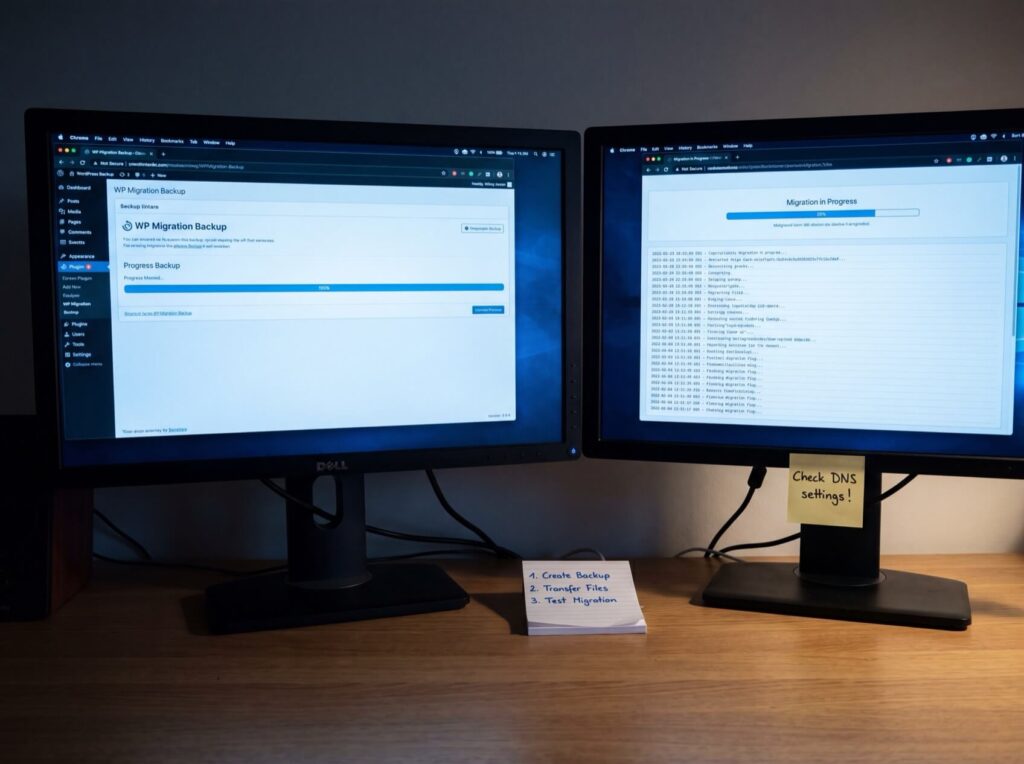
Even the best WordPress migration plugin cannot guarantee success without proper precautions. Follow this structured approach to minimize risks:
Always create a complete backup before beginning any migration. This should include all website files, databases, themes, plugins, and media assets to serve as a fallback in case any issues arise during the migration.
Whenever possible, perform a test migration before making changes to your live site. Testing can help identify compatibility issues, missing files, or performance problems before they impact visitors.
Since databases hold critical content and configuration data, ensure that all records are transferred correctly once the migration is complete.
After migrating, inspect images, videos, downloads, and internal links for any broken assets or missing files.
DNS changes can affect website availability if not managed properly. Plan and execute DNS updates cautiously to minimize downtime.
The migration process doesn’t end once your site goes live. Regular monitoring—reviewing performance, error logs, and user feedback—helps ensure that any issues are promptly addressed.
Migration plugins and manual migration both have their place. Use a migration plugin if:
Consider manual migration if:
Check out How to Move a Website from Wix to WordPress the Right Way for additional insights on migration strategies.

Every website has unique requirements. The best migration plugin for a personal blog might not be the best choice for a large WooCommerce store or a complex agency project. Here’s a quick breakdown:
Choosing the best WordPress migration plugin depends on factors such as website size, technical expertise, and migration goals. The migration plugins discussed above each offer valuable features tailored to different scenarios, and careful planning—especially regarding backup creation, testing, and DNS updates—is essential for a successful transfer.
For those seeking a reliable hosting solution after migrating, consider SiteValley’s Small Business Hosting plan. Priced at $8.95 per month (or $95.99 per year), this plan supports up to 50 websites, offers unmetered web space, and includes 100 branded email accounts, a free domain, cPanel, free SSL, free DNS Anycast, daily backups, and Imunify360 protection. These features ensure your website has the dependable post-migration hosting environment it needs. For more details, visit the SiteValley Web Hosting page.
A successful migration is the first step toward a more efficient and secure website. By choosing the right migration tool and following these safety measures, you can ensure minimal downtime and a smooth transition to your new hosting environment.

Quick Customer care response, accurate and broad assistance, easy to use client area.....
I am very happy with the service. I am with site valley for many years and at the present usimg 2 hosting packages. Their service is excellent and super fast. Thanks & Greatly Appreciated
I've been hosting my websites with Sitevalley for more than 6 years. Very satisfied with the services and reliability they provide, competitive prices, almost no downtime, fast and knowledgeable customer support.
I have been using side valley for a couple of years now and have to say I am very happy with the service they offer.I use many Hosting services but site valley stands out in front. Reliable service, great support.I don't normally leave reviews but felt I wanted to for this service as it has been fantastic
I didn't want to review so soon on into taking out hosting with site valley but I feel obliged because their customer service is outstanding, second to none, every time I had an issue it was sorted immediately. I would highly recommend Site Valley.
I have been with Sitevalley for over a year and it's the best hosting I have EVER used. And I have been through a lot of them.
The support staff are amazing, and it's clear that they have a passion for hosting websites. I've rather enjoyed this webhosting company and it's stability for the price is bar-none, amazing.
My collegue adviced me to use SiteValley as a reliable hosting provider with great prices, professional and fast Customer Service. My experience with SiteValley was exactly the way I was promised.
I have been with SiteValley for many years, and plan to stay with them for many more. Customer support is very responsive and knowledgeable.
SiteValley.com is rated 4.8 / 5 based on 329 Reviews »

© 2001 – 2026 SiteValley.com. All Rights Reserved.
