
If you run a small business site and want it in a second language without a developer, TranslatePress (€99 a year) is the plugin we would hand you first: you translate on the front end, see the result immediately, and the translated pages get their own indexable URLs. If you sell through WooCommerce or need an agency-grade workflow, WPML is the established choice from €39 a year; if you want the translations done for you in an afternoon and can live with a monthly fee that grows with your word count, Weglot is the fastest route. Everything below explains how we got to those three answers, what each plugin costs in 2026, and the detail most comparisons skip: what a multilingual site does to your database and hosting.
A multilingual website improves user experience, expands your reach, and makes your content accessible to visitors who speak different languages. WordPress offers several translation plugins that simplify the process; some focus on manual translation for maximum control, others on machine translation to automate much of the work, and because requirements vary there is no single best WordPress translation plugin for every website.
The WordPress ecosystem includes dozens of translation plugins, each with varying functionality and user experience. Some are designed for small websites needing basic multilingual support, while others cater to large businesses managing content in several languages.
We evaluated the best options by considering several factors:
Below are some of the top plugins for creating and managing multilingual websites. Each review outlines the key features, benefits, and any limitations.
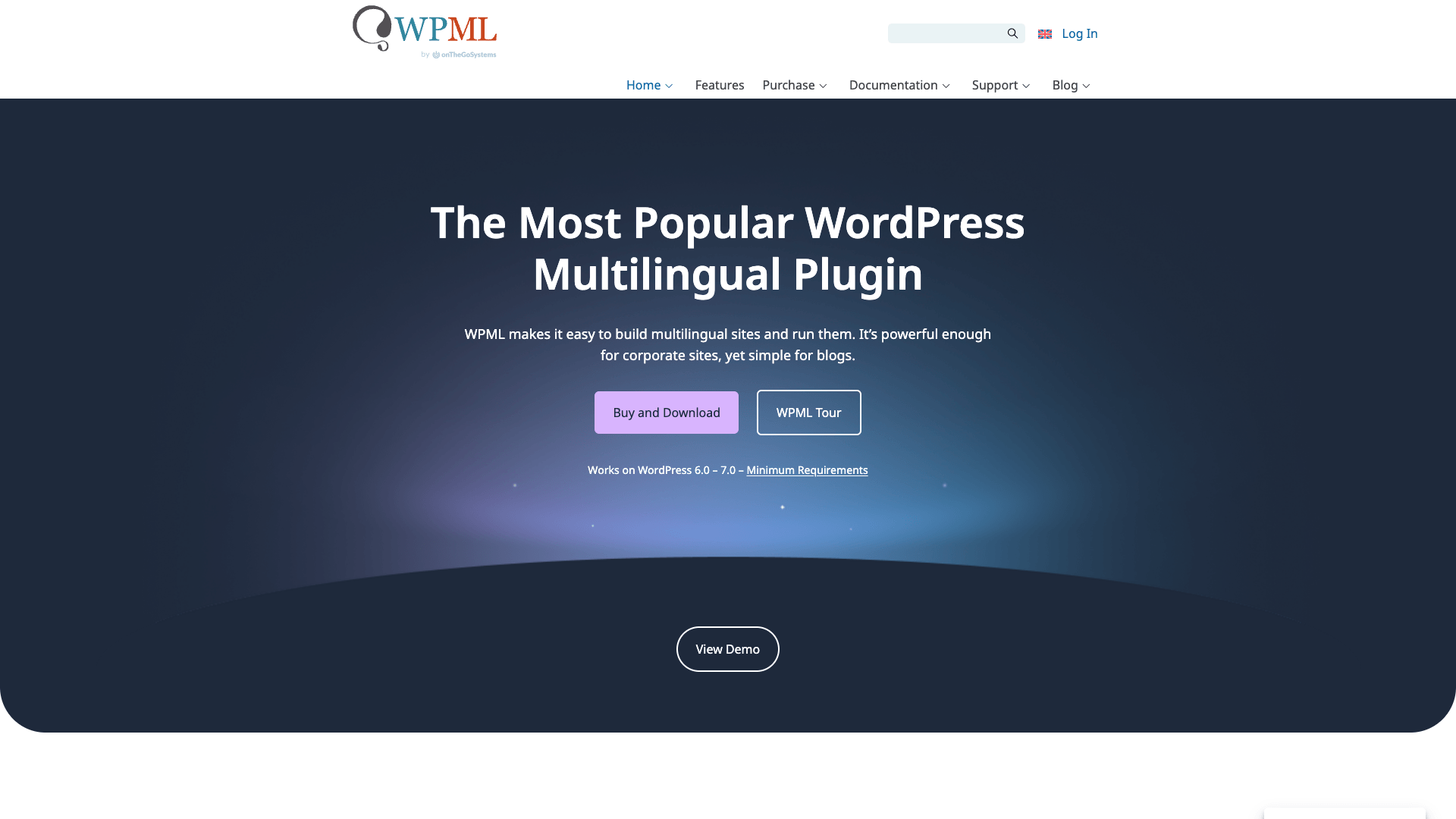
WPML is one of the most established WordPress translation plugins. It is designed for users who need extensive control over multilingual content and advanced translation management features. WPML supports manual translation workflows, professional translation services, and automatic translation, and it integrates well with popular themes, page builders, and WooCommerce stores. For example, users interested in integration with the best WordPress eCommerce plugins will find WPML a strong choice.
Pros: Extensive language support, powerful translation management tools, excellent compatibility with other WordPress plugins.
Cons: Beginners may find the interface more complex than some alternatives.
Best suited for businesses, large content websites, and multilingual WooCommerce stores.
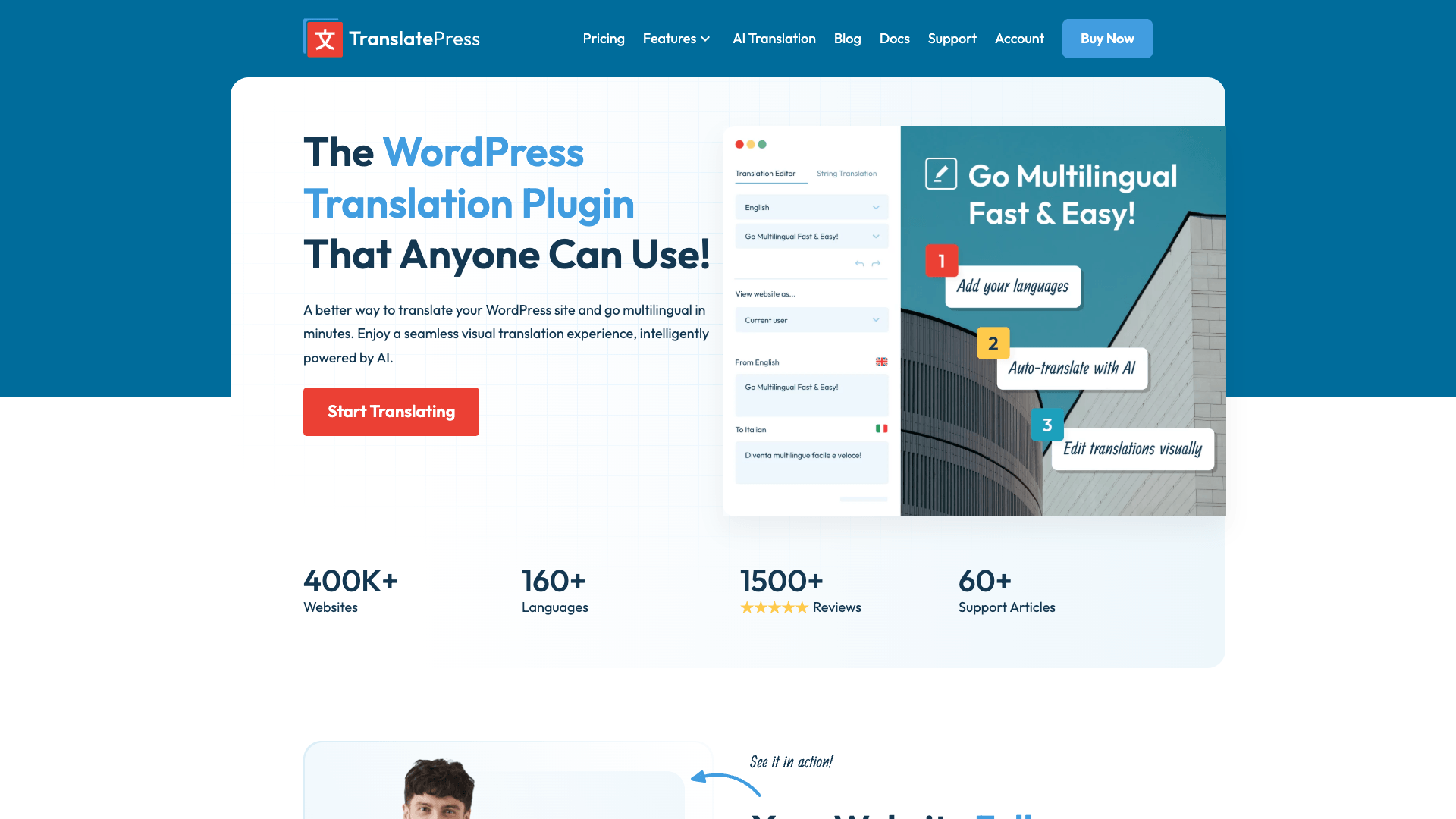
TranslatePress uses a visual interface to manage website translation. With this plugin, you translate content directly on the front end, viewing changes in real time. This is especially appealing for beginners and site owners seeking an intuitive translation experience. The plugin supports both manual and automatic translation methods and integrates with popular page builders.
Key Benefits: Simplified translation management with a visual editor and a reduced learning curve.
Limitation: Some advanced multilingual features require premium plans.
Ideal for users building a WordPress multi language site without extensive technical experience.
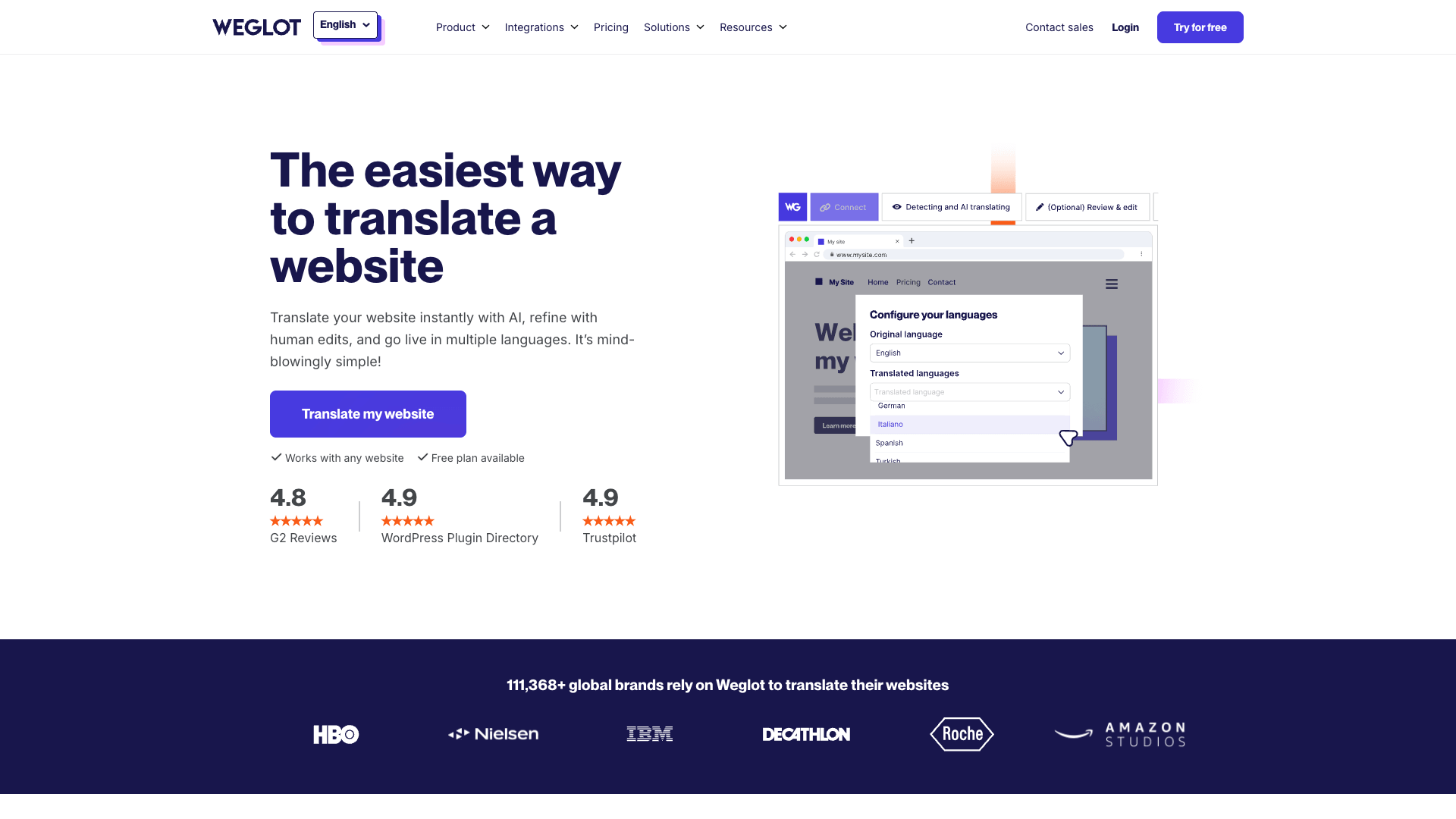
Weglot prioritizes automation and simplicity. After installation, it automatically translates an entire website into multiple languages with minimal configuration. The plugin combines machine translation with the option for manual editing and includes multilingual SEO features along with language-switching functionality.
Key Benefits: Fast deployment and an efficient translation process.
Limitation: Pricing considerations may arise for websites with extensive content.
Best for businesses that want rapid multilingual deployment with lower maintenance overhead.
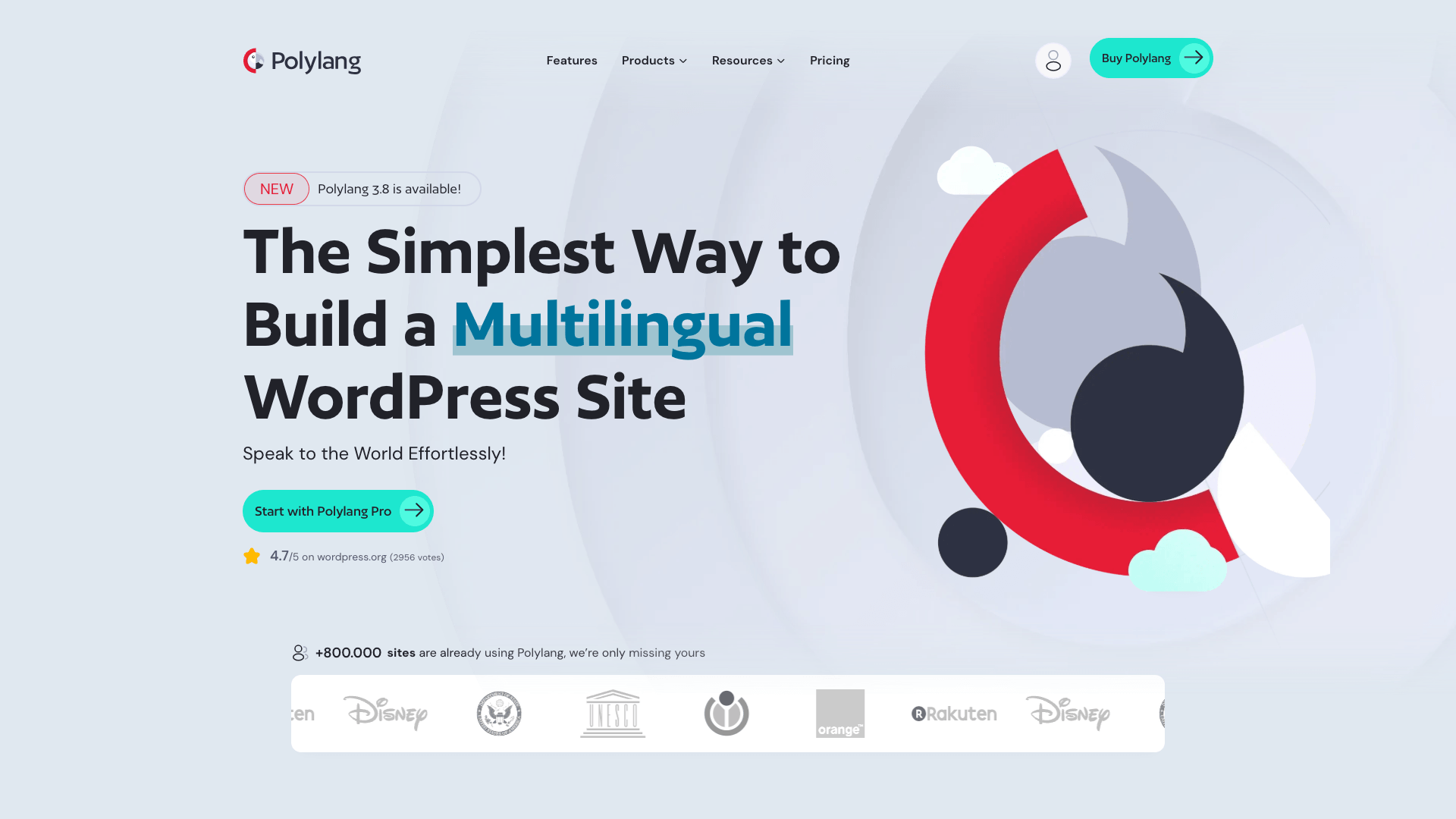
Polylang is popular for those seeking a flexible multilingual solution without premium pricing. The plugin allows manual translation of posts, pages, categories, tags, and custom content types, offering full control over translation and language management.
Key Benefits: A strong free version that provides substantial functionality, making it attractive for budget-conscious website owners.
Limitation: Some advanced features and integrations require premium extensions.
Particularly suitable for bloggers, content creators, and small businesses.
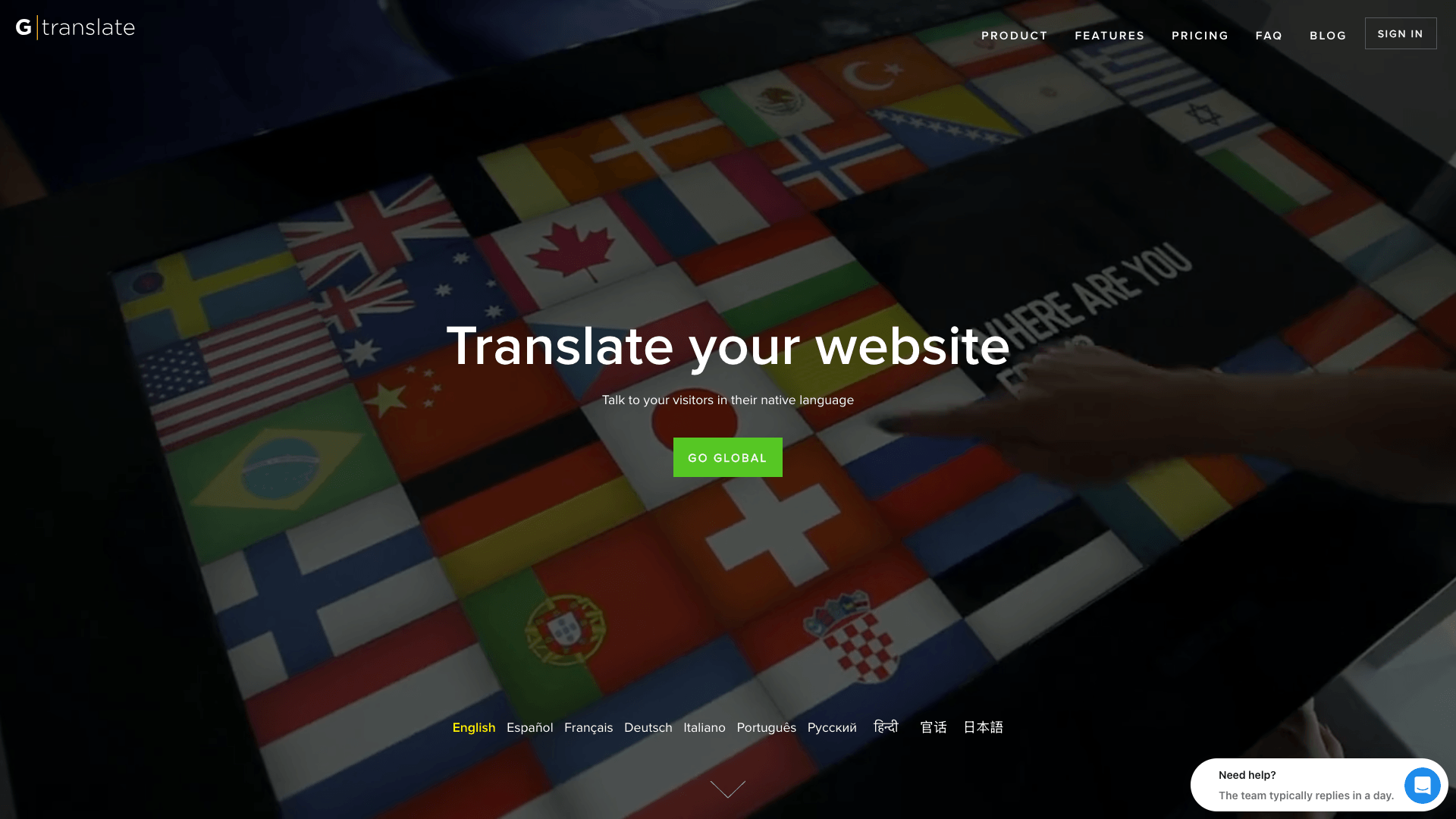
GTranslate employs machine learning for automatic translation. It quickly translates extensive amounts of content with minimal manual effort. Although machine translations might miss industry-specific nuances, GTranslate allows for manual refinements to improve accuracy.
Key Benefits: Rapid content translation coupled with an easy language switching mechanism.
Limitation: Automatic translations may require manual post-editing for greater nuance and precision.
An excellent choice when speed and affordability are priorities.
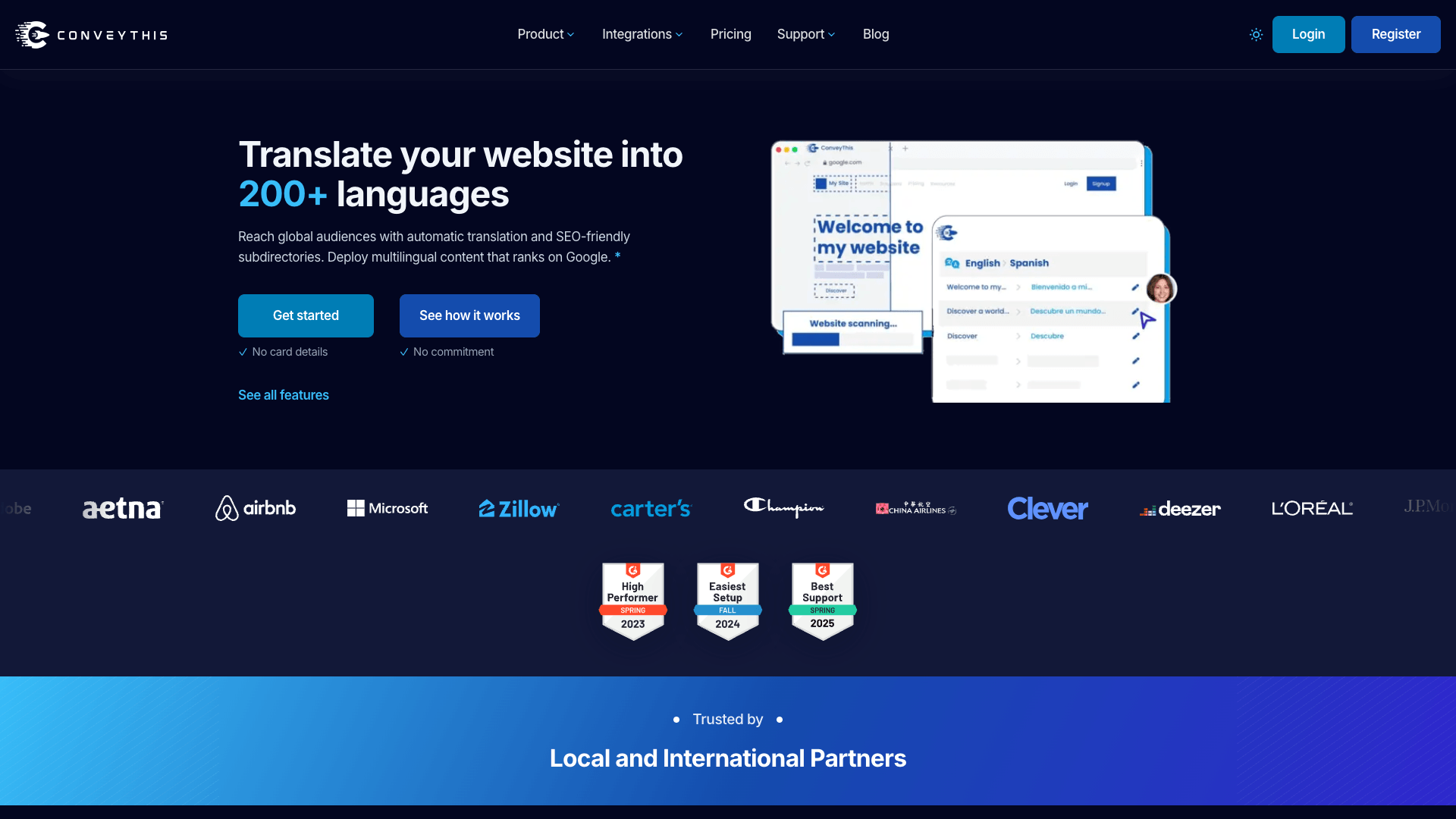
ConveyThis combines automatic translation with manual editing tools. It features multilingual SEO capabilities, language switchers, and translation management options, making ongoing maintenance straightforward.
Key Benefits: Quick setup and a balanced translation model that offers convenience while preserving quality control.
Limitation: Costs can rise with increased translation needs as your website expands.
Ideal for businesses that need a mix of automation and manual editing.
Each plugin excels in different areas, and the right choice depends on your budget, content volume, technical expertise, and long-term multilingual goals. Here’s a quick summary:
| Plugin | 2026 price (list) | Free version | Translations live in | Indexable translated URLs | Automatic translation | Best for |
|---|---|---|---|---|---|---|
| WPML | €39/yr (Blog, 1 site) · €99/yr (CMS, 3 sites, 22,500 AI words) · €199/yr (Agency, unlimited) | No | Your WordPress database (one post per language) | Yes | Yes, credit-based | WooCommerce stores, agencies, complex sites |
| TranslatePress | €99/yr (1 site, 50K AI words) · €199/yr (3 sites, 200K) · €349/yr (unlimited, 500K) | Yes (manual translation, 1 extra language) | Your database (custom tables) | Yes | Yes, with your own Google/DeepL key | Small businesses, visual editing, beginners |
| Weglot | Free up to 2,000 words · $17/mo (10K words, 1 language) · $32/mo (50K, 3) · $87/mo (200K, 5) | Yes, tiny | Weglot’s servers | Yes | Yes, included | Fast launches, sites that want zero maintenance |
| Polylang | Free · Pro from €99/yr · Business Pack (Pro + WooCommerce) from €139/yr | Yes, strong | Your database (one post per language) | Yes | Pro only (DeepL) | Bloggers and budget sites translating by hand |
| GTranslate | Free (not indexed) · $12/mo Custom · $25/mo Startup · $35/mo Business (URL translation) · $50/mo Enterprise | Yes, but search engines cannot index it | GTranslate’s servers | Only from the $35/mo Business plan | Yes, included | Quick visitor-side translation where SEO is not the goal |
| ConveyThis | Free (10K words, 1 language) · $12/mo (60K, 1) · $24/mo (200K, 3) · $40/mo (400K, 4) | Yes | ConveyThis’s servers | Yes | Yes, included | Mixed automatic plus manual editing on a budget |
Prices are the vendors’ published list prices in October 2026, excluding VAT; renewal discounts and promotions change often. Two columns decide more than the price. Indexable URLs: if you want Google to rank your Spanish pages, each language needs its own URL and hreflang tags, which GTranslate only provides from its Business plan. Where translations live: WPML, Polylang and TranslatePress keep everything in your own database (your content, your backups), while Weglot, GTranslate and ConveyThis store translations on their servers and bill by word count, which is convenient until you stop paying.
This is the part most roundups skip, and it is where small sites get surprised. WPML and Polylang create a separate post for every language, so a 400-page site in four languages becomes a 1,600-post site: the database, the sitemap and the backups all grow roughly in step with the number of languages, and every page-builder layout is duplicated too. TranslatePress keeps the original posts and stores translated strings in its own tables, which grows the database less but adds a lookup on each page load. The SaaS tools (Weglot, GTranslate, ConveyThis) keep almost nothing in your database and instead load translations from their servers through a script or proxy, so your site gains an external dependency and a monthly bill that rises with word count.
In hosting terms that means three practical checks. First, disk and database quotas: SiteValley’s Pro, Small Business and VIP plans all include unmetered web space and unlimited databases on the two higher tiers, so the duplication itself is not a cost. Second, page caching: multilingual plugins must be cache-aware (each language URL cached separately) or visitors see the wrong language; TranslatePress and WPML both document their cache-plugin settings. Third, traffic: a second language usually adds 20–40% more pages crawled and visited, so a site near its visits quota (10,000 a month on Newbie, 25,000 on Pro, 100,000 on Small Business) should move up a tier before, not after, launching the new language.
Three direct answers to the questions readers ask us most:
A translation plugin should do more than merely convert text; the ideal WordPress multi language plugin simplifies content management and translation updates. Key features to consider include:
Building a multilingual website entails complexities beyond simple translation:
Automatic tools are improving; however, industry-specific terminology and cultural nuances often require human review. Conduct regular audits to ensure accuracy and professionalism.
Multilingual SEO involves more than translating keywords—it requires managing language-specific URLs, metadata, and content structures. Choose a plugin that offers strong SEO support.
Changes in one language may require corresponding updates in others. Effective translation management tools help streamline this process.
Multilingual sites can increase content volume, which might impact performance. Reliable hosting and optimized plugins help maintain fast load times. Consider strategies discussed in WordPress Hosting for High-Traffic Sites to ensure your site remains responsive.

Each website has unique requirements. The best WordPress translate plugin for a small blog might differ from one for a large eCommerce store. Consider the following guidelines based on your priorities:
WordPress translation plugins ease the creation of multilingual websites and help connect with global audiences. Each option has its advantages depending on whether you value automation, SEO functionality, affordability, or comprehensive translation management. WPML is a strong choice for businesses and WooCommerce stores, TranslatePress is well suited for those who prefer an intuitive interface, and Polylang offers excellent value for smaller sites. For maximum automation, consider Weglot or GTranslate, while ConveyThis offers a balanced approach.
Creating and managing a multilingual website also means addressing technical challenges like performance and consistent content updates. To help ensure your website runs smoothly, consider optimizing it with a reliable hosting solution. For instance, SiteValley’s Small Business Hosting plan supports up to 50 websites, offers unmetered web space, unlimited subdomains, and 100 branded email accounts. This plan, priced at $8.95 per month (or $95.99 per year), comes with cPanel, Free SSL, Free DNS Anycast, Daily Backups, and Imunify360 Protection, making it an excellent choice for small to medium-sized businesses.

Quick Customer care response, accurate and broad assistance, easy to use client area.....
I am very happy with the service. I am with site valley for many years and at the present usimg 2 hosting packages. Their service is excellent and super fast. Thanks & Greatly Appreciated
I've been hosting my websites with Sitevalley for more than 6 years. Very satisfied with the services and reliability they provide, competitive prices, almost no downtime, fast and knowledgeable customer support.
I have been using side valley for a couple of years now and have to say I am very happy with the service they offer.I use many Hosting services but site valley stands out in front. Reliable service, great support.I don't normally leave reviews but felt I wanted to for this service as it has been fantastic
I didn't want to review so soon on into taking out hosting with site valley but I feel obliged because their customer service is outstanding, second to none, every time I had an issue it was sorted immediately. I would highly recommend Site Valley.
I have been with Sitevalley for over a year and it's the best hosting I have EVER used. And I have been through a lot of them.
The support staff are amazing, and it's clear that they have a passion for hosting websites. I've rather enjoyed this webhosting company and it's stability for the price is bar-none, amazing.
My collegue adviced me to use SiteValley as a reliable hosting provider with great prices, professional and fast Customer Service. My experience with SiteValley was exactly the way I was promised.
I have been with SiteValley for many years, and plan to stay with them for many more. Customer support is very responsive and knowledgeable.
SiteValley.com is rated 4.8 / 5 based on 329 Reviews »

© 2001 – 2026 SiteValley.com. All Rights Reserved.
