

Visitors often leave a website when they cannot quickly find an answer about pricing, delivery, compatibility, returns, or availability. A WordPress live chat plugin can reduce that friction by connecting visitors with a support agent, chatbot, or messaging channel while they are still considering their next step.
Live chat does not automatically increase conversions. Results depend on response times, agent availability, widget placement, page speed, and the quality of the answers provided. The right tool should match your support workflow without adding unnecessary cost or complexity.
This guide compares six established WordPress live chat options, explains where each one fits, and covers the practical factors to check before installing a chat widget.
Visitors who cannot find essential information may leave rather than submit a form and wait for a response. Live chat gives sales and support teams an opportunity to answer questions while a visitor is actively evaluating a product or service.
Immediate assistance is particularly useful for products with compatibility requirements, services that need explanation, and purchases involving delivery or account setup. However, businesses should set clear operating hours so visitors do not expect an instant reply when no agent is available.
Online stores can lose orders when customers have unresolved questions about shipping, returns, payment methods, product sizing, or technical compatibility. Live chat allows an agent or configured chatbot to address those concerns before the customer abandons checkout.
Chat should complement rather than replace clear product pages, shipping policies, and checkout instructions. It can also work alongside suitable WordPress eCommerce plugins to support customers throughout the buying process.
A chat conversation can help determine what a prospective customer needs before asking for contact details or scheduling a consultation. Some platforms can collect names and email addresses, ask qualification questions, or create records in a connected CRM.
Automated lead capture should be used carefully. Asking for too much information at the start of a conversation can discourage visitors, while collecting personal data without a clear purpose can create privacy and compliance concerns.
A visible chat option can reassure visitors that help is available. That signal is only useful when the channel is actively managed. Long queues, inaccurate automated answers, and unanswered messages can damage trust rather than build it.

Most products in this category are hosted software services with a WordPress plugin that installs or configures the chat widget. Removing the plugin does not necessarily delete conversation records stored by the service, so review each provider’s data retention and account deletion controls.
| Plugin | Best suited to | Notable capability | Main limitation |
|---|---|---|---|
| LiveChat | Sales and established support teams | Reporting, routing, and targeted campaigns | Paid service that may be excessive for small sites |
| Tidio | Small businesses seeking chat and automation | Live chat and chatbot tools in one platform | Automation and usage limits depend on the plan |
| HubSpot Live Chat | Businesses using HubSpot CRM | Conversations linked to CRM records | Most useful inside the HubSpot ecosystem |
| Zendesk Messaging | Structured customer support operations | Routing and integration with Zendesk tools | Setup and pricing can be complex for small teams |
| Crisp | Teams managing several communication channels | Shared inbox and team collaboration | Advanced capabilities require paid plans |
| Chaty | Businesses that prefer messaging apps | Links visitors to channels such as WhatsApp | Not equivalent to a full agent-based live chat platform |
Features and pricing can change, so confirm current plan limits on the provider’s website before making a purchase.
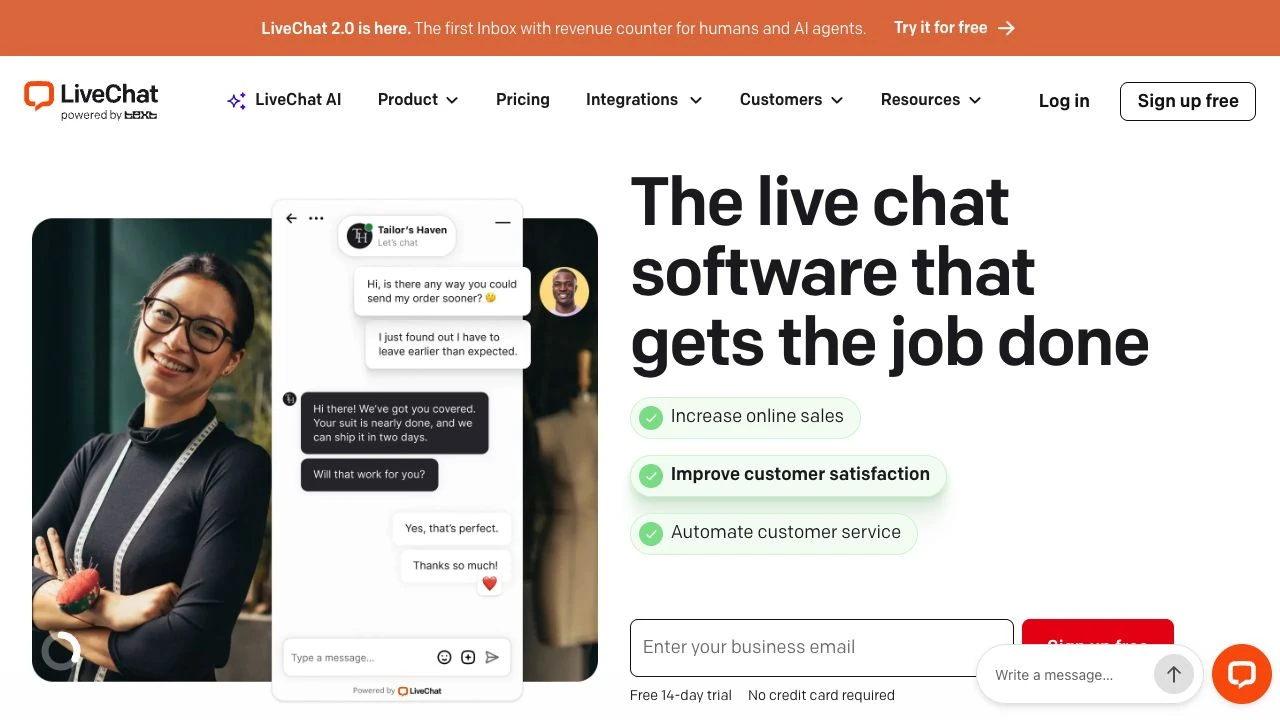
LiveChat is a customer communication platform with a WordPress integration. It includes agent tools, chat routing, reports, conversation history, targeted campaigns, and integrations with other business applications. It is a practical option for organizations that have dedicated sales or support agents and need oversight of response activity.
Pros:
Cons:
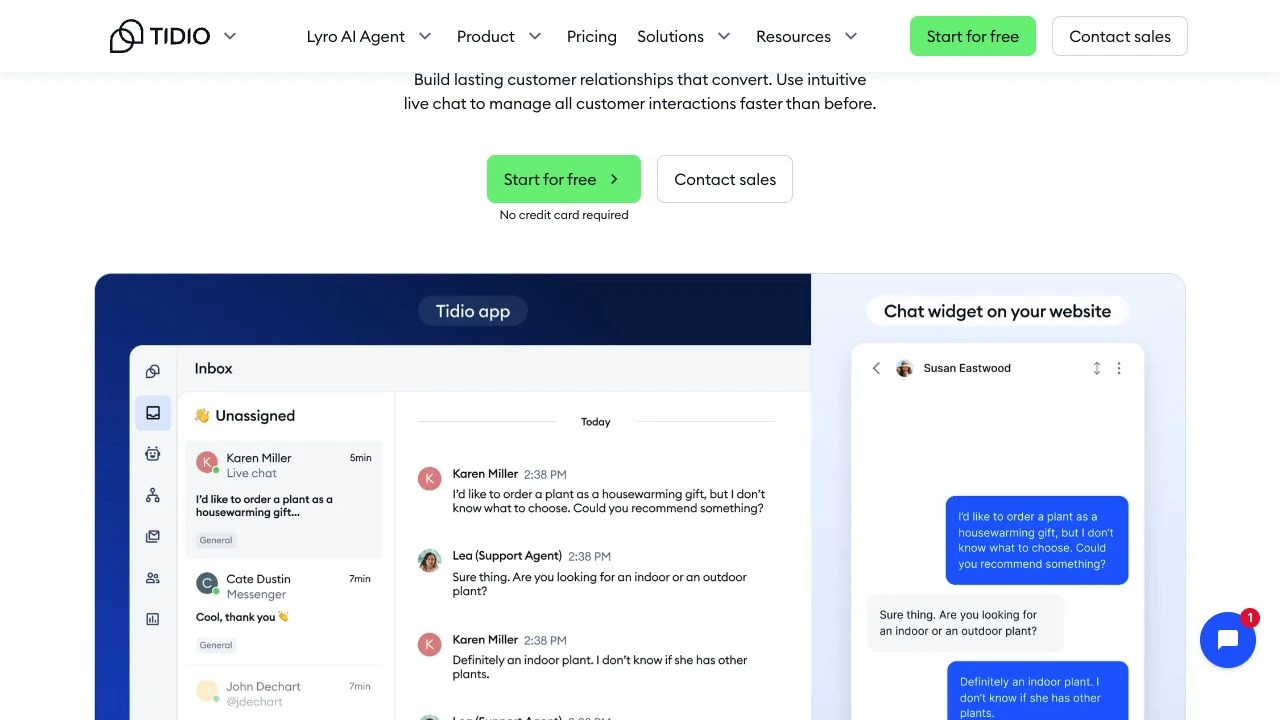
Tidio combines agent-based live chat with chatbot and automation features. Its WordPress plugin simplifies widget installation, while conversations are managed through Tidio’s service. It can suit smaller businesses that want to start with a limited free tier and add paid capacity as message volume or automation needs grow.
Pros:
Cons:
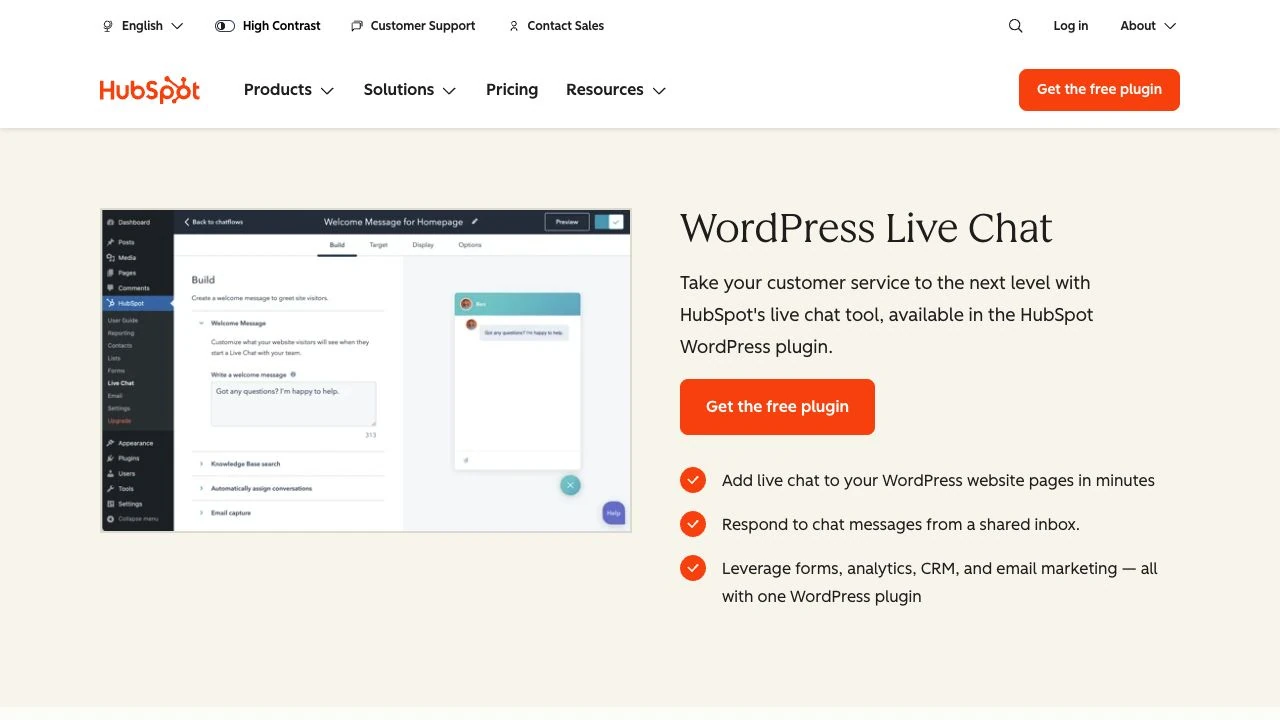
HubSpot Live Chat is a strong candidate for businesses already using HubSpot CRM. Conversations can be associated with contact records, helping sales and support teams review previous interactions and coordinate follow-up work. The WordPress plugin also connects a site with other HubSpot tools.
Pros:
Cons:
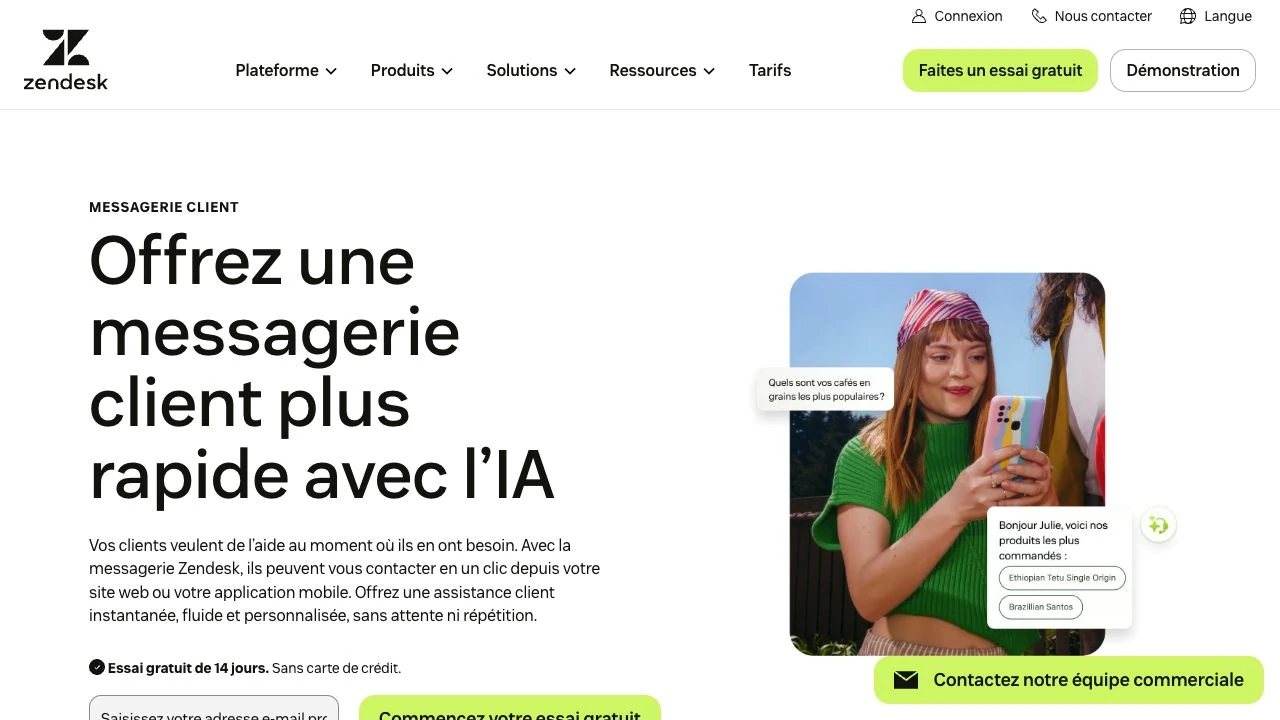
Zendesk Messaging is designed for businesses that need structured support conversations across web and other configured channels. It can route requests to agents and connect conversations with the wider Zendesk support environment. It is better suited to teams that need ticketing and support operations than to site owners seeking only a basic chat box.
Pros:
Cons:
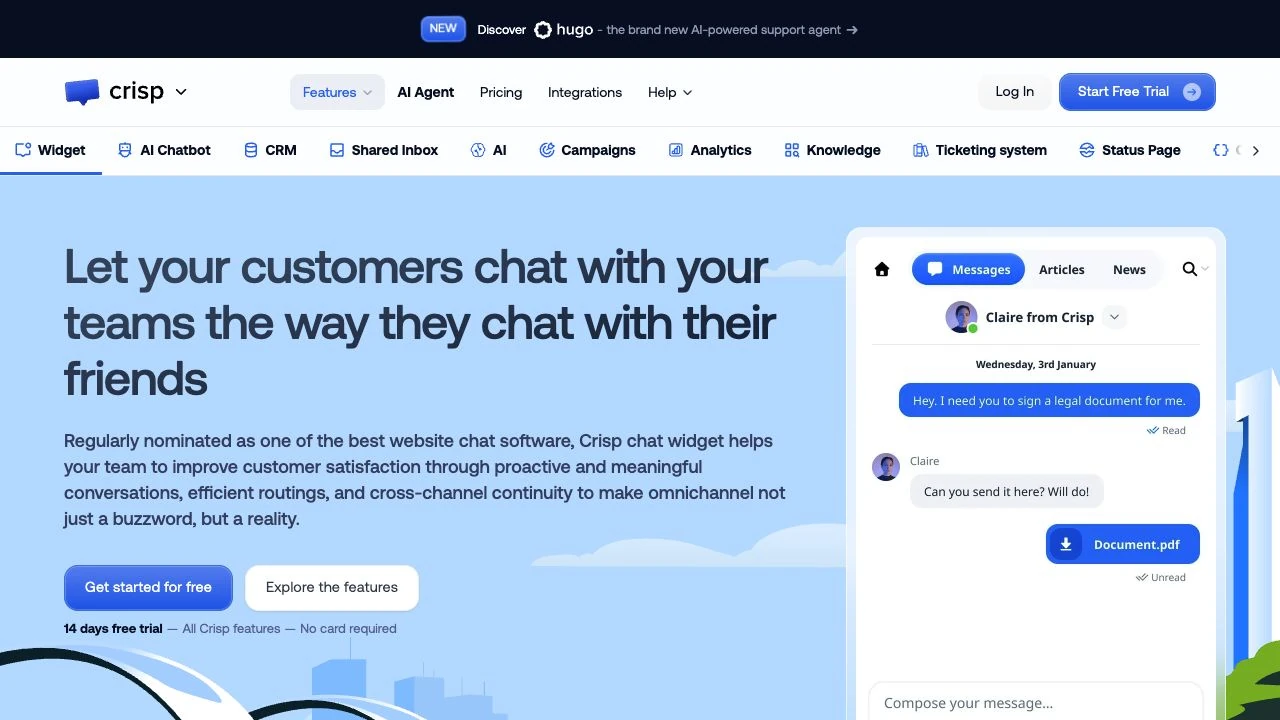
Crisp provides website chat, a shared team inbox, chatbots, and additional customer communication tools. Its collaboration features can help teams avoid duplicate replies and keep conversation context available to multiple agents.
Pros:
Cons:
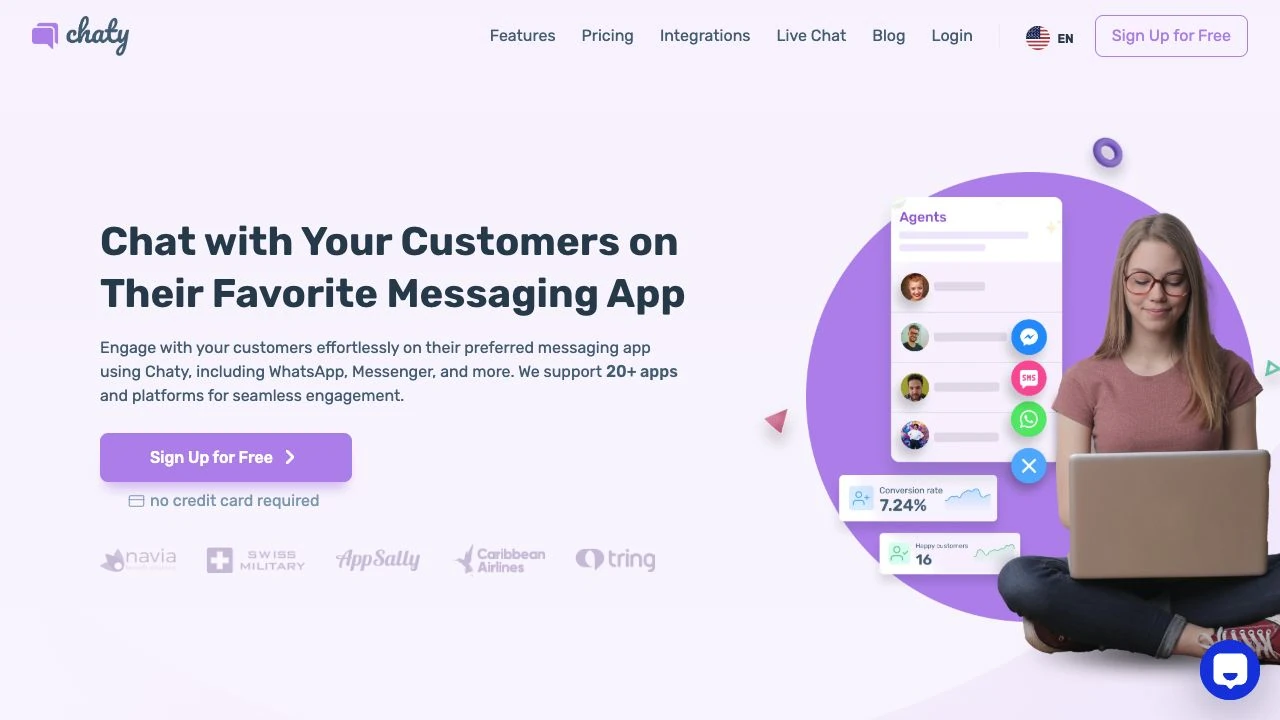
Chaty is different from conventional live chat services. It displays channel buttons that direct visitors to services such as WhatsApp, Facebook Messenger, Telegram, or other configured communication methods. This approach is useful when a business already handles customer conversations through messaging apps.
Pros:
Cons:
A long feature list is less important than compatibility with your actual support process. Check the following areas before installing a plugin:
Run the plugin on a staging site before deploying it to production. Test desktop and mobile layouts, caching behavior, checkout pages, consent tools, and any forms or scripts that already use the same part of the screen.

Live chat and contact forms solve different communication problems. Comparing chat tools with the best WordPress contact form plugins can help you provide both immediate and asynchronous support.
Live chat is appropriate when a visitor needs a short, time-sensitive answer. Examples include checking product compatibility, confirming whether an item is available, or clarifying a step during checkout.
Its usefulness depends on staffing. If agents regularly take hours to respond, an offline form or ticket system may set more accurate expectations.
Contact forms work better for inquiries that require attachments, account research, project requirements, or a detailed written response. They also remain available when chat agents are offline.
Forms can collect structured information more consistently than an open-ended conversation. Avoid asking for data that is not needed to answer the request.
Many websites benefit from both options. Live chat can handle quick questions during staffed hours, while a contact form covers complex requests and after-hours messages. Make the expected response time clear for each channel.
Choose the platform according to the problem your team needs to solve:
Before committing, calculate the cost for the number of agents you need rather than comparing only advertised starting prices. Also confirm whether chatbot usage, conversation history, integrations, and reporting are included in the selected plan.

Most chat widgets load scripts from the provider’s infrastructure, but those scripts can still affect page rendering and browser performance. Measure page speed before and after installation, and check mobile performance on slower connections. A WordPress cache plugin can improve delivery of cacheable site assets, although it cannot optimize third-party chat infrastructure.
For sites that need dependable WordPress hosting, SiteValley’s Pro Hosting plan costs $59.40 per year and supports up to 10 websites, unmetered web space, 100 email accounts, 10 databases, and up to 25,000 visits per month. It also includes cPanel, free SSL, DNS Anycast, Imunify360 protection, and daily backups with 60 recovery points.
Hosting alone cannot prevent a third-party widget from slowing a page. Use a staging environment, avoid displaying chat where it obscures checkout controls, and delay nonessential scripts when doing so does not interfere with consent or chat availability. Review the provider’s privacy documentation before sending names, email addresses, order details, or other personal data through a conversation.
The best WordPress live chat plugin is the one that resolves visitor questions without creating an unmanageable support workload. Tidio offers an accessible starting point for smaller teams, while LiveChat and Zendesk Messaging provide more structured support capabilities. HubSpot Live Chat is most relevant to HubSpot CRM users, Crisp emphasizes shared communication, and Chaty directs visitors to familiar messaging channels.
Shortlist tools based on agent count, communication channels, automation requirements, privacy controls, and total cost. Test the selected widget on a staging site, define realistic response hours, and measure whether it improves completed purchases, qualified inquiries, or support resolution times rather than assuming that installation alone will increase conversions.
Do WordPress live chat plugins store conversations on my website?
Can a free WordPress live chat plugin support a business website?
Will a live chat widget slow down WordPress?
Should live chat be available on every page?
How should I handle live chat outside business hours?
Do I still need a contact form if I offer live chat?

Quick Customer care response, accurate and broad assistance, easy to use client area.....
I am very happy with the service. I am with site valley for many years and at the present usimg 2 hosting packages. Their service is excellent and super fast. Thanks & Greatly Appreciated
I've been hosting my websites with Sitevalley for more than 6 years. Very satisfied with the services and reliability they provide, competitive prices, almost no downtime, fast and knowledgeable customer support.
I have been using side valley for a couple of years now and have to say I am very happy with the service they offer.I use many Hosting services but site valley stands out in front. Reliable service, great support.I don't normally leave reviews but felt I wanted to for this service as it has been fantastic
I didn't want to review so soon on into taking out hosting with site valley but I feel obliged because their customer service is outstanding, second to none, every time I had an issue it was sorted immediately. I would highly recommend Site Valley.
I have been with Sitevalley for over a year and it's the best hosting I have EVER used. And I have been through a lot of them.
The support staff are amazing, and it's clear that they have a passion for hosting websites. I've rather enjoyed this webhosting company and it's stability for the price is bar-none, amazing.
My collegue adviced me to use SiteValley as a reliable hosting provider with great prices, professional and fast Customer Service. My experience with SiteValley was exactly the way I was promised.
I have been with SiteValley for many years, and plan to stay with them for many more. Customer support is very responsive and knowledgeable.
SiteValley.com is rated 4.8 / 5 based on 329 Reviews »

© 2001 – 2026 SiteValley.com. All Rights Reserved.
