

Cookies support essential WordPress functions such as login sessions, shopping carts, and saved preferences. They can also be used by analytics platforms, advertising networks, embedded media, and other third-party services. The challenge is determining which technologies your site uses and, where required, preventing optional tracking until visitors have made a valid choice.
WordPress does not include a complete consent-management system by default. A WordPress cookie plugin can help identify cookies, display a consent banner, block selected scripts, record preferences, and let visitors change or withdraw their choices.
No plugin can guarantee legal compliance by itself. Your obligations depend on the technologies you use, where your visitors are located, and which privacy laws apply to your organization. The best WordPress cookie plugin is therefore the one that matches your actual services and can reliably enforce the consent choices shown to visitors.
A cookie plugin can do more than display a notification at the bottom of a page. Depending on the product and plan, it may provide:
Cookie scanners are useful, but they are not infallible. Some cookies appear only after a user completes a specific action, visits a particular page, logs in, or interacts with an embedded service. Combine automated scans with a manual review of your plugins, theme, tag manager, and externally loaded scripts.
Whether you need a cookie plugin depends on the cookies and similar technologies your site uses, as well as the requirements that apply to your visitors.
For example, France’s CNIL guidance distinguishes trackers that need prior consent from strictly necessary uses such as authentication and shopping carts. Some audience-measurement trackers can also qualify for a narrow exemption under specific conditions. Do not assume that all analytics, personalization, or third-party services fall into the same category; assess their purpose and actual behavior for the jurisdictions you serve.
A WordPress cookie plugin is particularly useful for:
A banner alone does not make a website compliant. If the interface offers a rejection option but optional scripts still load, the displayed choice is not being enforced. Requirements also differ by jurisdiction: some rules focus on prior consent, while others may require disclosure and an effective right to opt out of certain processing or data sharing.
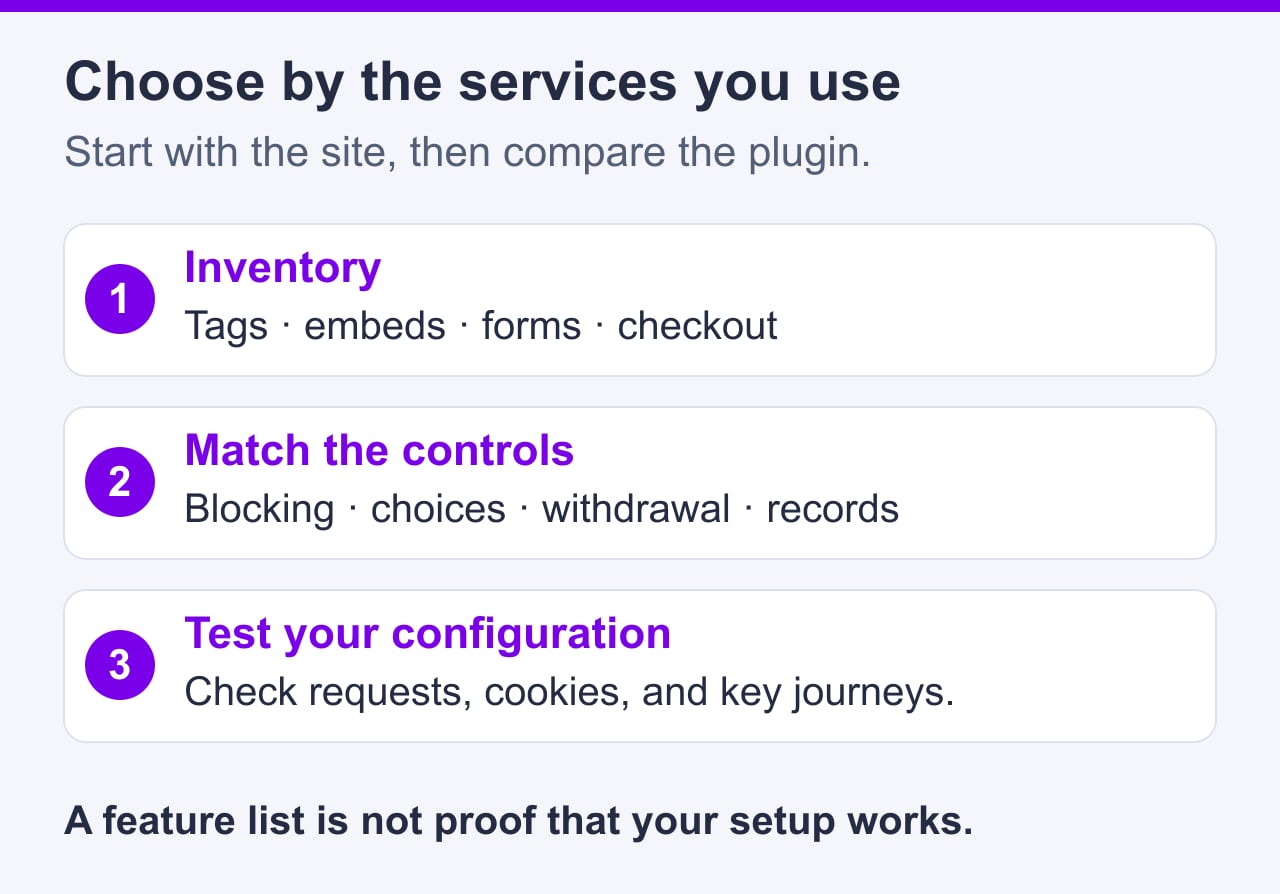
Start by documenting your website’s actual services rather than choosing the plugin with the longest feature list. Review the following factors:
Google Consent Mode communicates consent signals to supported Google services. It does not automatically create a compliant banner, categorize every service, or replace the need to configure tag behavior correctly.
This comparison uses current provider documentation and public product websites, rather than a SiteValley hands-on plugin test. The five tools differ in scanning, script control, regional configuration, and privacy documentation. Features and usage limits vary by plan; the marketing-page images identify the products and do not verify their behavior on your site.
| Plugin | Best suited to | Notable focus |
|---|---|---|
| Complianz | Sites needing guided regional configuration | Consent management, scanning, service integrations, and privacy-document tools |
| CookieYes | Site owners wanting scanning and banner management in one system | Cookie categorization, consent banners, and consent management |
| Cookiebot | Sites with many changing third-party trackers | Automated scanning, categorization, and consent controls |
| iubenda | Businesses seeking broader privacy-management tools | Cookie consent, privacy documents, and related compliance workflows |
| Real Cookie Banner | WordPress administrators wanting detailed service-level configuration | Service templates, consent controls, and documentation |
Complianz provides a guided WordPress setup for consent behavior, cookie scanning, integrations, and privacy-document tools.
It can suit owners who want much of the setup inside WordPress. Serving different banners by visitor region requires Complianz Premium’s geolocation and multiple-legislation options; the free plugin uses a chosen default legislation. Check the exact integrations, records, and documents included in your plan.
CookieYes combines cookie scanning, categorization, customizable banners, and consent management, with a WordPress plugin available for integration. It can suit owners who want a managed platform for both the banner and tracking controls.
Check the current CookieYes plan limits for page views, scan coverage and frequency, and advanced features. Test each externally loaded service because automated classification still needs manual review.
Cookiebot CMP by Usercentrics emphasizes automated website scanning, tracker detection, categorization, and consent management. Its recurring scans can help when a site’s plugins, embeds, or marketing services change regularly.
Automated scans can improve visibility, but they represent what the scanner can observe during its crawl. Services triggered only by logins, checkout actions, location, or user interaction may require additional testing.
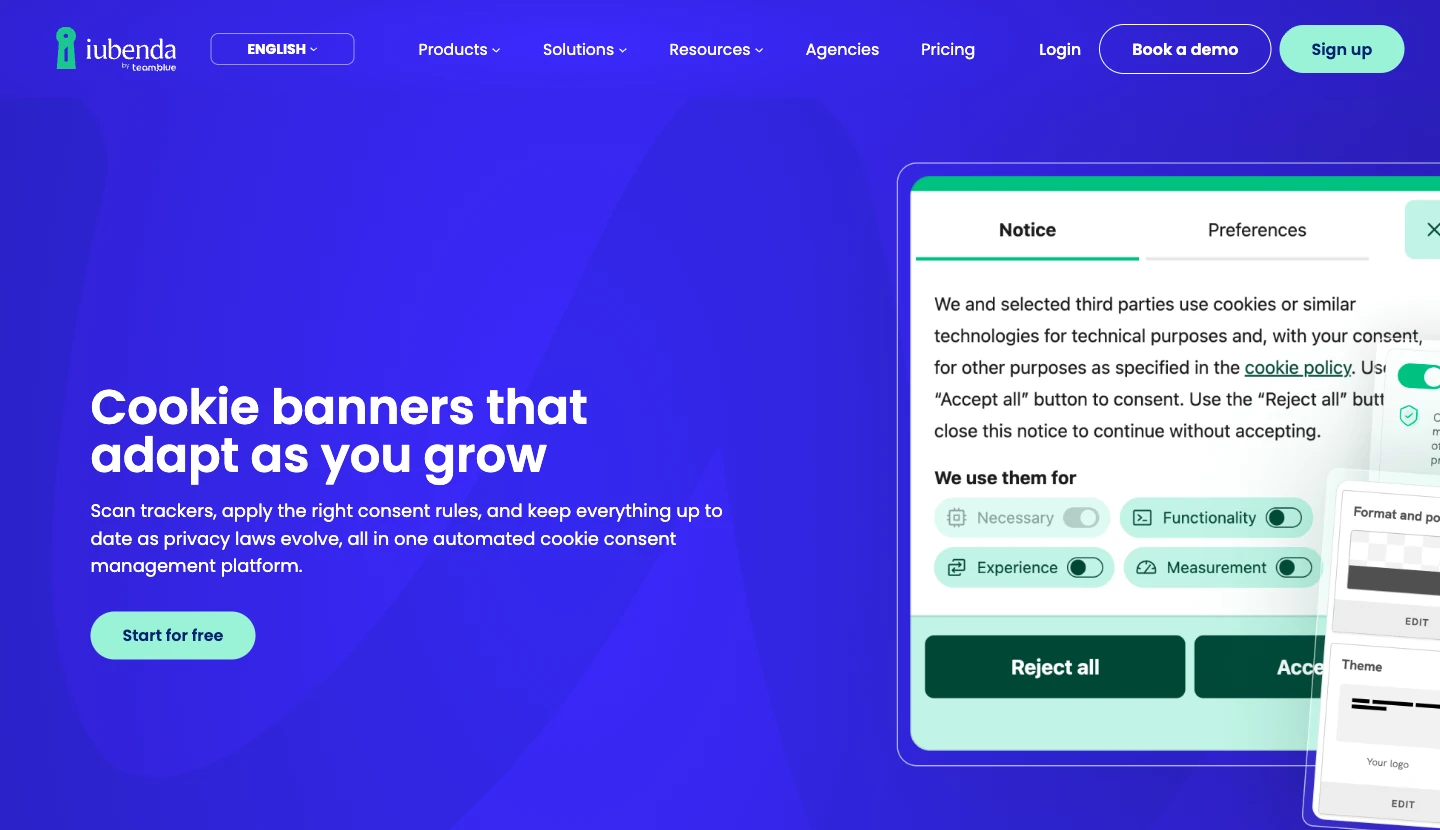
iubenda offers a cookie consent platform alongside privacy-policy and other documentation products. It may suit a business that wants to coordinate its banner with broader privacy workflows.
The broader product range can be more than a small site needs. Compare the current plan structure carefully to identify which documents, languages, page views, and consent features are included.
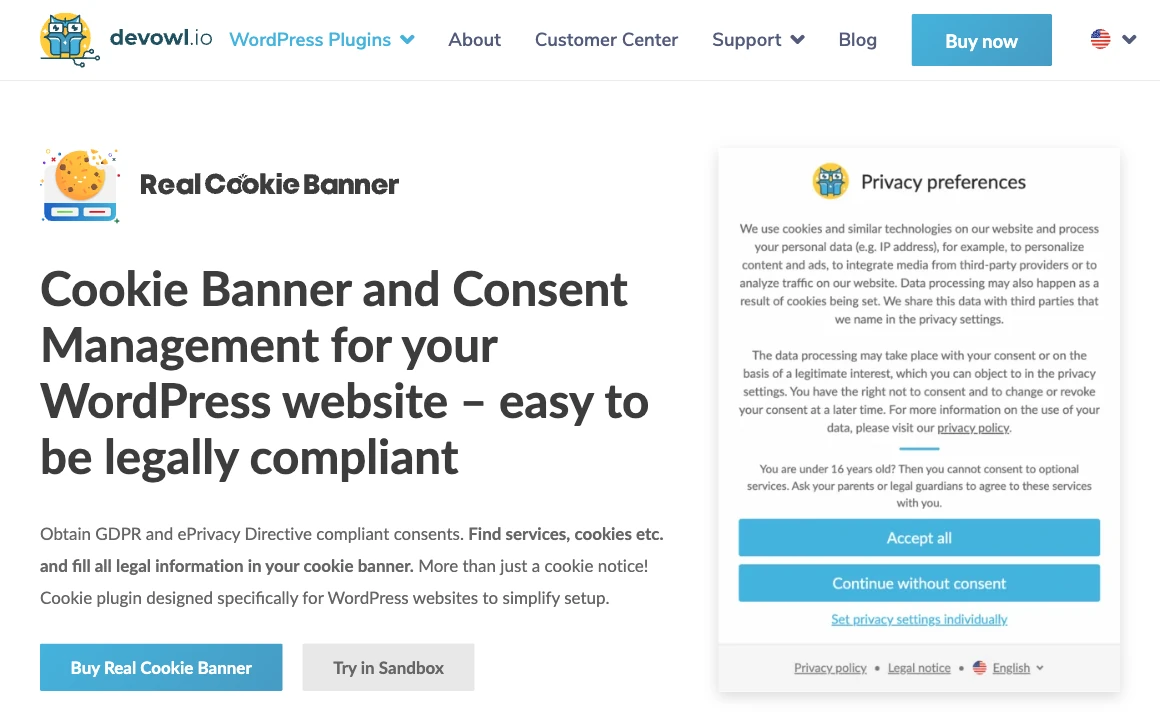
Real Cookie Banner is a WordPress-focused consent plugin with service templates, content blockers, and consent documentation. It can help administrators configure individual integrations and control scripts, styles, or embeds that need consent.
It is a strong candidate for site owners who prefer granular WordPress-side configuration. As with the other options, templates should be reviewed against the way each service is actually implemented on your website.

The right option depends on the number and type of services you need to control.
A small blog may use analytics, embedded videos, social sharing features, or advertising. If the site has only one or two optional services, prioritize reliable script blocking and a clear preference interface. Sites with advertising and numerous embeds may benefit from recurring scans and more detailed categorization.
WooCommerce stores may combine essential cart and session cookies with payment providers, customer accounts, analytics, advertising pixels, chat tools, and recommendation services. Necessary checkout functions should not be blocked accidentally, while optional marketing technologies may need separate controls.
If you use several WordPress ecommerce plugins, review each plugin’s documentation and inspect the requests it sends. Test the complete purchasing process after enabling consent controls, including cart updates, account login, payment, and order confirmation.
Business sites often use contact forms, analytics, customer relationship management integrations, scheduling widgets, maps, and embedded media. Identify whether those services set cookies or transmit visitor data before interaction, then choose a plugin that can block or conditionally load them where necessary.
International sites may need multiple languages and region-specific behavior. Geographic targeting can reduce unnecessary prompts, but privacy requirements should be assessed carefully rather than inferred from a visitor’s IP address alone. Travelers, VPNs, and inaccurate geolocation can affect regional detection.
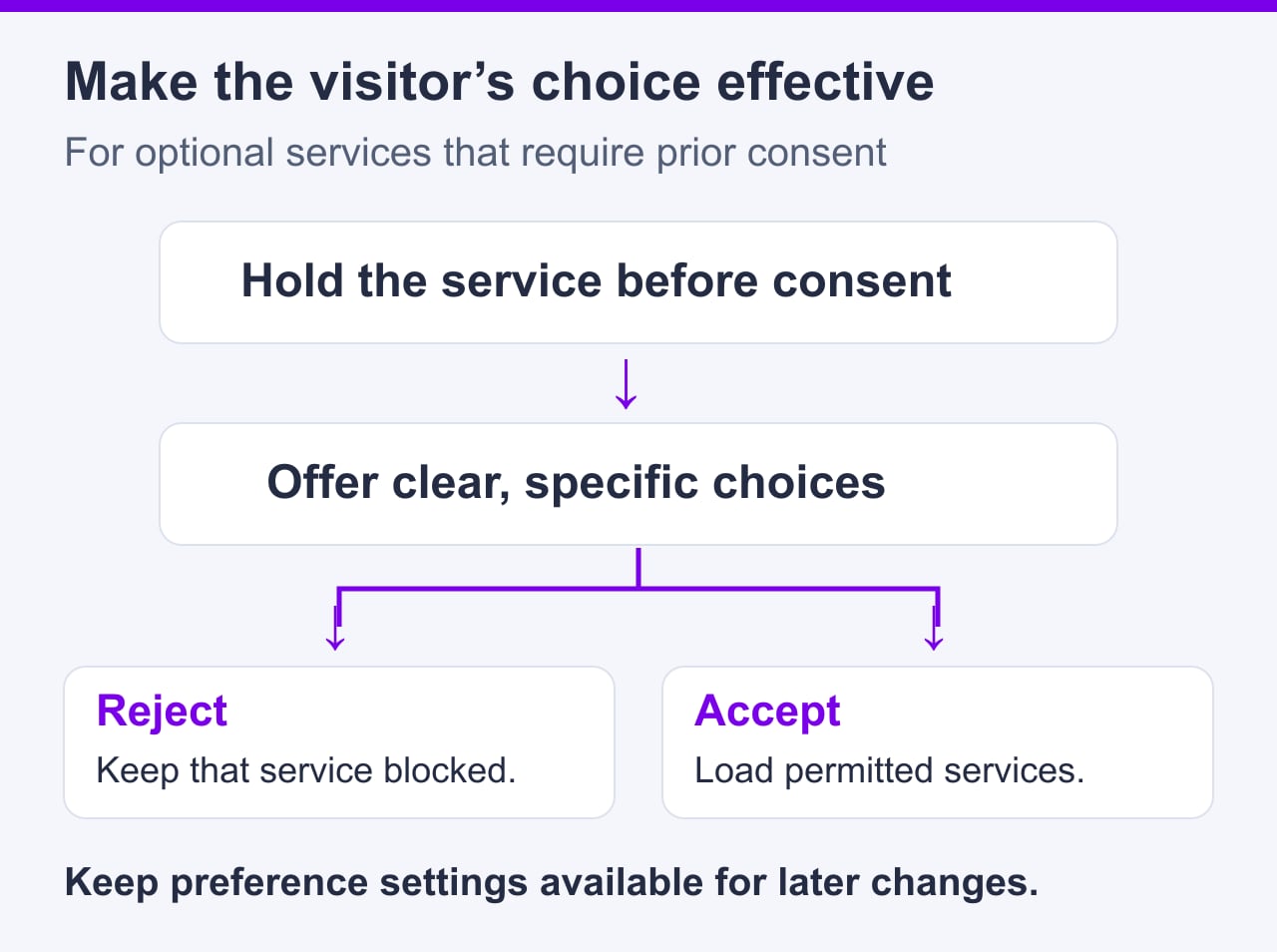
A correctly configured consent system controls optional cookies and services according to the visitor’s choices:
Installing a plugin does not automatically intercept every script. Scripts inserted directly into a theme, page builder, header tool, custom plugin, or tag manager may need additional configuration.
Google Analytics is a common reason site owners add consent management. First determine which Google Analytics implementation you use, how it is loaded, and which regional requirements apply to your visitors.
A compatible cookie plugin can delay or conditionally activate the analytics tag until the relevant choice has been made. Some plugins also integrate with Google Consent Mode so consent signals are communicated to supported Google tags.
Google distinguishes basic and advanced Consent Mode. Basic mode blocks Google tags until consent and sends no data when consent is denied. Advanced mode loads tags with consent defaults and can send cookieless measurements while consent is denied. A denied signal therefore does not necessarily mean zero requests or zero data transfer. Decide which behavior your site requires, then verify that the tag manager and WordPress plugin enforce that design. Consent Mode itself does not establish legal compliance.
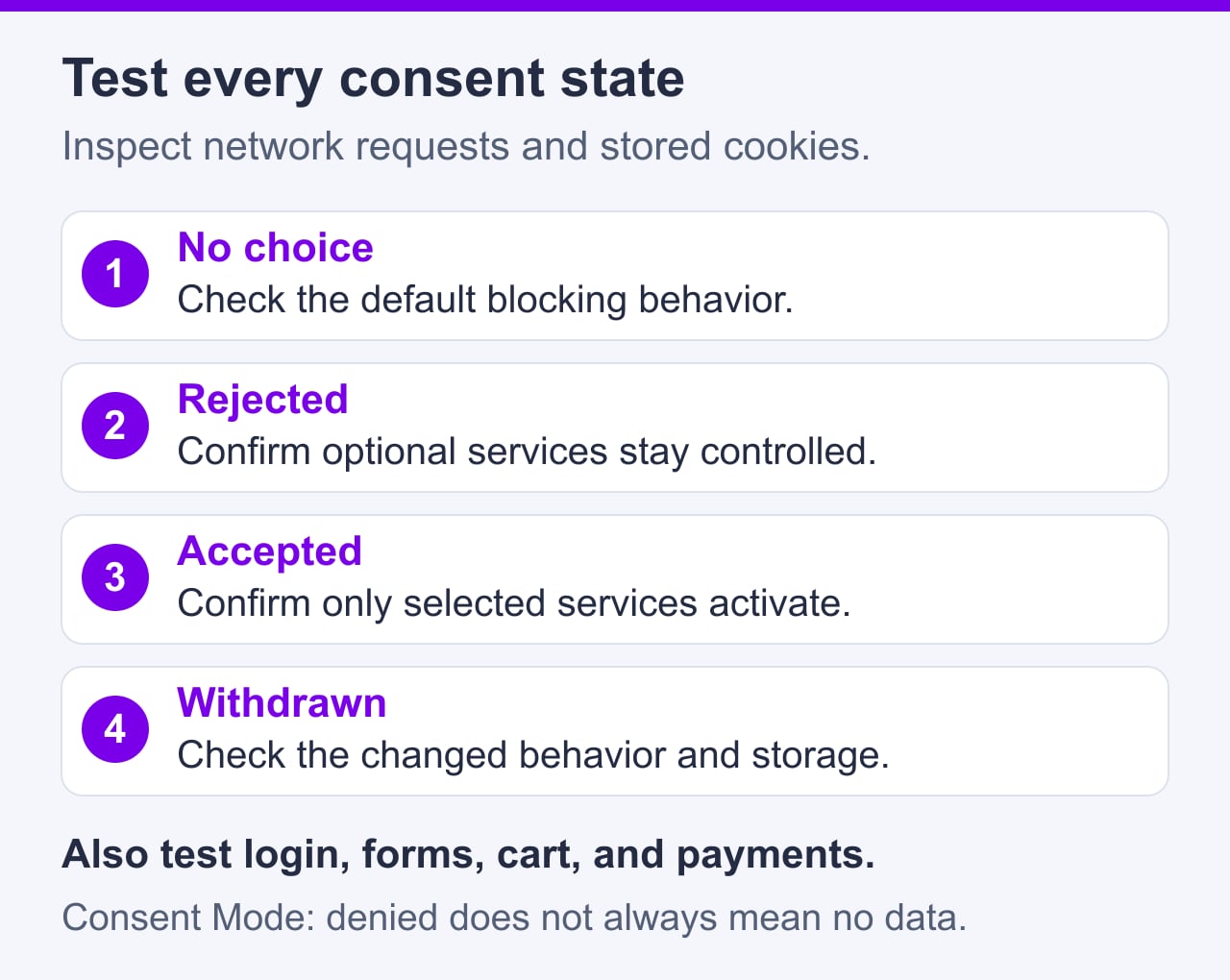
Test at least these states in a fresh browser session:
Use browser developer tools and tag-debugging tools to inspect both cookies and network requests. Record expected behavior for the selected basic or advanced Consent Mode implementation; do not rely only on whether the banner disappears. Also check that changing or withdrawing consent is as easy as giving it.
Configuration requires more than installing the plugin and selecting a banner color.
Perform changes in a WordPress staging environment before updating the live site. Hosting capacity does not determine whether consent is valid. SiteValley’s Small Business plan currently lists $8.95 per month or $95.99 per year, up to 50 websites, unmetered web space, a dedicated IP, and daily backups with 60 recovery points. Its 100,000 monthly visits figure is an estimate under typical conditions, not a guaranteed allowance. After deployment, repeat the consent tests on production because caching, delivery, and tag configurations may differ.

Avoid these common implementation errors:
Consent settings should be reviewed whenever the website’s plugins, theme, advertising setup, analytics implementation, or embedded services change.
The best WordPress cookie plugin is not a universal choice. Complianz is well suited to guided regional configuration, CookieYes combines scanning and banner management, Cookiebot emphasizes automated detection, iubenda offers broader privacy tools, and Real Cookie Banner provides detailed WordPress-side service controls.
Choose only after identifying the cookies, scripts, and external services your site actually uses. Then verify that the selected plugin can block applicable optional technologies, present meaningful choices, record preferences where needed, and let visitors revise those choices.
A plugin provides the mechanism, not the complete solution. Production-ready consent management also requires accurate service classification, clear privacy information, correct script configuration, and recurring tests after the website changes.
The best choice depends on your services, audience, budget, and required controls. Complianz, CookieYes, Cookiebot, iubenda, and Real Cookie Banner offer different combinations of scanning, script blocking, regional settings, documentation, and service-level configuration.
No. A site using only strictly necessary technologies may not need a full consent-management plugin, although disclosure obligations can still apply. Sites using optional analytics, advertising, personalization, or third-party tracking are more likely to need consent or opt-out controls.
Yes, if the plugin supports the implementation and is configured correctly. Test the site to confirm that analytics requests do not run in consent states where they should be blocked.
No. Consent Mode communicates consent signals to supported Google services. It does not collect valid consent by itself, create a complete preference interface, or automatically control every non-Google service.
No. The plugin, scripts, categories, banner wording, privacy documentation, and withdrawal process must be configured consistently. Legal requirements also vary by jurisdiction and business activity.
Run a new scan after changing plugins, themes, analytics tools, advertising tags, embeds, payment services, or other integrations. Periodic scans are also useful, but they should be supplemented with manual tests of pages and actions that an automated crawler may not reach.
What is the best WordPress cookie plugin?
Does every WordPress site need a cookie consent plugin?
Can a WordPress cookie plugin block Google Analytics?
Is installing a cookie plugin enough for compliance?
Is Google Consent Mode the same as a cookie banner?
How often should a WordPress site scan for cookies?

Quick Customer care response, accurate and broad assistance, easy to use client area.....
I am very happy with the service. I am with site valley for many years and at the present usimg 2 hosting packages. Their service is excellent and super fast. Thanks & Greatly Appreciated
I've been hosting my websites with Sitevalley for more than 6 years. Very satisfied with the services and reliability they provide, competitive prices, almost no downtime, fast and knowledgeable customer support.
I have been using side valley for a couple of years now and have to say I am very happy with the service they offer.I use many Hosting services but site valley stands out in front. Reliable service, great support.I don't normally leave reviews but felt I wanted to for this service as it has been fantastic
I didn't want to review so soon on into taking out hosting with site valley but I feel obliged because their customer service is outstanding, second to none, every time I had an issue it was sorted immediately. I would highly recommend Site Valley.
I have been with Sitevalley for over a year and it's the best hosting I have EVER used. And I have been through a lot of them.
The support staff are amazing, and it's clear that they have a passion for hosting websites. I've rather enjoyed this webhosting company and it's stability for the price is bar-none, amazing.
My collegue adviced me to use SiteValley as a reliable hosting provider with great prices, professional and fast Customer Service. My experience with SiteValley was exactly the way I was promised.
I have been with SiteValley for many years, and plan to stay with them for many more. Customer support is very responsive and knowledgeable.
SiteValley.com is rated 4.8 / 5 based on 329 Reviews »

© 2001 – 2026 SiteValley.com. All Rights Reserved.
