

Schema markup gives search engines machine-readable information about a page’s content, such as its article author, product price, recipe instructions, or event date. Correct markup can make a page eligible for supported rich results, but it does not guarantee that Google or another search engine will display them.
The main challenge for WordPress site owners is choosing a plugin that adds the required structured data without duplicating markup already generated by an SEO plugin, WooCommerce, or a theme. This guide compares five established options and explains when a dedicated WordPress schema plugin is useful.
Before installing another plugin, identify which schema types your site needs and inspect its existing structured data. Many SEO plugins and ecommerce tools already generate JSON-LD, so adding a second schema solution without checking the current output can create conflicting information.
Look for schema types that match your content rather than choosing the plugin with the longest feature list. Common requirements include Article, Product, Recipe, Event, Local Business, BreadcrumbList, and Review markup.
Search engines do not provide rich results for every schema.org type. Google stopped showing FAQ rich results on May 7, 2026, so FAQ markup should not be sold as a way to obtain that Google search feature. Review markup must also follow Google’s eligibility and self-serving review policies.
Beginners may prefer automatic defaults for posts, pages, authors, and business information. Larger sites benefit from conditional rules that apply a schema template to an entire post type, category, or group of URLs.
Automation should still allow page-level corrections. A plugin that inserts inaccurate default values across hundreds of pages can create more work than manually configuring the most important templates.
Advanced users may need custom fields, schema templates, or connections to data stored by plugins such as Advanced Custom Fields. Check whether a plugin lets you map existing WordPress fields to schema properties instead of entering the same information twice.
Custom schema should describe content that visitors can see on the page. Adding unsupported, misleading, or hidden information does not improve eligibility and may violate search engine guidelines.
Online stores need Product and Offer data that stays consistent with the visible product name, price, currency, availability, reviews, and variations. Native WooCommerce support reduces the risk of stale or contradictory values.
Before adding a separate plugin, test the markup WooCommerce and your SEO plugin already produce. Two tools may both output Product entities, potentially giving crawlers different prices or availability states for the same item.
JSON-LD output is usually small, but a plugin can still affect performance through database queries, dashboard scripts, or additional processing. Test representative product, article, archive, and homepage templates before and after activation. A WordPress cache plugin can improve performance, but caching will not resolve conflicts or inefficient plugin code.
If hosting limits are contributing to slow page generation, SiteValley’s Small Business web hosting plan costs $8.95 per month and includes support for up to 50 websites, unmetered space, daily backups with 60 recovery points, free SSL, and Imunify360 protection. Those resources can support WordPress and its schema tools, although the appropriate plan still depends on traffic, theme complexity, and the rest of the plugin stack.
A hosting upgrade cannot correct malformed structured data. Validate the final rendered page and measure performance separately so that schema errors and server constraints are not mistaken for the same problem.
Rank Math, Yoast SEO, and AIOSEO already generate structured data. If one of them is active, confirm whether it provides the entities and controls you need before installing a dedicated schema plugin. This comparison of WordPress SEO plugins can help you assess their broader optimization features.
Multiple plugins can coexist when their responsibilities are clearly separated. For example, one tool might manage Organization and Article markup while another handles a specialized content type. The important requirement is that they do not publish conflicting entities or values.
The right option depends on whether you need a dedicated schema tool or an SEO suite that includes structured data. Features and plan restrictions can change, so verify the current plugin documentation before purchasing a license.
| Plugin | Best suited to | Free option | Main limitation |
|---|---|---|---|
| Schema Pro | Rule-based schema mapping and custom implementations | No | Requires a paid license |
| Rank Math | SEO and schema management in one plugin | Yes | The number of settings can be difficult for beginners |
| AIOSEO | Guided setup for business and content sites | Yes | Advanced schema controls depend on the paid tier |
| Yoast SEO | Automatic, interconnected site schema | Yes | Deeper graph customization can require code |
| Schema & Structured Data for WP & AMP | Sites needing a schema-focused plugin | Yes | Some features and extensions require payment |
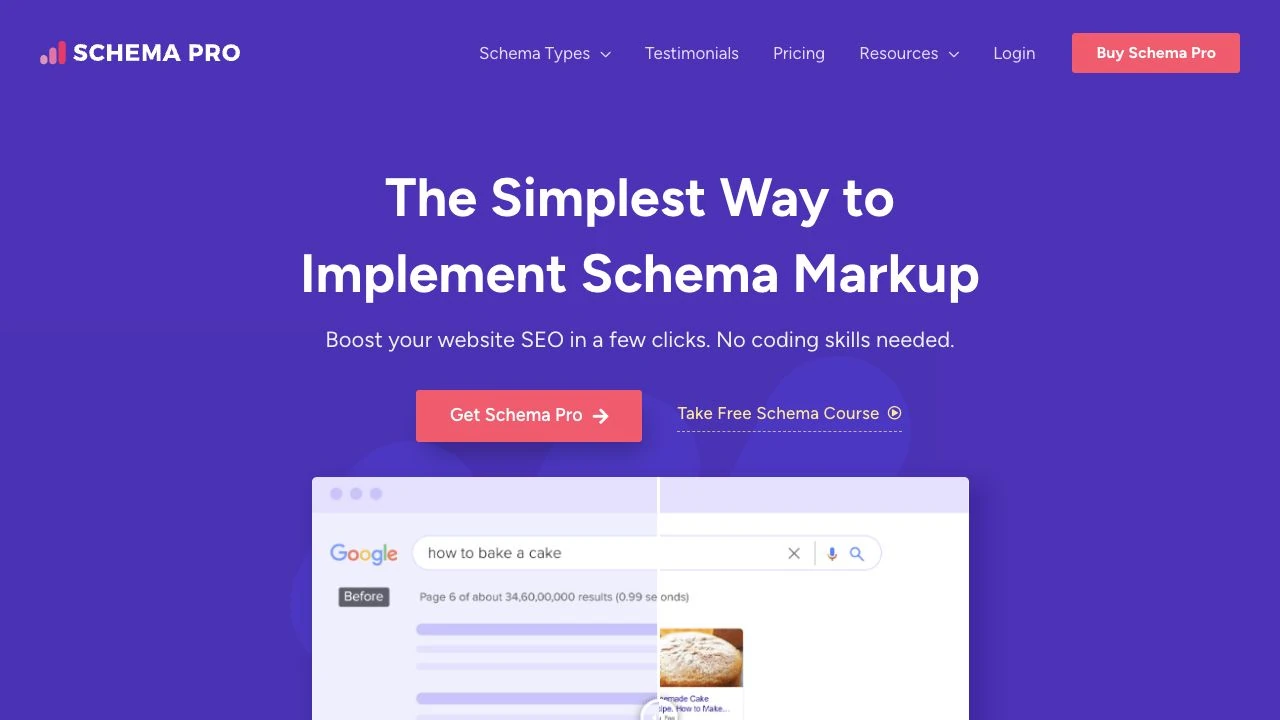
Schema Pro is a dedicated plugin from Brainstorm Force, the company behind the Astra theme. Its main strength is rule-based schema mapping: administrators can assign markup to selected post types, categories, pages, or other conditions instead of configuring every URL independently.
Pros:
Cons:
Schema Pro is a strong candidate for publishers and structured content sites that need detailed mapping rules. It should not be installed solely to duplicate basic Article or Organization markup that another plugin already generates correctly.
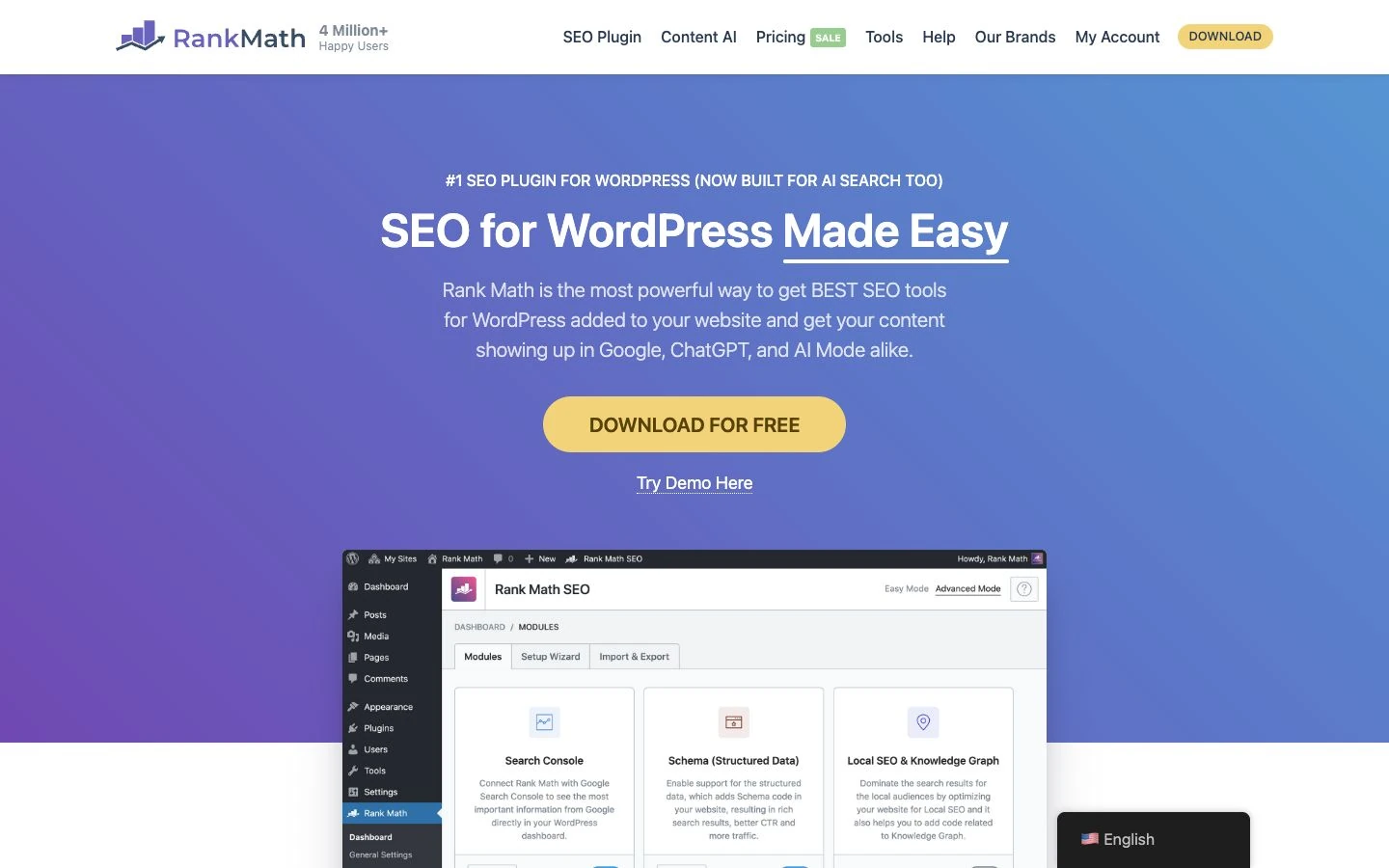
Rank Math combines technical SEO settings, metadata controls, sitemaps, and schema features in one plugin. The free version includes schema options for common content types. Reusable schema templates, custom schema, and the advanced schema editor require PRO.
Pros:
Cons:
Rank Math is most appropriate for users who want one plugin to manage both SEO and structured data. Running it alongside another full SEO suite is generally unnecessary and increases the likelihood of duplicate metadata or schema.

AIOSEO provides guided SEO configuration and generates schema for common WordPress content. Its schema controls are integrated with features for titles, sitemaps, local SEO, and social metadata, although availability varies by plan.
Pros:
Cons:
AIOSEO suits small businesses and content teams that want a guided all-in-one workflow. Confirm that the required schema generator and WooCommerce features are included in the plan being considered.
Yoast SEO automatically creates a connected schema graph that describes relationships among the website, organization or person, webpages, articles, authors, and breadcrumbs. This approach is useful for sites that prefer sensible defaults over extensive manual configuration. Page and article type settings provide editorial control; deeper customization can use Yoast’s Schema API.
Pros:
Cons:
For sites already using Yoast SEO, installing another schema plugin is often unnecessary. Add one only after identifying a specific markup requirement that Yoast does not meet and determining how overlapping output will be disabled.

Schema & Structured Data for WP & AMP is focused primarily on structured data rather than general SEO. It supports numerous schema types and includes controls for applying markup to different content.
Pros:
Cons:
This plugin is worth considering when a site needs a schema-focused interface but does not require Schema Pro’s specific workflow. As with every option in this list, test it against markup generated by the active theme and SEO plugins.
A dedicated schema plugin is useful when structured data is a distinct implementation project. It usually provides more mapping options, conditional rules, and specialized schema types. That control is valuable for directories, recipe sites, review publications, event databases, and sites built around custom post types.
An SEO plugin with schema features is usually sufficient for a conventional company website, blog, or small store. It reduces the number of plugins that must be configured and updated while keeping metadata, canonical URLs, sitemaps, and structured data in one interface.
Do not choose based only on the number of schema types advertised. The better option is the one that accurately represents visible content, integrates with the existing WordPress stack, and can be maintained by the people responsible for the site.
Start by testing several representative URLs with a structured data validator and inspecting the page source for JSON-LD. Check posts, product pages, category archives, the homepage, and any custom content templates.
A dedicated plugin may be justified when:
Keep the existing setup when it already produces accurate markup for every important template. Installing another plugin solely because it supports more schema types adds maintenance work without creating rich-result eligibility for unrelated content.
Test changes in a WordPress staging environment before deploying them. After activation, clear relevant caches and validate the rendered production page because cached HTML may temporarily contain the previous schema output.
First, inspect the page with Google’s Rich Results Test to determine whether it is eligible for the rich-result types that Google supports. Use the Schema.org validator when you need to inspect broader schema vocabulary that is valid but not tied to a Google search feature.
Warnings and errors have different implications. An error generally indicates that required data is missing or invalid for a particular feature. A warning often refers to a recommended property; it may reduce the completeness of the result without making the markup invalid.
Finally, monitor Google Search Console enhancement reports where available. Search Console data can reveal template-wide issues after recrawling, but it does not replace page-level quality checks. Valid markup remains only an eligibility signal, not a promise of enhanced display or higher rankings.
Choose Schema Pro when rule-based mapping and custom schema implementation are the main requirements. Choose Rank Math when you want extensive schema controls within a broader SEO suite. AIOSEO is a practical alternative for users who value guided setup, while Yoast SEO is suited to sites that prefer automatic and connected schema defaults.
Schema & Structured Data for WP & AMP is appropriate when you want a dedicated tool with a free starting option. Before selecting any plugin, compare its current free and paid feature lists against your exact content types and avoid paying for schema that your existing setup already generates.
The best WordPress schema plugin is not necessarily the one with the most schema types. It is the one that describes your visible content accurately, avoids conflicts with existing plugins, and gives your team enough control to maintain the markup over time.
For many websites, Rank Math, AIOSEO, or Yoast SEO already provides sufficient structured data. Schema Pro or Schema & Structured Data for WP & AMP becomes more useful when a site needs conditional templates, custom-field mapping, or specialized content markup. Audit the current output first, test any change on staging, and validate production pages after deployment. That process addresses the central risk: adding more schema without improving its accuracy.
Does schema markup guarantee rich results?
Do I need a dedicated schema plugin for WordPress?
Can I use more than one schema plugin?
Which WordPress schema plugin offers the most customization?
How can I tell whether my schema is working?
Can a schema plugin improve rankings directly?
Do schema plugins slow down WordPress?

Quick Customer care response, accurate and broad assistance, easy to use client area.....
I am very happy with the service. I am with site valley for many years and at the present usimg 2 hosting packages. Their service is excellent and super fast. Thanks & Greatly Appreciated
I've been hosting my websites with Sitevalley for more than 6 years. Very satisfied with the services and reliability they provide, competitive prices, almost no downtime, fast and knowledgeable customer support.
I have been using side valley for a couple of years now and have to say I am very happy with the service they offer.I use many Hosting services but site valley stands out in front. Reliable service, great support.I don't normally leave reviews but felt I wanted to for this service as it has been fantastic
I didn't want to review so soon on into taking out hosting with site valley but I feel obliged because their customer service is outstanding, second to none, every time I had an issue it was sorted immediately. I would highly recommend Site Valley.
I have been with Sitevalley for over a year and it's the best hosting I have EVER used. And I have been through a lot of them.
The support staff are amazing, and it's clear that they have a passion for hosting websites. I've rather enjoyed this webhosting company and it's stability for the price is bar-none, amazing.
My collegue adviced me to use SiteValley as a reliable hosting provider with great prices, professional and fast Customer Service. My experience with SiteValley was exactly the way I was promised.
I have been with SiteValley for many years, and plan to stay with them for many more. Customer support is very responsive and knowledgeable.
SiteValley.com is rated 4.8 / 5 based on 329 Reviews »

© 2001 – 2026 SiteValley.com. All Rights Reserved.
