
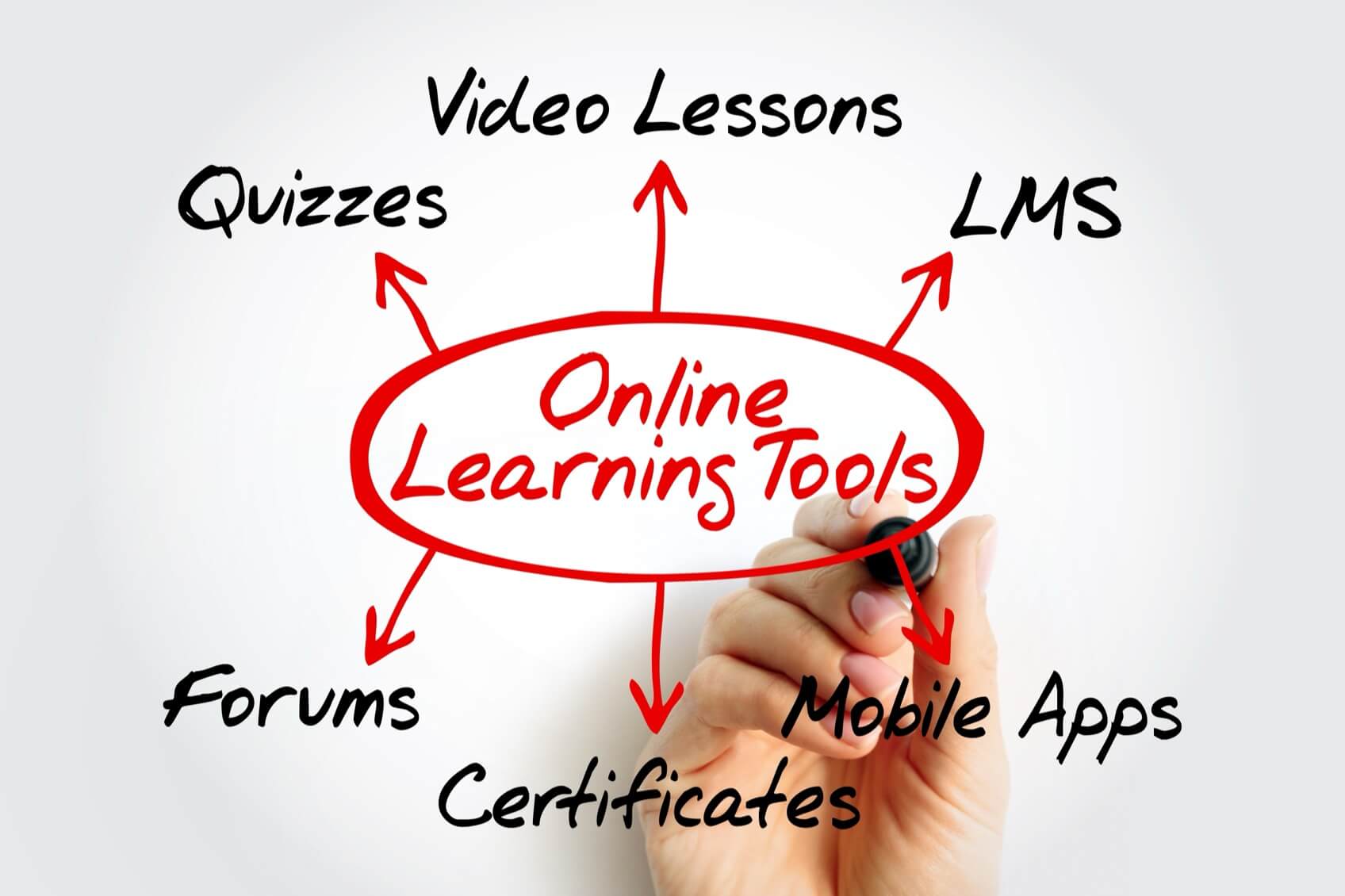
Online learning has expanded over the past decade, driving both individual creators and organizations to build digital courses and training platforms. WordPress offers a flexible canvas to develop an online learning site with the appropriate LMS plugin.
A WordPress LMS plugin adds learning management functionality directly to your website. These plugins assist in course creation, organization of lessons, quizzes, student tracking, and progress reporting. Many options support certificates, assignments, and drip content, making them suitable for structured educational experiences. It is important to distinguish LMS plugins from membership plugins; while membership plugins control content access, LMS plugins focus on delivering educational courses. Often, LMS solutions integrate with membership tools to offer a comprehensive solution.

WordPress provides exceptional flexibility for managing content, pricing, and user experience. It allows you full control over your infrastructure and content, which can prove more cost-effective than hosted LMS platforms that require monthly fees or take a commission on revenue. Additionally, the extensive ecosystem of plugins and integrations—from payment gateways to email marketing and analytics—can extend your site’s capabilities, especially when paired with quality hosting to support large volumes of users and courses.
When selecting an LMS plugin, consider the features that directly impact your course creation and management experience:
Opt for an intuitive course builder that offers drag-and-drop functionality to efficiently structure lessons, modules, and content.
A versatile LMS plugin should support multiple question types, automatic grading, and detailed reporting to monitor student performance effectively.
Effective user management tools track student progress, handle enrollments, and allow for more sophisticated segmentation of learners.
Scheduled content release helps maintain student engagement by providing lessons over time.
Ensure the plugin supports various payment models, including one-time payments, subscriptions, and memberships.
Badges and certificates can serve as motivational tools that encourage course completion.
Compatibility with payment processors, email marketing services, and CRMs can streamline your workflow.
The plugin should be capable of handling a growing user base without compromising site speed, which is essential for a responsive learning experience.
While comprehensive features are valuable, an overly complex interface may extend the learning curve. Choose a plugin that strikes the right balance for your technical skills.
Here are some of the widely used WordPress LMS plugins, each offering distinct advantages:
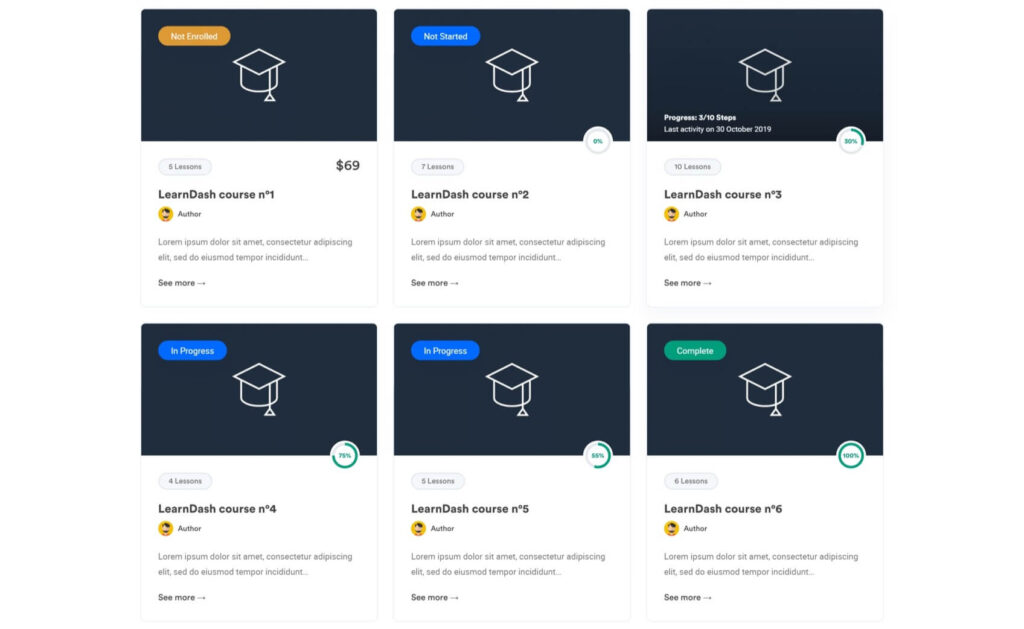
LearnDash is a well-established LMS plugin known for its powerful course builder, advanced quiz capabilities, detailed reporting, and group management features. It supports drip content, certificates, and third-party integrations. Beginners might find its extensive feature set challenging at first.
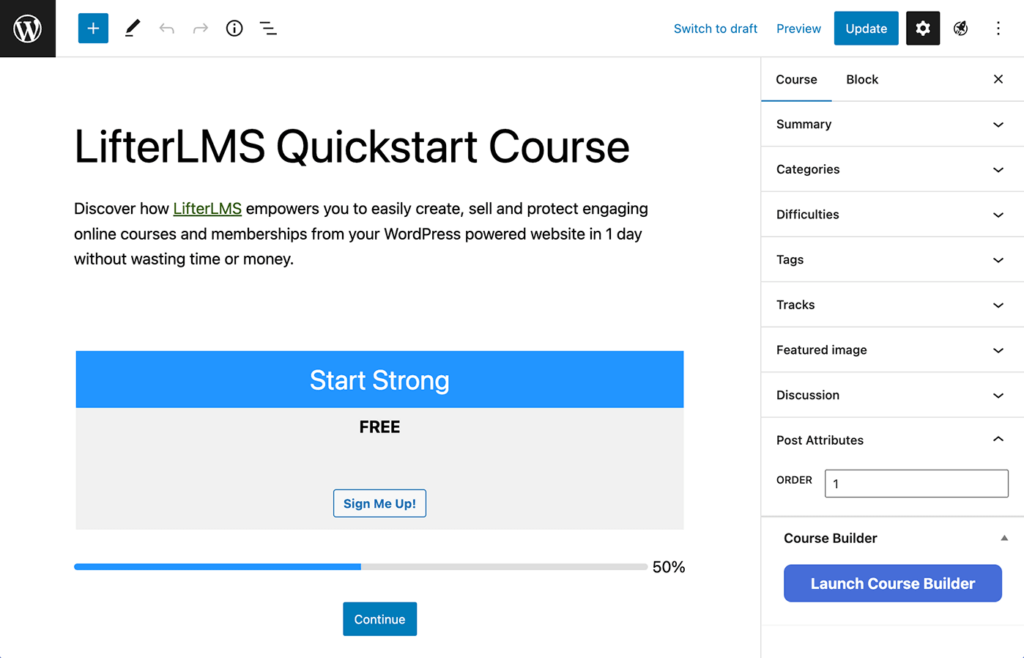
LifterLMS offers flexibility with a modular framework ideal for those who want tailored control. With a solid course builder, student engagement tools, and membership support, its pricing model lets you start with the basics before adding more features. However, the overall cost may increase as you integrate additional extensions.
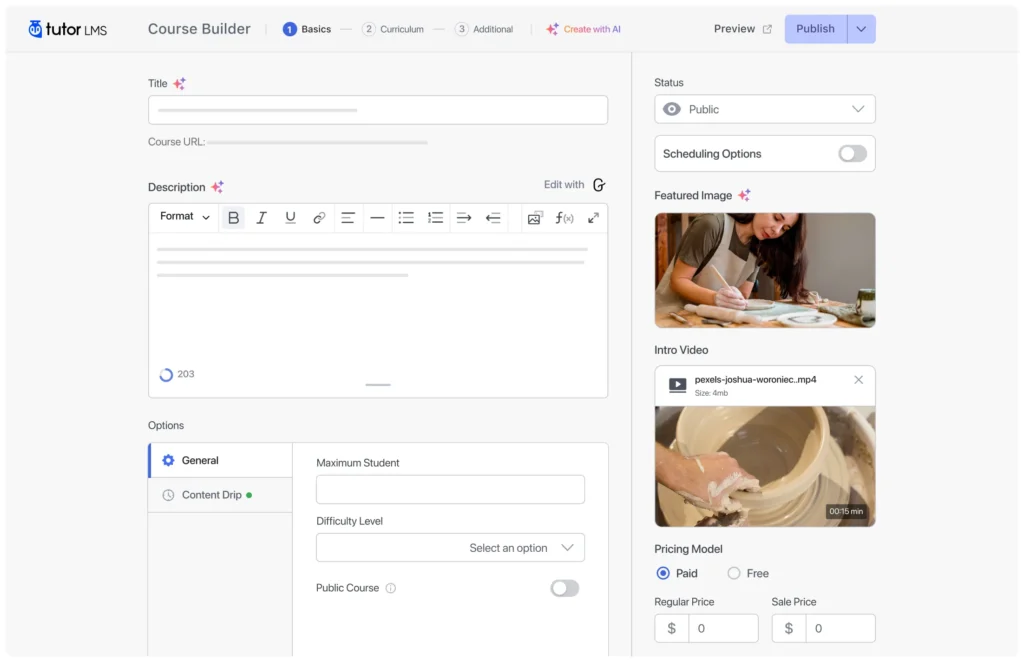
Tutor LMS is recognized for its user-friendly interface and a robust free version. Its drag-and-drop course builder, frontend course creation tools, quizzes, certificates, and monetization options make it appealing, especially for newcomers. Advanced features, however, require upgrading to the premium version.
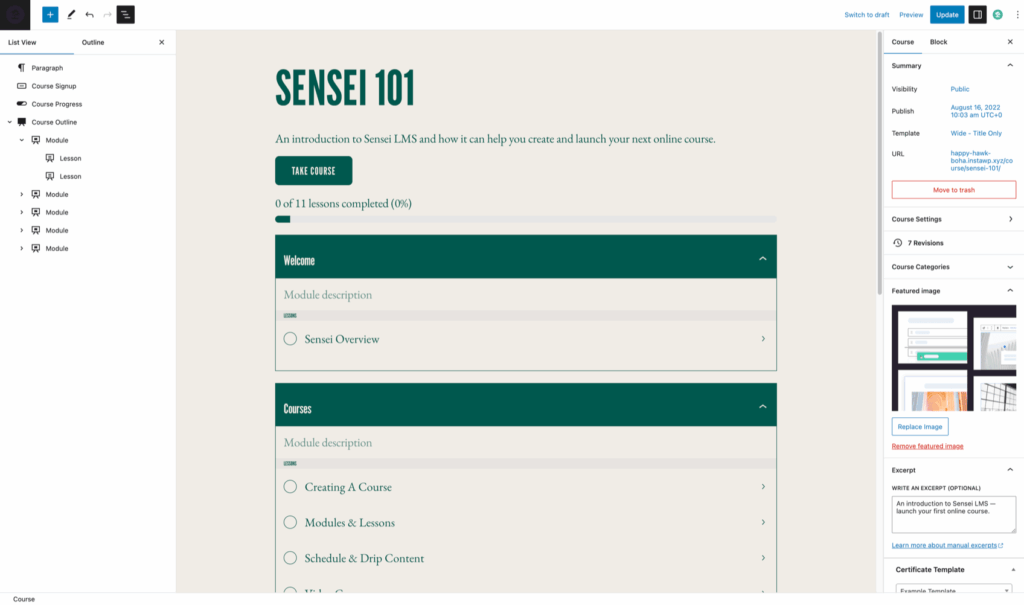
Developed by Automattic, Sensei LMS integrates directly with WordPress, making it a straightforward option for course creation, lesson development, and quizzes. It offers a clean and minimal setup, though it may lack some of the advanced functionalities required for larger platforms.
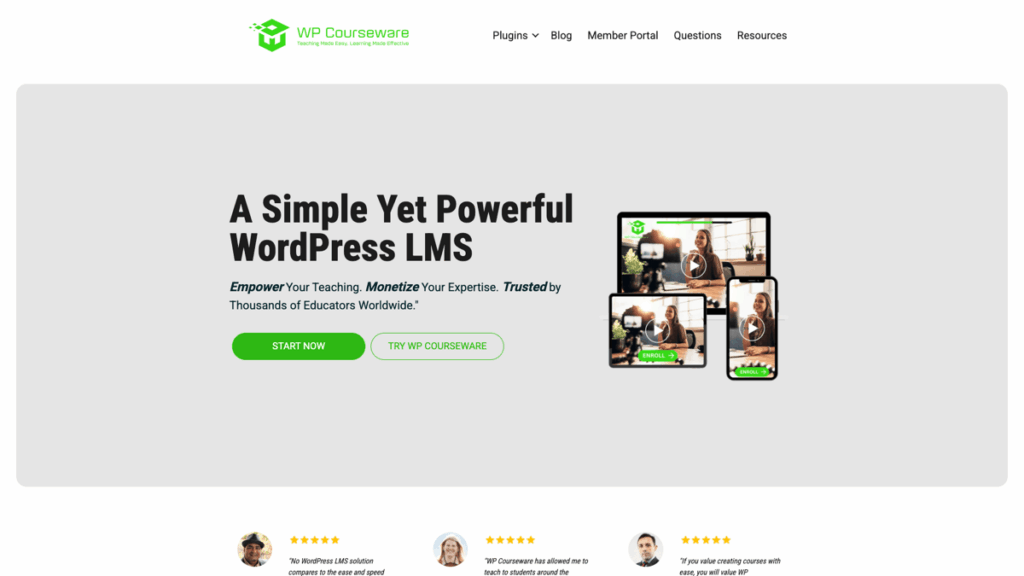
WP Courseware focuses on usability with its drag-and-drop course builder, quizzes, and student management tools. It is an excellent option for quickly launching an LMS, but might not have all the advanced features found in more comprehensive solutions.
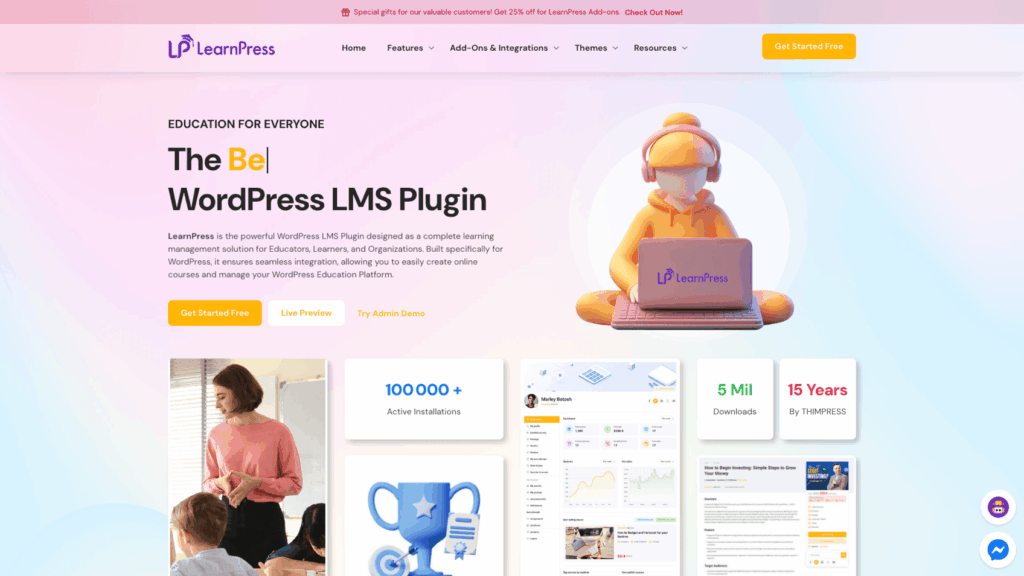
LearnPress is a popular free LMS plugin that provides core features such as course creation, quizzes, and basic user management. Its advantage lies in the ability to start without an initial cost, although many features rely on paid add-ons which can complicate management if numerous extensions are in place.
The decision between free and paid LMS plugins will depend on your project goals. Free plugins let you experiment and build a basic site without upfront costs, but may be limited in terms of support and scalability. Paid plugins often provide enhanced functionality, professional support, and wider integration options. For many, beginning with a free version and upgrading later is a pragmatic approach.
To select the best WordPress LMS plugin, consider these practical factors:
Avoid these pitfalls as you build your online learning site:
A high-performance hosting solution is crucial for the stability of your LMS platform. Speed becomes particularly important when delivering video content or handling many users concurrently. A VPS or high-performance hosting solution is advisable over basic shared hosting. Security measures and reliable backups are also vital. For strategies on boosting WordPress security and speed, check out articles on securing your WordPress website, WordPress image optimization, and WordPress backups.
Selecting the best WordPress LMS plugin is a critical step in creating an effective online learning platform. Each option brings specific strengths, and the best choice will depend on your platform’s goals, budget, and technical expertise. WordPress offers the control and scalability to build a thriving LMS site, but your plugin choice will significantly influence the course development and management process.
At SiteValley, we provide hosting solutions engineered to support websites with high performance demands, including LMS platforms. A dependable hosting environment ensures your courses load quickly, your users enjoy a smooth experience, and your platform can scale efficiently. For example, our KVM2 plan provides 2 vCPU cores, 4 GB DDR5 RAM, and 40 GB of high-speed NVMe storage on a 1 Gbps network—all for $19.99 per month—with servers available in key regions such as Los Angeles and Atlanta.
What are WordPress LMS plugins?
How do I choose the best WordPress LMS plugin?
Can I use free LMS plugins for my online courses?
Why is WordPress a popular choice for LMS websites?
Do I need robust hosting for an LMS website?

Quick Customer care response, accurate and broad assistance, easy to use client area.....
I am very happy with the service. I am with site valley for many years and at the present usimg 2 hosting packages. Their service is excellent and super fast. Thanks & Greatly Appreciated
I've been hosting my websites with Sitevalley for more than 6 years. Very satisfied with the services and reliability they provide, competitive prices, almost no downtime, fast and knowledgeable customer support.
I have been using side valley for a couple of years now and have to say I am very happy with the service they offer.I use many Hosting services but site valley stands out in front. Reliable service, great support.I don't normally leave reviews but felt I wanted to for this service as it has been fantastic
I didn't want to review so soon on into taking out hosting with site valley but I feel obliged because their customer service is outstanding, second to none, every time I had an issue it was sorted immediately. I would highly recommend Site Valley.
I have been with Sitevalley for over a year and it's the best hosting I have EVER used. And I have been through a lot of them.
The support staff are amazing, and it's clear that they have a passion for hosting websites. I've rather enjoyed this webhosting company and it's stability for the price is bar-none, amazing.
My collegue adviced me to use SiteValley as a reliable hosting provider with great prices, professional and fast Customer Service. My experience with SiteValley was exactly the way I was promised.
I have been with SiteValley for many years, and plan to stay with them for many more. Customer support is very responsive and knowledgeable.
SiteValley.com is rated 4.8 / 5 based on 329 Reviews »

© 2001 – 2026 SiteValley.com. All Rights Reserved.
