
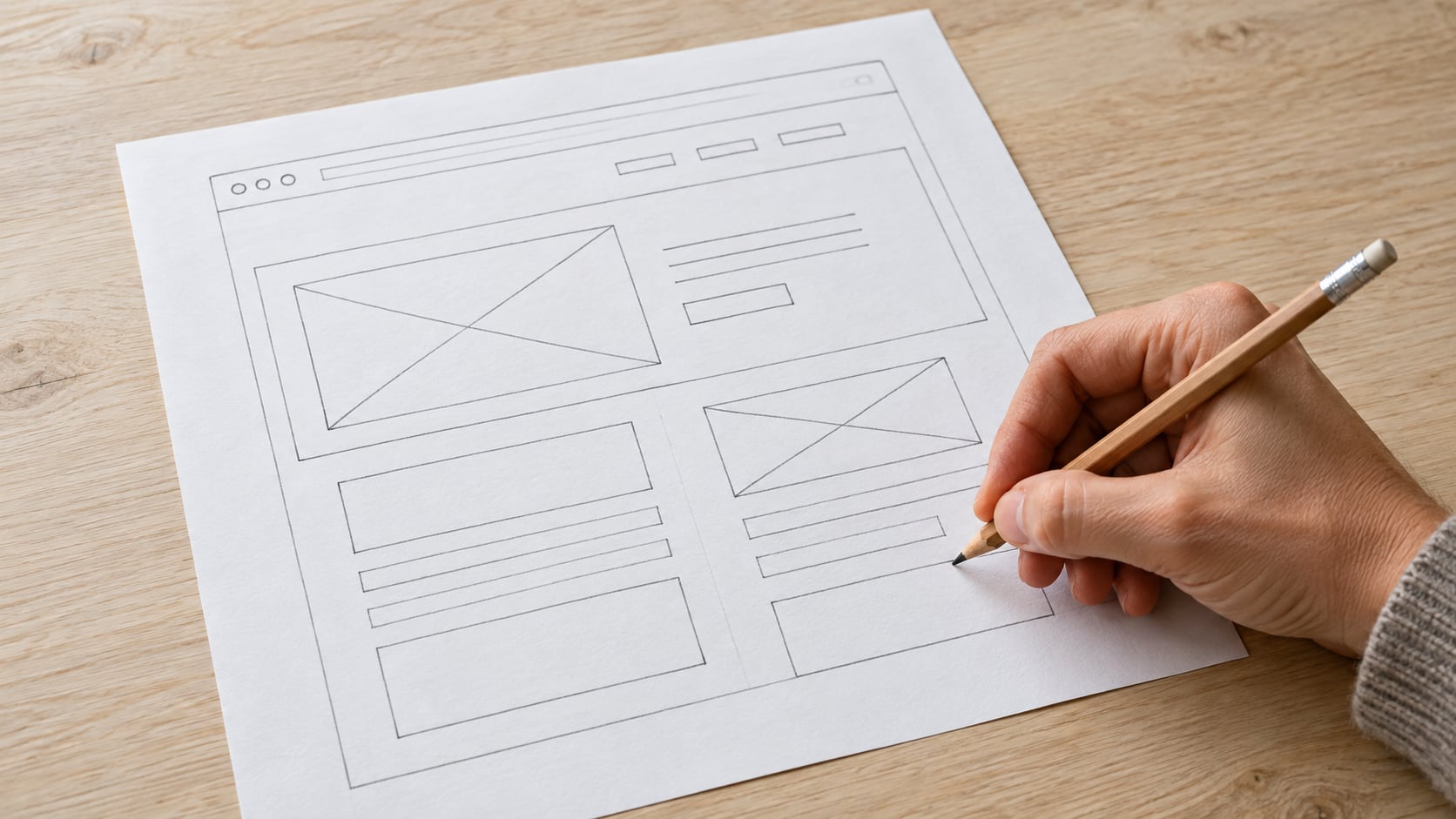
WordPress page builders can give you more direct visual control over complex layouts, styling, and responsive behavior. However, choosing one is not simply a matter of finding the builder with the most widgets. You need to decide how much of the native WordPress editing experience you want to keep, whether you need full-site templates, and how the builder may affect performance and future maintenance.
Some builders replace the standard editing interface with a visual canvas. Others extend the native WordPress Block Editor with additional blocks and design controls. The right approach depends on the type of website you are building, who will maintain it, and how difficult it would be to change tools later.
The WordPress Block Editor, also called Gutenberg, supports text, images, buttons, columns, galleries, patterns, and other structured content. WordPress also provides site-editing features when you use a compatible block theme. For blogs and straightforward business websites, these native tools may provide everything you need.
Dedicated page builders generally offer more granular controls for spacing, typography, responsive layouts, animations, and reusable elements. Some also include theme-building features for creating headers, footers, post templates, archive pages, and WooCommerce layouts.
The distinction matters when you build client websites or sites with repeated content structures. Global styles and templates can reduce repetitive work and help keep the design consistent. However, a builder also adds another dependency to the website, so you should consider licensing, performance, and migration before committing to one.
This comparison is based on the developers’ public product information, not a hands-on benchmark. The products below represent different approaches to visual WordPress design. Elementor, Beaver Builder, Breakdance, and Kadence Blocks are available as plugins. Divi is available as both a theme and a builder plugin, while Bricks is distributed as a WordPress theme rather than a standalone page builder plugin.
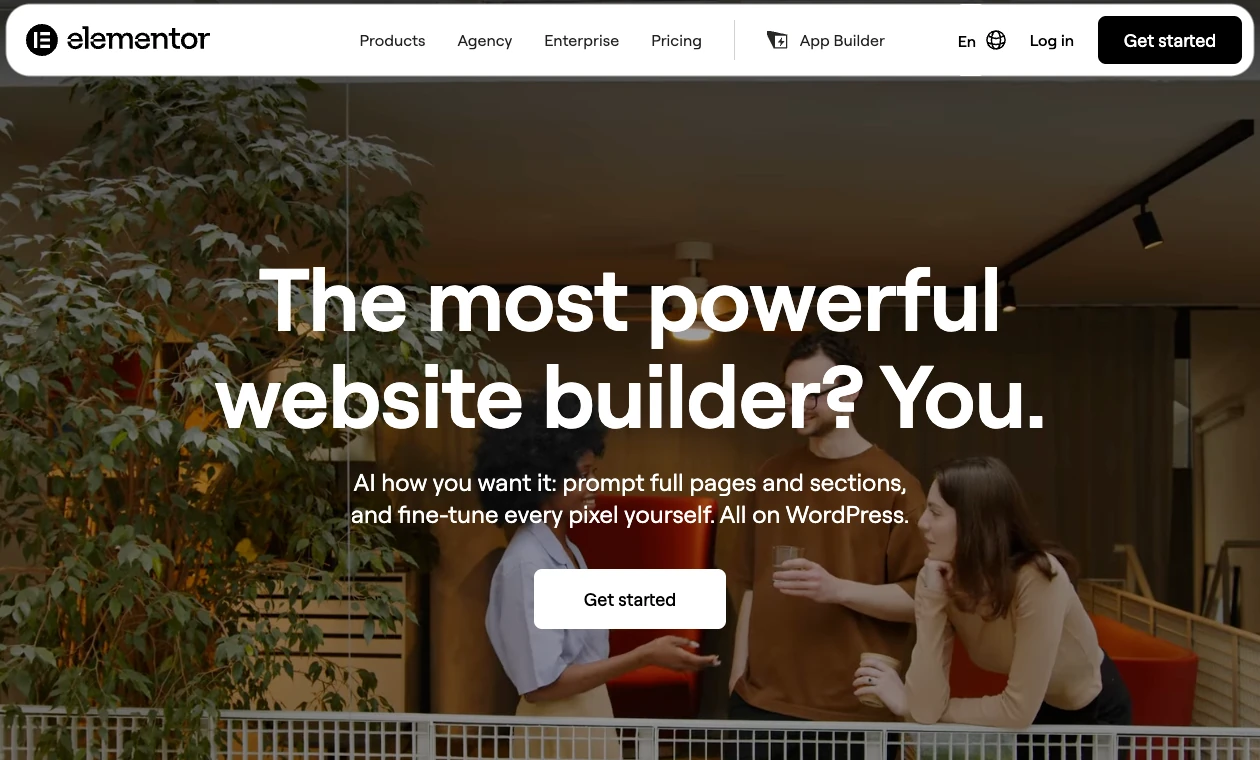
Elementor provides drag-and-drop editing, responsive controls, templates, and a large collection of widgets. The free version covers basic visual page design, while Elementor Pro adds features such as Theme Builder, forms, dynamic content, popups, and WooCommerce design tools.
Its large ecosystem of templates, third-party add-ons, and integrations makes Elementor suitable for users who want a visual workflow with many expansion options. Paid features differ by plan, so confirm the exact Theme Builder, forms, dynamic-content, popup, and WooCommerce tools you need. Install only the extensions the site requires.
Elementor is a practical choice for beginners, designers, and agencies that value a broad selection of design tools. If you are building an online store, compare dedicated WordPress eCommerce plugins separately because a page builder controls presentation but does not replace the store platform.
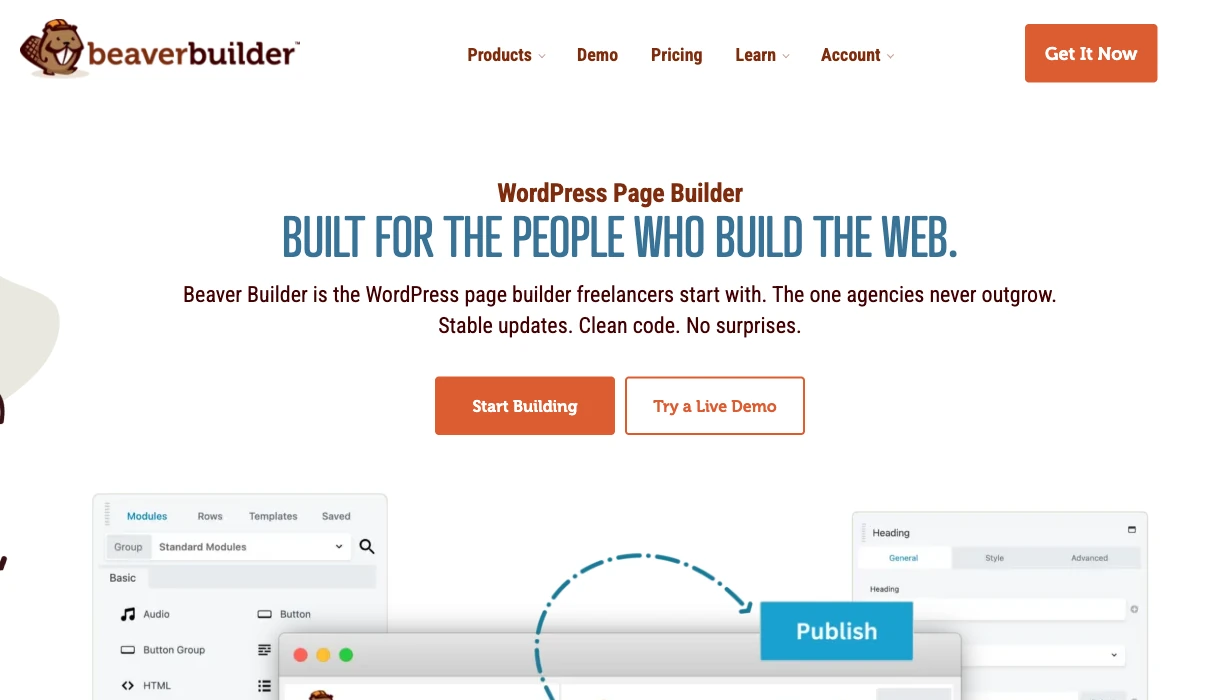
Beaver Builder uses a front-end editor that displays changes as you work. Rows, modules, and templates can be saved for reuse, which is helpful when several pages share the same structure.
The builder focuses on a relatively straightforward editing experience rather than offering every possible visual effect. It is often a good fit for freelancers and agencies that need to hand websites over to clients without exposing them to an overly complex interface.
Theme template creation uses Beaver Themer, a separate companion plugin. The current paid Beaver Builder plans include Beaver Themer; a separate plugin does not necessarily mean a separate purchase. The page builder handles page content, while Themer extends editing to headers, footers, archives, and other theme-controlled areas. Check the current site allowance and renewal terms when comparing plans.
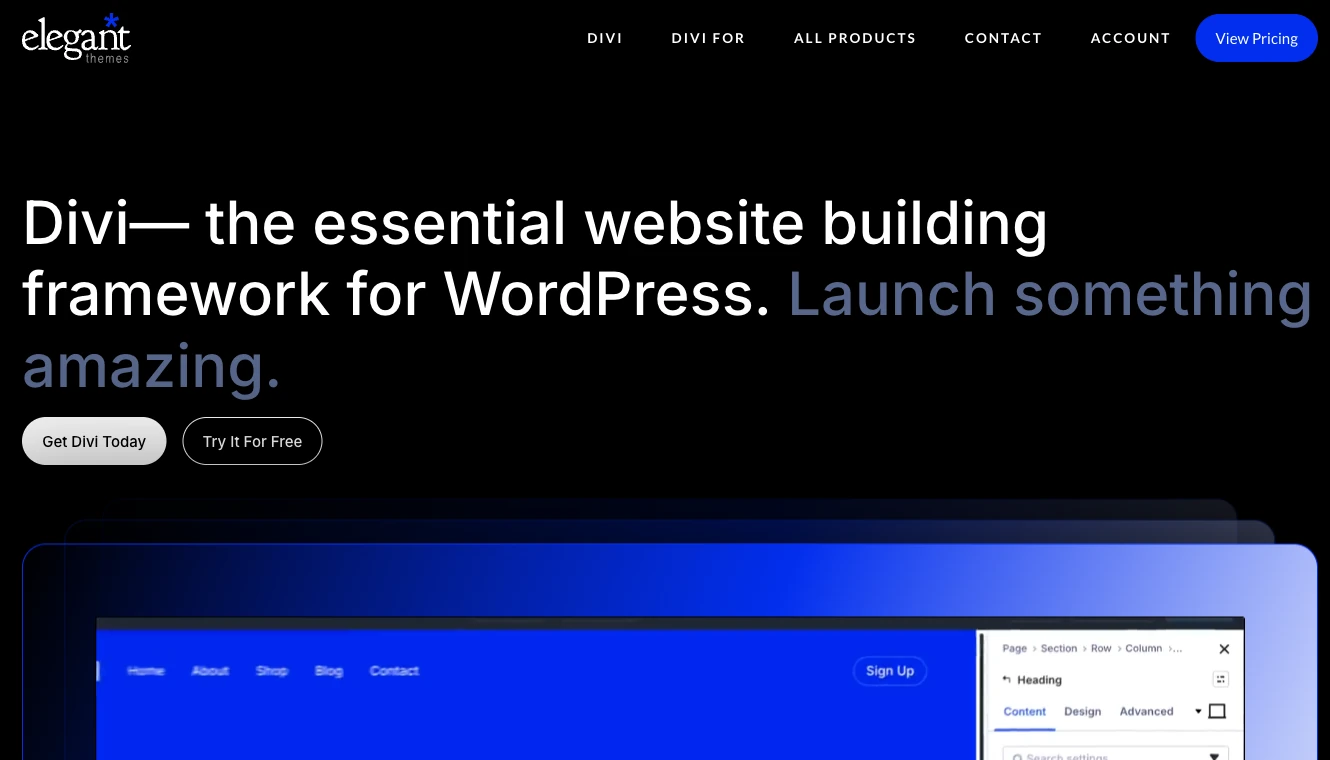
Divi provides visual drag-and-drop editing, responsive controls, global design settings, and a large library of premade layouts. It is available through the Divi Theme and as the Divi Builder plugin for use with other compatible themes.
Its Theme Builder can create templates for headers, footers, posts, archives, WooCommerce products, and search results. This makes Divi suitable for users who want to manage much of the website through one design system.
Divi relies on its own modules and layout system, so test the process for removing or replacing it before using it on a long-term project. Switching builders may require rebuilding layouts even when the underlying page content remains available.
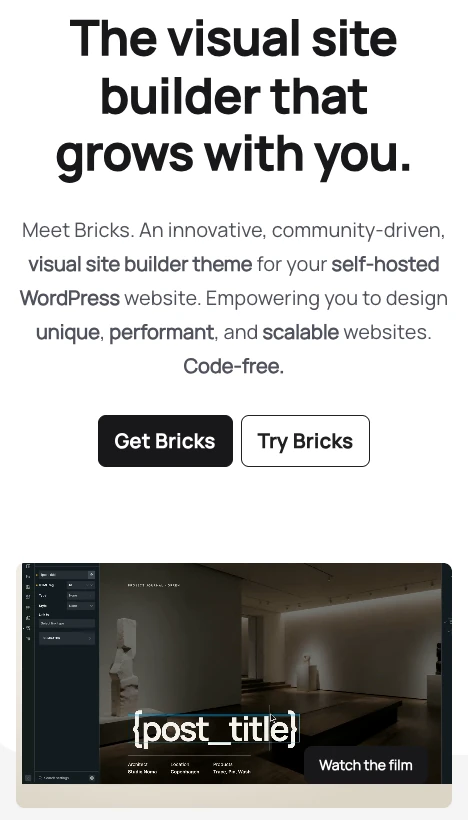
Bricks is a visual site builder distributed as a WordPress theme. It supports templates, global styles, dynamic data, conditional logic, and query loops, giving experienced users detailed control over content-driven layouts.
It is aimed more at developers and advanced WordPress users than people who only need to assemble a basic landing page. Its visual interface still avoids the need to write every layout by hand, but familiarity with HTML, CSS, responsive design, and WordPress data structures helps users take advantage of its advanced features.
Because Bricks replaces the active theme, adopting it is a broader architectural decision than installing a page-building plugin. Evaluate theme compatibility and migration requirements before using it on an existing site.
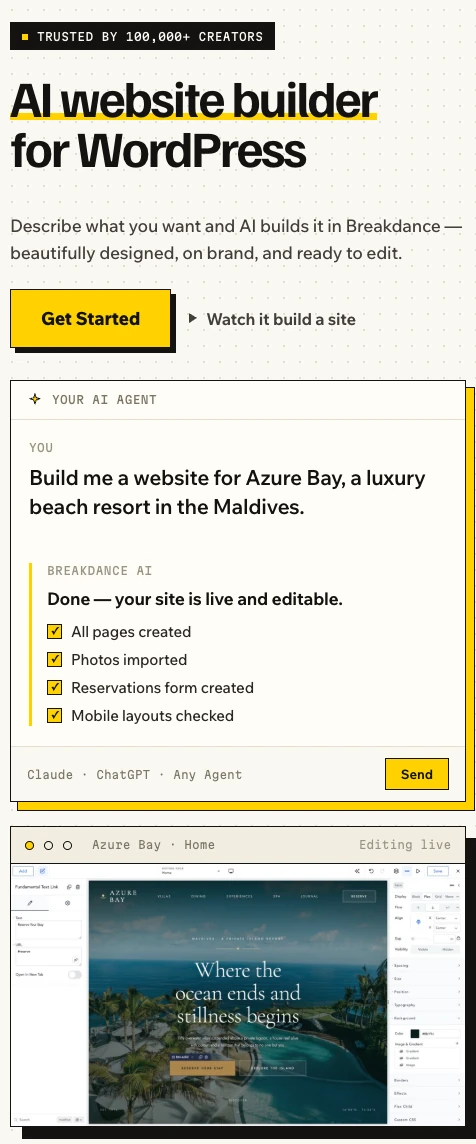
Breakdance is a visual website builder with elements, global styles, responsive controls, dynamic data, template conditions, forms, popups, and WooCommerce design features. It can control individual pages as well as headers, footers, posts, archives, and other site templates.
Its integrated feature set may reduce the need for separate design-oriented plugins. However, built-in forms or popups do not automatically replace specialized tools when a project requires advanced marketing automation, payment workflows, or complex data handling.
Breakdance is particularly relevant for freelancers and agencies that want to build complete websites within one visual environment while controlling which areas clients can edit.
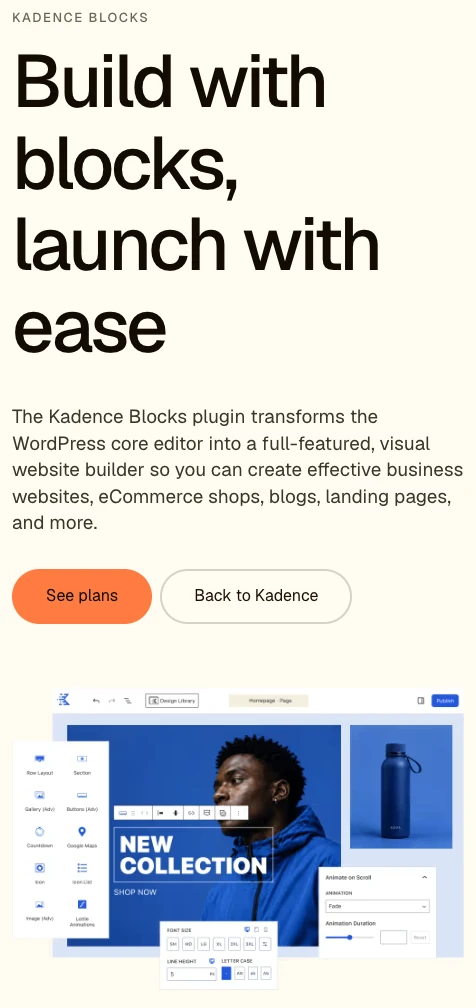
Kadence Blocks extends the native WordPress Block Editor instead of replacing it with a separate design interface. It adds layout blocks, responsive settings, typography controls, design libraries, and other options for building more customized pages with Gutenberg.
Paid Kadence Blocks plans add further blocks and features, including dynamic content and advanced form capabilities. Exact features can vary by plan and version, so check the current feature list before purchasing.
Kadence Blocks is a strong option when you want more design freedom but prefer to keep content in the native block system. This approach may also reduce the amount of rebuilding required if you later change themes or block libraries, although proprietary blocks can still create migration work.
| Need | Builders to consider | Main reason |
|---|---|---|
| Beginner-friendly visual editing | Elementor, Beaver Builder, Divi | Visual interfaces and reusable templates |
| Detailed design control | Elementor, Divi, Bricks, Breakdance | Extensive layout, styling, and responsive settings |
| Native WordPress workflow | Kadence Blocks | Extends Gutenberg rather than replacing it |
| Dynamic, content-driven layouts | Bricks, Elementor Pro, Breakdance | Template and dynamic data controls |
| Client handoff | Beaver Builder, Breakdance, Elementor | Reusable layouts and manageable editing workflows |
| Full-site visual design | Divi, Bricks, Breakdance, Elementor Pro | Visual templates for theme-controlled areas |
These are starting points rather than fixed rankings. The editing interface, required add-ons, license terms, and migration process should also influence your decision.

A long widget list can look impressive without making routine site maintenance easier. Focus on features that affect consistency, editing time, and long-term ownership.
Global styles let you manage colors, fonts, spacing, and recurring element settings centrally. Changing a global value is faster and less error-prone than editing every page individually.
Check whether global styles apply consistently to templates, modules, and regular WordPress content. A builder that requires many local overrides can become difficult to maintain.
Theme-building tools let you design headers, footers, posts, archives, search results, and other templates. These features are useful when the active theme does not provide enough control.
Check theme-building requirements when comparing products. Elementor requires a suitable paid Editor Pro plan for Theme Builder. Beaver Builder uses the companion Beaver Themer plugin, which is included in its current paid plans. Confirm the exact features and site allowance in the license you intend to buy.
Dynamic content displays information from posts, products, custom fields, or other WordPress data sources. It is useful for directories, property listings, staff profiles, product catalogs, and other sites with repeated content structures.
Check compatibility with your custom field plugin and post types before selecting a builder. A builder may support WordPress data while requiring an integration or paid feature for a specific field source.
Responsive controls let you adjust layouts for different screen sizes. Useful controls include breakpoint settings, element visibility, typography, spacing, column stacking, and image behavior.
Do not assume that a desktop layout will automatically work on a phone. Test navigation, forms, buttons, text size, and content order on physical devices as well as browser emulators.
Reusable sections, templates, and synchronized components reduce repeated work. They are especially valuable for calls to action, pricing areas, contact sections, and other elements that appear on multiple pages.
Confirm whether editing a saved component updates every instance or only creates a copy. Both behaviors are useful, but they solve different problems.
Revision tools help recover from design mistakes, while role controls limit what clients and content editors can change. These capabilities are important on sites maintained by several people.
WordPress permissions, builder-specific editing restrictions, and staging workflows should work together. Do not rely on the visual builder alone as a substitute for backups or access control.
A page builder can add CSS, JavaScript, markup, and database records, but the builder is only one part of website performance. Large images, video backgrounds, external fonts, tracking scripts, animations, and third-party add-ons can have a greater effect than the core builder.
Build representative pages during testing rather than comparing empty demo installations. Measure key templates on mobile connections and review metrics such as Largest Contentful Paint, Interaction to Next Paint, and Cumulative Layout Shift. Remove unused widgets and extensions instead of loading features that the website does not use.
Hosting also affects PHP execution, database response time, caching, backups, and traffic capacity. SiteValley’s Small Business hosting plan costs $8.95 per month and supports up to 50 websites, an estimated 100,000 monthly visits under typical conditions, unlimited databases, unmetered web space and traffic, a dedicated IP, free SSL, and daily backups with 60 recovery points retained for two months. These limits should still be compared with the expected traffic, storage use, and resource demands of each WordPress installation.
A correctly configured WordPress cache plugin can reduce repeated processing and improve delivery, but caching does not fix oversized images, excessive scripts, or poorly designed layouts. Test again whenever you add a builder extension, marketing script, or major visual feature.
Use a dedicated page builder when the project requires precise landing pages, advanced responsive layouts, visual theme templates, or dynamic content that would be cumbersome to create with the standard editor. It can also help clients make controlled visual changes without editing templates or code.
Gutenberg may be the better option for a blog, publication, documentation site, or straightforward business website that uses a compatible block theme. Native blocks and patterns can provide a simpler editing system with fewer dependencies.
Kadence Blocks sits between these approaches by adding design features to Gutenberg. It is appropriate when the native editor is close to meeting your needs but its standard blocks do not provide enough layout or styling control.
Start with a list of required templates and workflows. Identify who will edit the site, what dynamic data it needs, whether it includes WooCommerce, and how often the design will change.
Then evaluate the following points:
A free version can help you assess the interface, but it may not include the features needed for the finished site. Build a small proof of concept before committing an entire project.
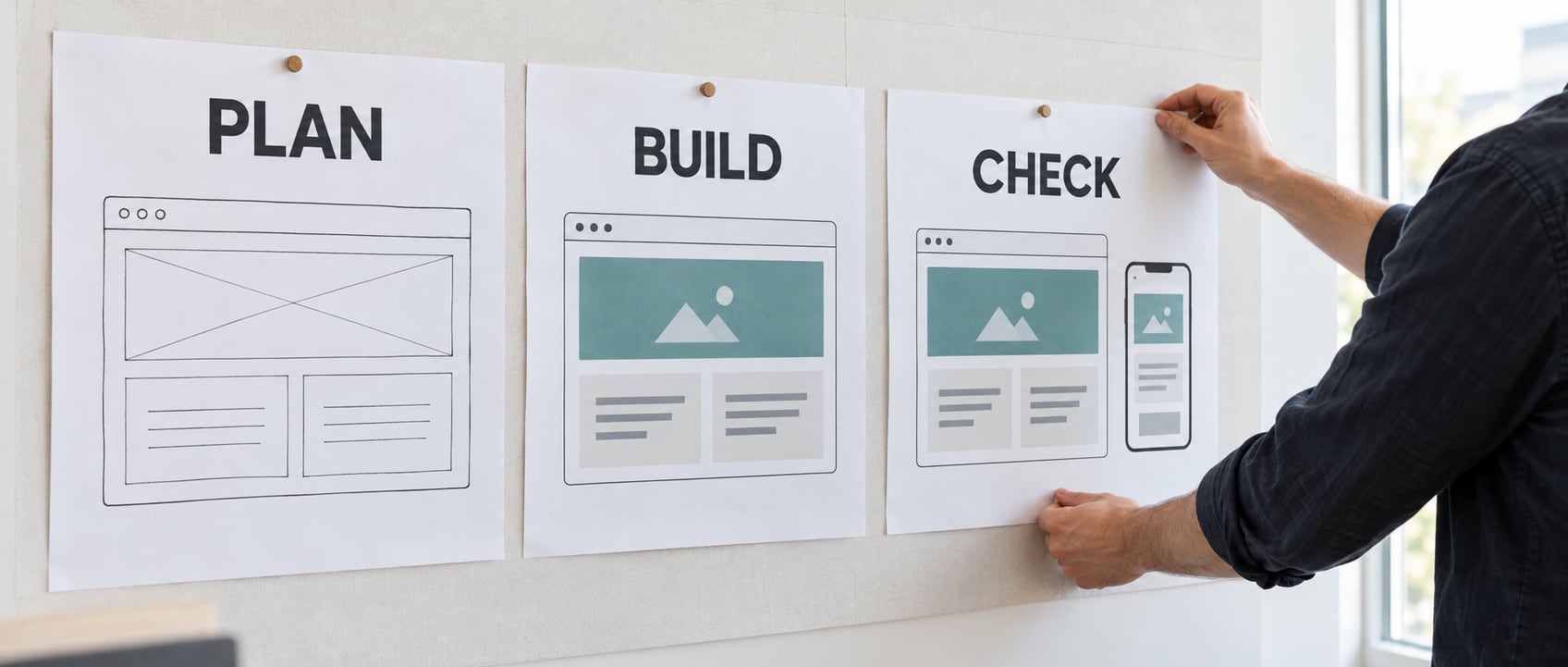
List the required pages, content types, menus, and templates before designing individual sections. This prevents the site from becoming a collection of unrelated layouts.
Confirm that the builder supports the active theme and current WordPress and PHP versions. Avoid duplicating header, footer, typography, and layout controls across several tools unless there is a clear reason.
Set the color palette, fonts, spacing scale, buttons, form styles, and content widths before building complete pages. Consistent global settings make later redesigns easier.
Create the header, footer, homepage, post template, archive layouts, and other repeated structures supported by your setup. Not every site needs visual templates for every content type.
Create reusable versions of recurring elements such as contact sections, testimonials, calls to action, and service summaries. Name them clearly so other editors understand where they are used.
Review content order, navigation, tap targets, images, forms, and typography at relevant breakpoints. Hiding large sections on mobile may still cause the browser to download their assets, so remove unnecessary content rather than relying only on visibility controls.
Use a WordPress staging environment to test builder updates, theme changes, and new templates without affecting visitors. Back up the production site before deploying significant changes and verify forms, analytics, navigation, and caching afterward.
The best WordPress page builder is the one that meets your design requirements without creating unnecessary maintenance, performance, or migration problems. Elementor offers a broad ecosystem, Beaver Builder provides a focused editing workflow, Divi combines visual design with site-wide templates, Bricks gives advanced users detailed control, Breakdance includes a wide range of site-building features, and Kadence Blocks keeps the workflow close to Gutenberg.
Before choosing, test the editing interface, confirm which features require paid plans or add-ons, and build a representative page to evaluate performance. A simple content site may need only Gutenberg, while a customized client or commerce site may benefit from global styles, dynamic content, reusable components, and visual theme-building tools.
What is the easiest WordPress page builder for beginners?
Do I need a page builder if I already use Gutenberg?
Do WordPress page builders slow down websites?
Can page builders customize headers and footers?
Can I switch WordPress page builders later?
Can I use a WordPress page builder without coding?

Quick Customer care response, accurate and broad assistance, easy to use client area.....
I am very happy with the service. I am with site valley for many years and at the present usimg 2 hosting packages. Their service is excellent and super fast. Thanks & Greatly Appreciated
I've been hosting my websites with Sitevalley for more than 6 years. Very satisfied with the services and reliability they provide, competitive prices, almost no downtime, fast and knowledgeable customer support.
I have been using side valley for a couple of years now and have to say I am very happy with the service they offer.I use many Hosting services but site valley stands out in front. Reliable service, great support.I don't normally leave reviews but felt I wanted to for this service as it has been fantastic
I didn't want to review so soon on into taking out hosting with site valley but I feel obliged because their customer service is outstanding, second to none, every time I had an issue it was sorted immediately. I would highly recommend Site Valley.
I have been with Sitevalley for over a year and it's the best hosting I have EVER used. And I have been through a lot of them.
The support staff are amazing, and it's clear that they have a passion for hosting websites. I've rather enjoyed this webhosting company and it's stability for the price is bar-none, amazing.
My collegue adviced me to use SiteValley as a reliable hosting provider with great prices, professional and fast Customer Service. My experience with SiteValley was exactly the way I was promised.
I have been with SiteValley for many years, and plan to stay with them for many more. Customer support is very responsive and knowledgeable.
SiteValley.com is rated 4.8 / 5 based on 329 Reviews »

© 2001 – 2026 SiteValley.com. All Rights Reserved.
