

Tables help WordPress sites present structured information that visitors need to scan, search, or compare. Common examples include product specifications, pricing plans, directories, statistics, rankings, and research data.
WordPress includes a basic Table block, but it does not provide advanced data management or interactive features such as filtering and pagination. The best WordPress table plugin for your site therefore depends on the problem you need to solve: displaying a small reference table, building a visual product comparison, or allowing visitors to search thousands of records.
This guide compares five established options and explains when the native WordPress Table block may be enough. It is based on official product documentation, not a hands-on benchmark. The product images show current official marketing websites; vendor demonstrations and claims shown there are not independent test results.
The native Table block is suitable for small, static tables that editors update manually. A dedicated plugin becomes useful when visitors need to search, sort, or filter the data, or when site owners need to import and maintain information from external sources.
Common uses for WordPress table plugins include:
Mobile behavior is another important consideration. A table that works on a desktop can become unreadable when several columns are compressed onto a phone screen. Depending on the content, a responsive plugin may add horizontal scrolling, hide lower-priority columns, or rearrange each row into a stacked layout.
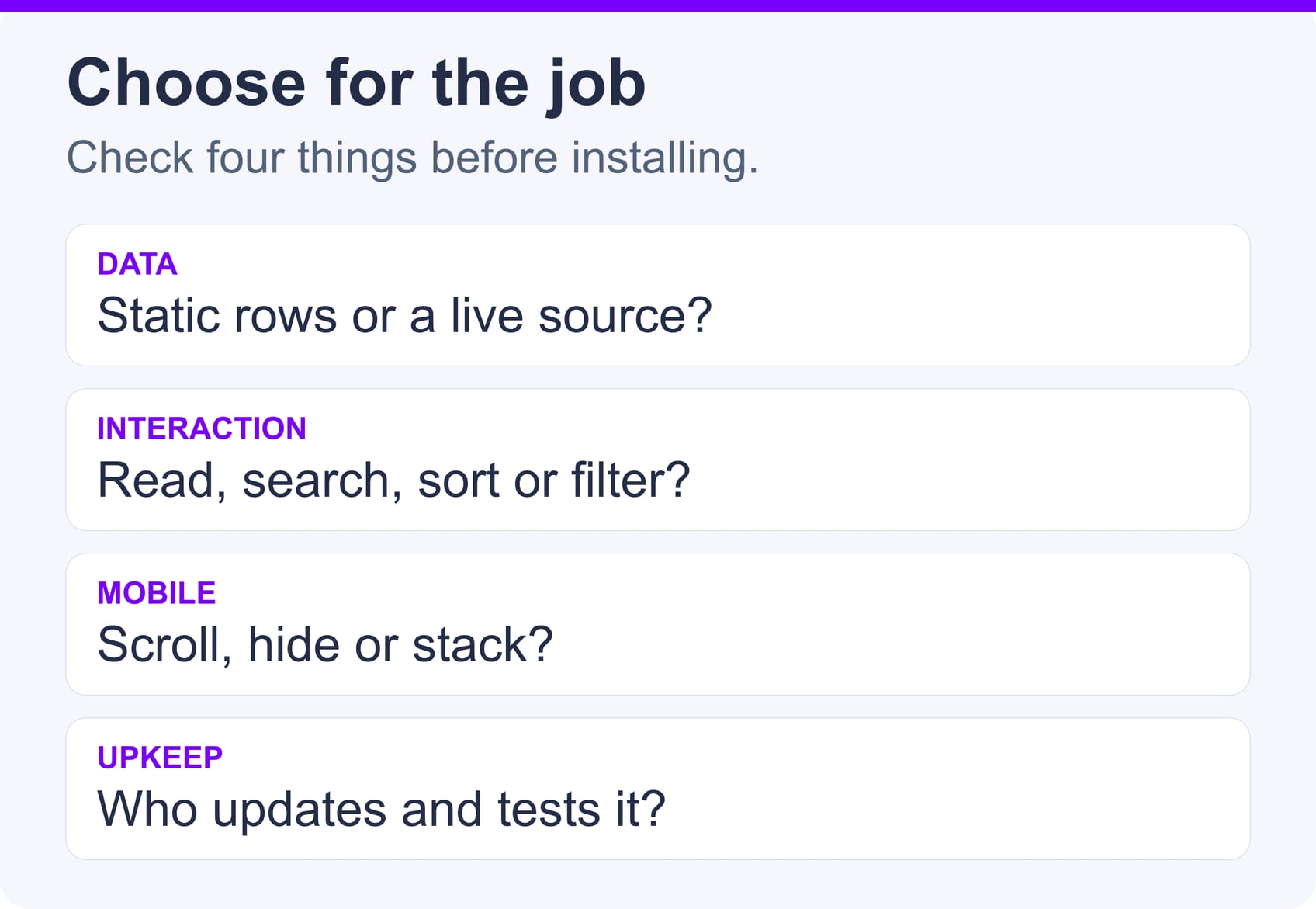
Choose features according to your data and publishing workflow rather than selecting the plugin with the longest feature list.
| Plugin | Best suited to | Notable capabilities | Important consideration |
|---|---|---|---|
| TablePress | General-purpose data tables | Search, sorting, pagination, imports, and exports | Some advanced features and responsive modes require a paid plan |
| wpDataTables | Large or dynamic datasets | External sources, calculations, filtering, and server-side MySQL tables | Many advanced capabilities are premium features |
| Ninja Tables | Styled business tables and directories | Responsive controls, search, sorting, and visual customization | Integrations and advanced functions vary by plan |
| WP Table Builder | Product and pricing comparisons | Drag-and-drop elements such as images, buttons, lists, and ratings | Less focused on database-style datasets |
| League Table | Rankings, standings, and statistics | Sortable columns, responsive layouts, and spreadsheet-style editing | Free Lite and paid Pro editions; check advanced feature availability |
Plugin features and licensing can change, so verify the current plan details before purchasing or designing a workflow around a specific integration.
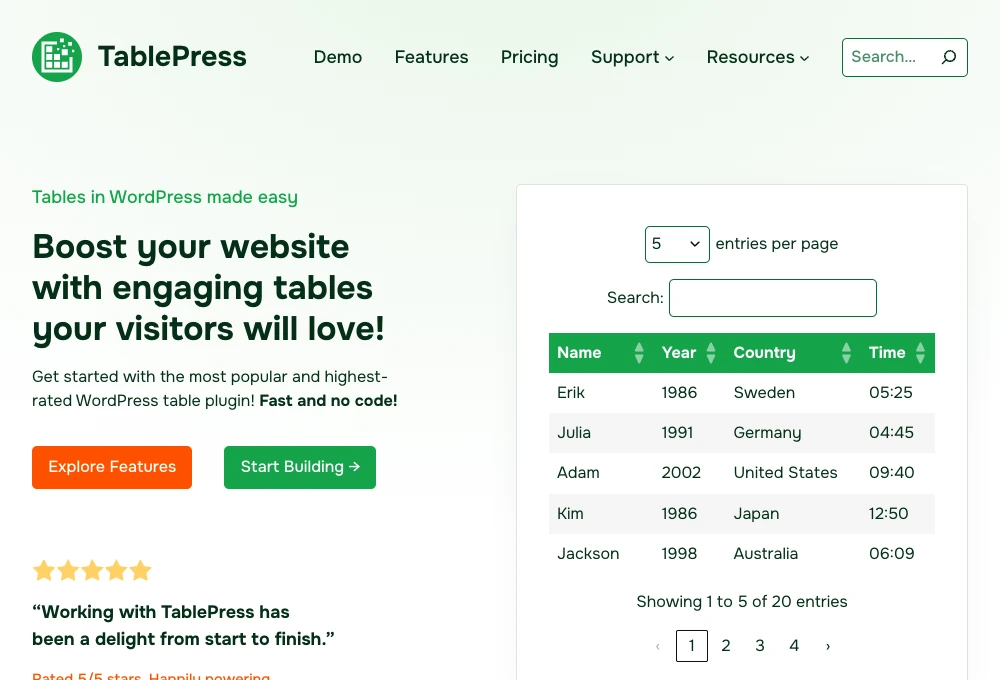
TablePress is a general-purpose plugin for creating and managing tables in the WordPress dashboard. Its free core includes sorting, search, pagination and horizontal scrolling. It imports Excel, CSV, HTML and JSON files; exports are available in CSV, HTML and JSON formats.
The plugin is well suited to reference lists, schedules, specifications and moderate datasets. More specialized responsive layouts and advanced functionality require a premium plan, so compare those options with your mobile and filtering requirements.
Choose TablePress when you want conventional data tables without building a custom database application.
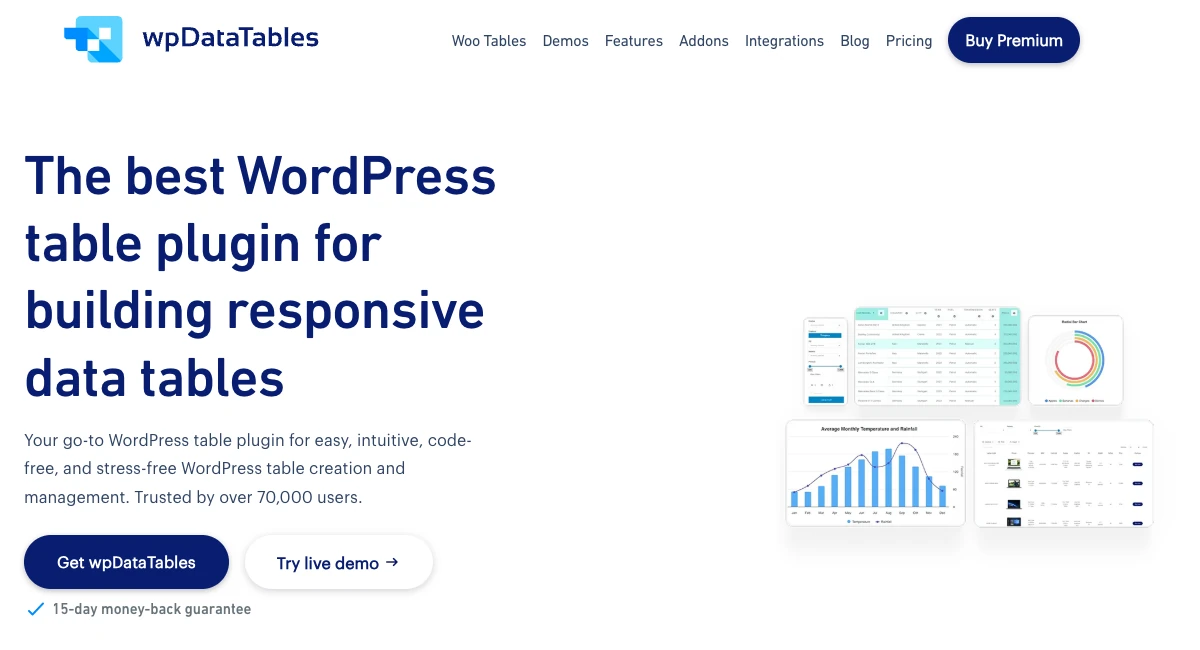
wpDataTables supports complex data presentation. Depending on the version and table type, it can use sources such as Excel, CSV, JSON, XML, Google Sheets and MySQL queries. It also offers filtering, calculations, charts, responsive controls and server-side processing for supported MySQL-backed tables.
These capabilities make it relevant to reports, business data, catalogs, and projects where the table behaves more like an interactive data application. However, source types and advanced features differ between the free and premium versions. Confirm that the plan you choose supports the exact source, editing workflow, and server-side behavior you require.
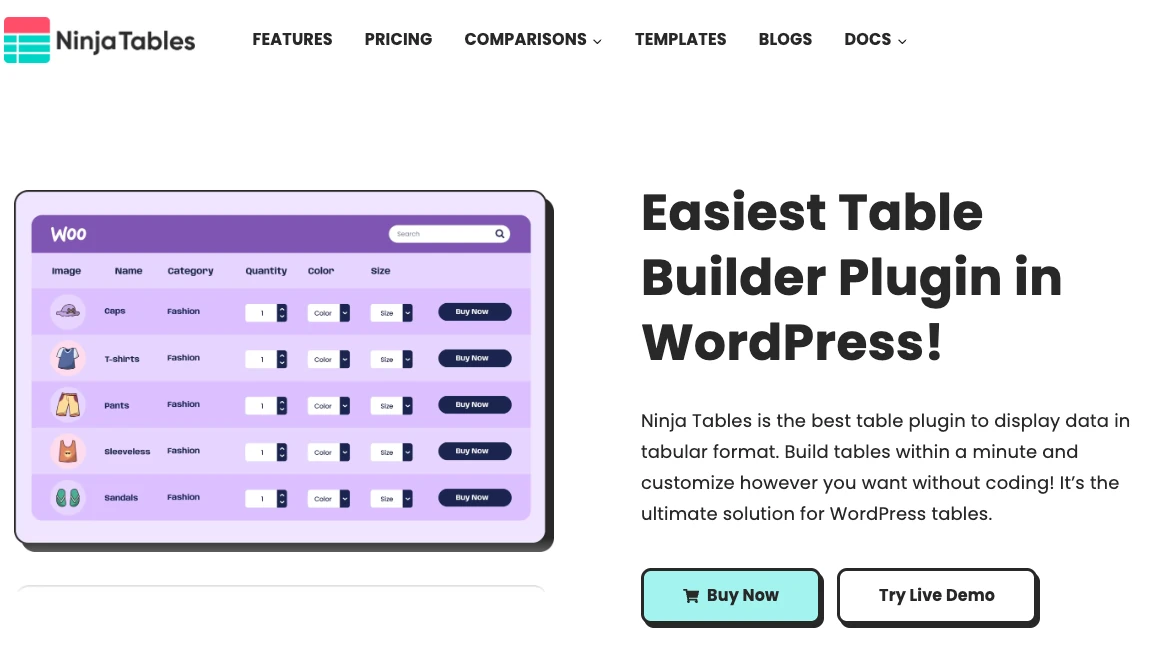
Ninja Tables provides a visual interface for responsive tables with search, sorting, pagination and styling controls. It is a practical option for directories, schedules and business tables that need to match a site’s design.
The plugin also offers integrations and more advanced customization in its paid version. Review those plan restrictions if you need dynamic data or connections to other WordPress plugins rather than a manually maintained table.
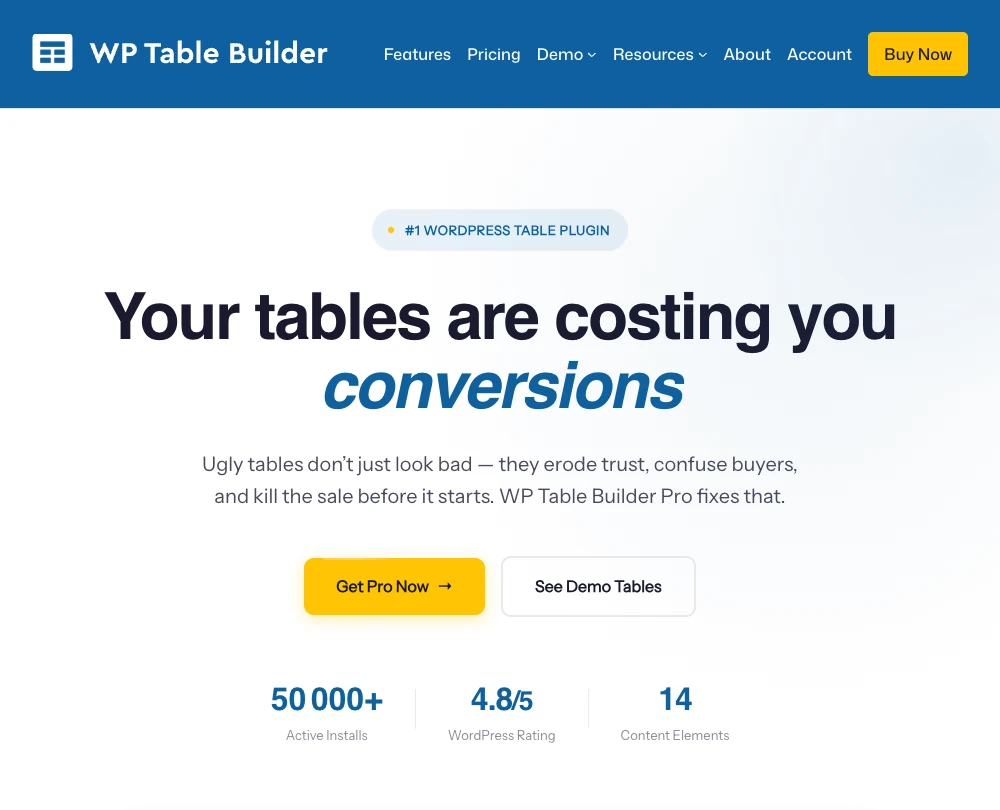
WP Table Builder uses a drag-and-drop editor with elements such as text, images, buttons, lists, icons and ratings. Availability varies between the free version and Pro. This approach suits pricing tables, product comparisons and affiliate content where visual presentation matters.
For a database containing thousands of records, first verify the source and processing requirements instead of assuming a visual builder is sufficient. For commercial comparisons, make sponsored relationships and affiliate links clear. Appropriate WordPress affiliate marketing plugins can help manage promotional links, but disclosures must still be visible to readers.
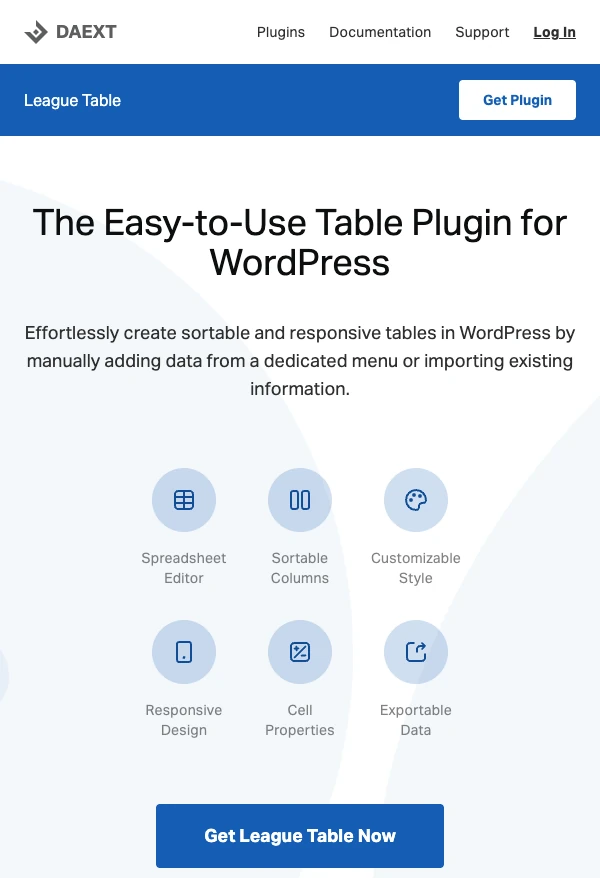
League Table offers a free Lite version and a paid Pro version for sortable tables, including rankings, standings and statistics. It provides a spreadsheet-style editor and responsive settings; compare the current editions for formulas, import/export and other advanced features.
Its focused toolset can be useful for sports results or leaderboards, but it is not the first choice for external databases, broad data-source integrations, or visually rich product comparisons.
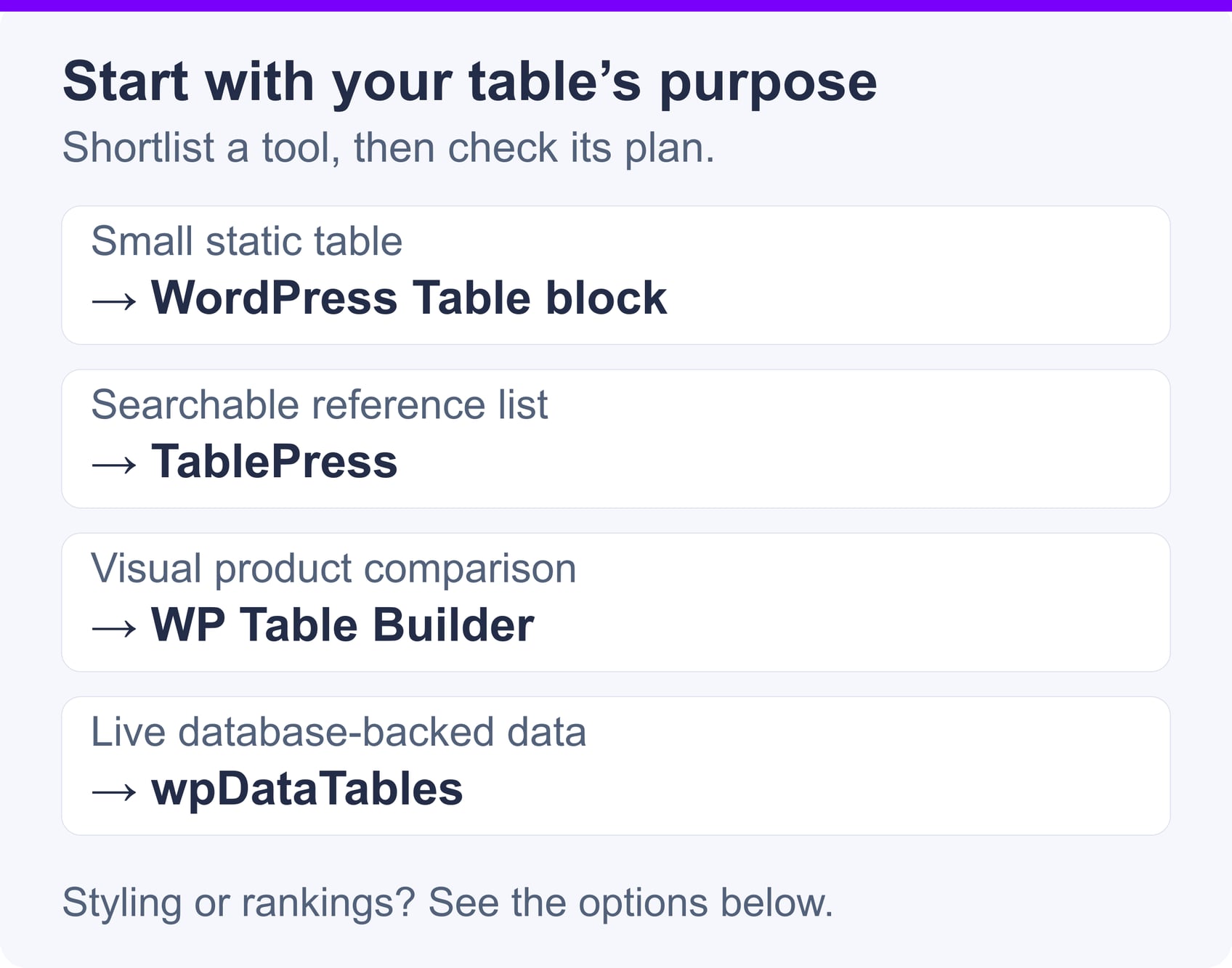
Use the native WordPress Table block when you only need a small set of static rows and columns. It avoids adding another plugin and is easy for editors to maintain within a post or page.
Choose TablePress if visitors need to sort or search the information, or if importing the data will be more efficient than entering it manually.
Product comparisons often contain images, ratings, prices, feature lists, and call-to-action buttons. WP Table Builder is a strong fit because its drag-and-drop elements are designed for visually structured comparisons.
Keep the number of columns manageable and avoid making color the only way to identify a recommended product. Prices and availability also need a defined update process so that the comparison does not become misleading.
Large datasets require more than pagination alone. Client-side pagination may divide the display into several pages while still sending the entire dataset to the visitor’s browser.
wpDataTables is an option in this list for MySQL-backed tables that need server-side processing. Test representative data volumes before launch: database design, query complexity, caching and hosting resources all affect performance.
Ninja Tables is useful when styling and responsive controls are important but the project does not require a full database application. It can work well for staff lists, service directories, schedules, and other structured business content.
Before committing to it, confirm whether your required integration is available in the free or paid version.
TablePress can handle straightforward sortable rankings, while League Table offers a workflow focused specifically on standings, leaderboards, and statistical results. If rankings must update automatically from another system, verify the required import or integration method before selecting either plugin.
A table should help visitors answer a question or make a decision. Adding more columns does not necessarily make it more useful.
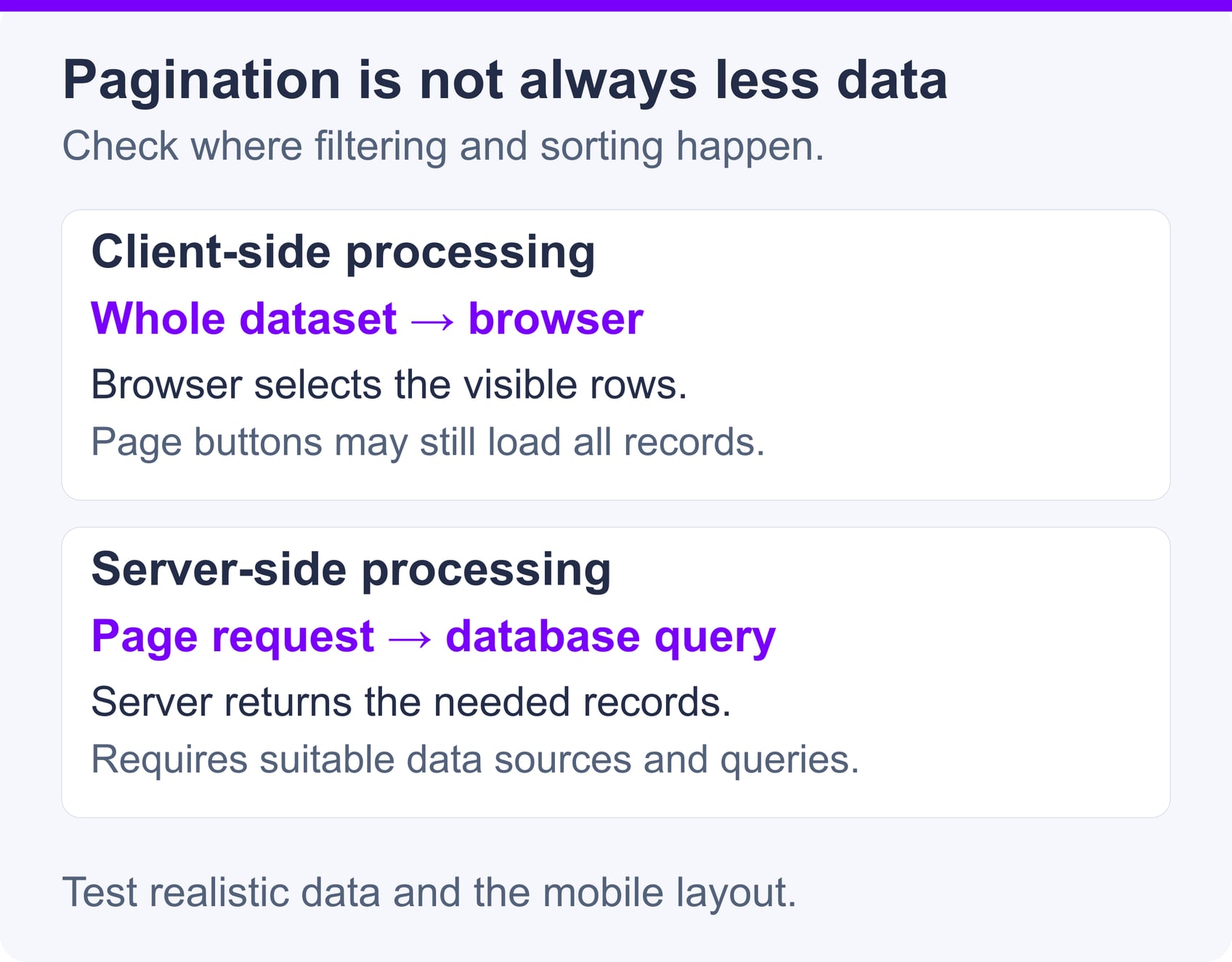
Performance problems usually appear when a table contains many records, runs expensive database queries, or includes numerous unoptimized images. Start by measuring the page with realistic data rather than assuming that pagination alone solves the problem.
For database-backed tables, index columns used frequently for filtering, sorting, or joins. Use server-side processing when supported and appropriate, and avoid automatically refreshing external data more often than necessary. Caching may help, but tables containing personalized or frequently changing information need careful cache rules.
The hosting plan must have enough resources for WordPress, its database and active plugins. SiteValley’s Small Business Hosting currently lists $8.95 per month or $95.99 per year, up to 50 websites, unlimited databases, daily backups, free SSL and unmetered traffic. Its 100,000 monthly visits figure is an estimate under typical conditions, not a performance guarantee. Table performance still depends on query efficiency, dataset size and the site’s overall workload.
Images used in comparison tables should be resized to their displayed dimensions and compressed. A suitable WordPress image optimization plugin can reduce image transfer sizes, but it should be tested to ensure that it does not interfere with table layouts or image quality.
On mobile devices, prioritize the information needed to make a decision. Horizontal scrolling can preserve column relationships, while stacked layouts may be easier to read when each row represents a separate item. Column hiding is appropriate only when the omitted information is genuinely secondary and remains available through another interaction or view.
Finally, follow the W3C guidance on accessible data tables and test with keyboard navigation and at least one screen reader. Search fields, sorting controls and expandable rows need understandable labels and a logical focus order.
You do not need a plugin for every table. The native WordPress Table block is appropriate for simple rows and columns without search, filters, calculations, imports or dynamic data.
A plugin adds code that must be updated and tested, so installing one for a small static table can create unnecessary maintenance. Conversely, manually maintaining a large catalog in the block editor can be error-prone and inefficient.
Use the block editor when the table is small and changes infrequently. Choose a plugin when interactive controls, repeatable imports, specialized layouts, or external data sources provide a clear benefit to editors or visitors.
The best WordPress table plugin is the one that matches your data, editing workflow, and visitors’ needs without adding unnecessary complexity.
TablePress is a practical general-purpose choice, while wpDataTables is better suited to complex or database-backed datasets. Ninja Tables emphasizes styling and responsive business tables, WP Table Builder works well for visual product comparisons, and League Table focuses on rankings and standings.
Before installing a plugin, determine how much data the table will contain, how it will be updated, which interactions visitors need, and how it should behave on mobile devices. If a small static table answers the reader’s question, the native Table block remains the simplest option.
What is the best free WordPress table plugin for general use?
Can WordPress tables be responsive on mobile devices?
Do I need a plugin to create a table in WordPress?
Which WordPress table plugin is suitable for large datasets?
Can a WordPress table plugin slow down a website?
Are WordPress table plugins automatically accessible?

Quick Customer care response, accurate and broad assistance, easy to use client area.....
I am very happy with the service. I am with site valley for many years and at the present usimg 2 hosting packages. Their service is excellent and super fast. Thanks & Greatly Appreciated
I've been hosting my websites with Sitevalley for more than 6 years. Very satisfied with the services and reliability they provide, competitive prices, almost no downtime, fast and knowledgeable customer support.
I have been using side valley for a couple of years now and have to say I am very happy with the service they offer.I use many Hosting services but site valley stands out in front. Reliable service, great support.I don't normally leave reviews but felt I wanted to for this service as it has been fantastic
I didn't want to review so soon on into taking out hosting with site valley but I feel obliged because their customer service is outstanding, second to none, every time I had an issue it was sorted immediately. I would highly recommend Site Valley.
I have been with Sitevalley for over a year and it's the best hosting I have EVER used. And I have been through a lot of them.
The support staff are amazing, and it's clear that they have a passion for hosting websites. I've rather enjoyed this webhosting company and it's stability for the price is bar-none, amazing.
My collegue adviced me to use SiteValley as a reliable hosting provider with great prices, professional and fast Customer Service. My experience with SiteValley was exactly the way I was promised.
I have been with SiteValley for many years, and plan to stay with them for many more. Customer support is very responsive and knowledgeable.
SiteValley.com is rated 4.8 / 5 based on 329 Reviews »

© 2001 – 2026 SiteValley.com. All Rights Reserved.
