

WordPress includes built-in search, but its limited relevance controls can become a problem as a website grows. Visitors may struggle to find products by SKU, content stored in custom fields, or articles that use a variation of their search term. Poor results can cause users to leave even when the right page exists.
A WordPress search plugin can address these problems through weighted results, broader content indexing, autocomplete, live results, or faceted filters. The right choice depends on whether you run a blog, WooCommerce store, directory, documentation library, or another content-heavy website.
This guide compares seven established WordPress search plugins and explains how to choose one based on content type, search behavior, performance, and budget.
Before installing a plugin, identify why your current search experience is failing. A store whose customers search by SKU needs a different solution from a publication that wants article titles to rank above body text.
A useful search engine should return the most relevant result first. Look for controls that let you choose which post types and fields are indexed, exclude unwanted content, and assign more weight to titles or other important fields.
Partial matching and typo tolerance can help when visitors do not know an exact title or product name. However, these features can also produce broad results, so test them with real queries before enabling them across the site.
Confirm that the plugin supports the content your website uses, including:
Support varies by plugin and may require a paid plan or extension. Review the current developer documentation before purchasing a license.
Live search displays suggestions while a visitor types. It can shorten the path to a product or article, but it also introduces browser requests and scripts that need performance testing.
Autocomplete is especially useful for stores and large knowledge bases. Smaller websites may be better served by a conventional results page with improved relevance.
Keyword search alone may not be enough for a large catalog or directory. Faceted filters let visitors narrow results by attributes such as category, price, location, color, or content type.
Choose filters that meaningfully reduce the available results. Too many filters can make navigation harder rather than easier.
Some plugins query the standard WordPress database structure, while others build a separate index. An index can improve relevance and query efficiency, but it requires storage and must be updated when content changes.
Test indexing time, database growth, live-search response time, and page speed on a staging site. Page caching can improve general performance, although search results and live AJAX requests may need to bypass cache. See this guide to choosing a WordPress cache plugin for additional optimization steps.
Hosting resources also matter when a large site must index thousands of posts or products. SiteValley’s Small Business web hosting plan is listed at $8.95 per month, with cPanel, unmetered web space and traffic, daily backups with 60 recovery points, and support for up to 50 websites. The advertised 100,000 monthly visits is an estimate under typical conditions, not a guarantee of search performance. Test indexing and query response against your own catalog and traffic.
Search analytics can show what visitors want, which queries return no results, and whether users describe products differently from your site. Not every plugin includes analytics, so you may need a compatible analytics tool or custom event tracking.
| Plugin | Best for | Free version | Main strength |
|---|---|---|---|
| SearchWP | Business and content-heavy sites | Paid engine; separate free live-search plugin | Detailed relevance and source controls |
| Relevanssi | Blogs, publications, and knowledge bases | Yes | Flexible matching and result weighting |
| Ivory Search | Sites requiring multiple search forms | Yes | Form-specific search configurations |
| Ajax Search Lite | Sites that primarily need live results | Yes | Lightweight live-search interface |
| FiboSearch | WooCommerce stores | Yes | Product-focused autocomplete |
| WP Extended Search | Sites needing basic search scope controls | Yes | Straightforward inclusion and exclusion settings |
| FacetWP | Directories, listings, and large catalogs | No | Faceted filtering for structured content |
Features and license terms can change. Verify the current plugin documentation and pricing before deployment.
The website images below show each developer’s public English-language site. The comparisons draw on current developer documentation; they are not hands-on benchmark results.
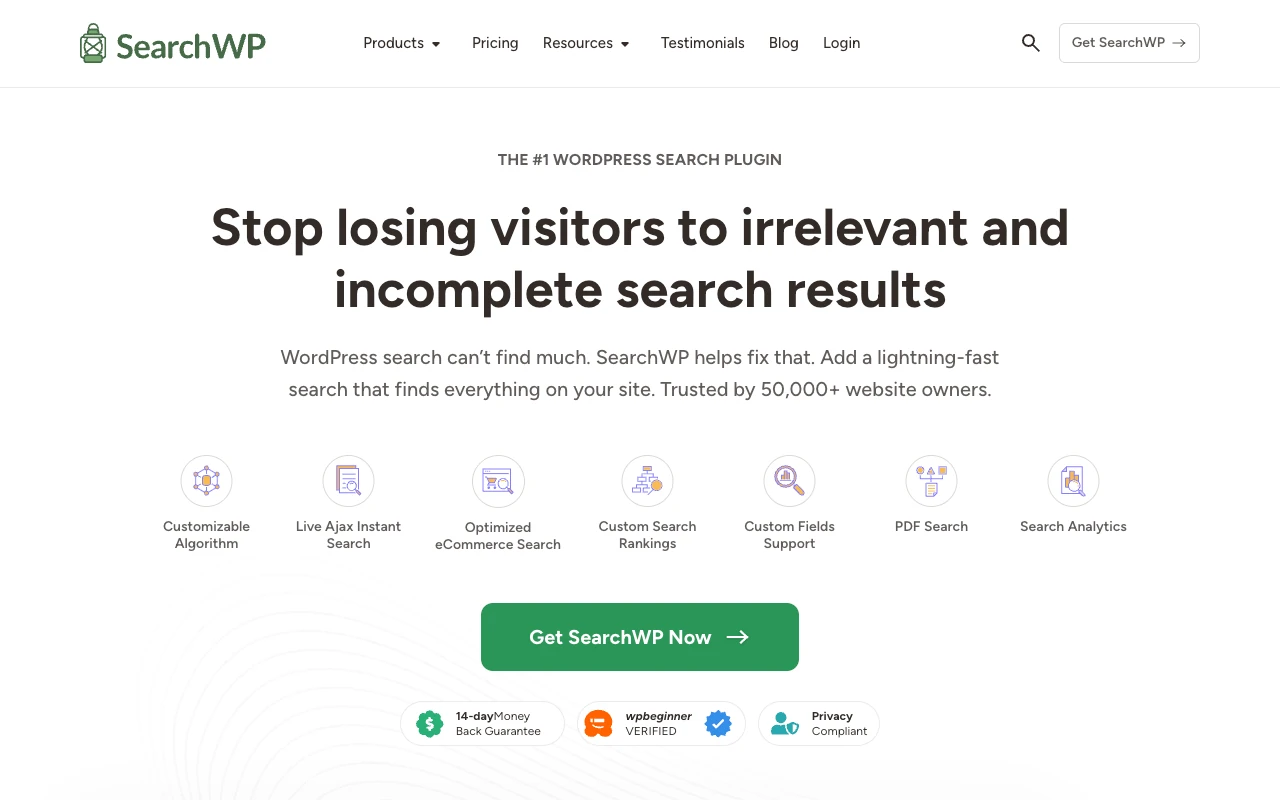
SearchWP is designed to improve WordPress search relevance while working with existing search forms and results templates. It can index sources that default WordPress search may not handle effectively, including custom fields, custom post types, taxonomy terms, and supported document content.
Its relevance controls let administrators assign different weights to titles, content, excerpts, and other indexed attributes. For example, a documentation site can give article titles more influence than body text.
SearchWP also provides WooCommerce integration, although stores that mainly need visual product autocomplete may prefer a product-specific tool. SearchWP is best suited to businesses and content-heavy websites that need detailed indexing and relevance controls and are prepared to use a paid solution.
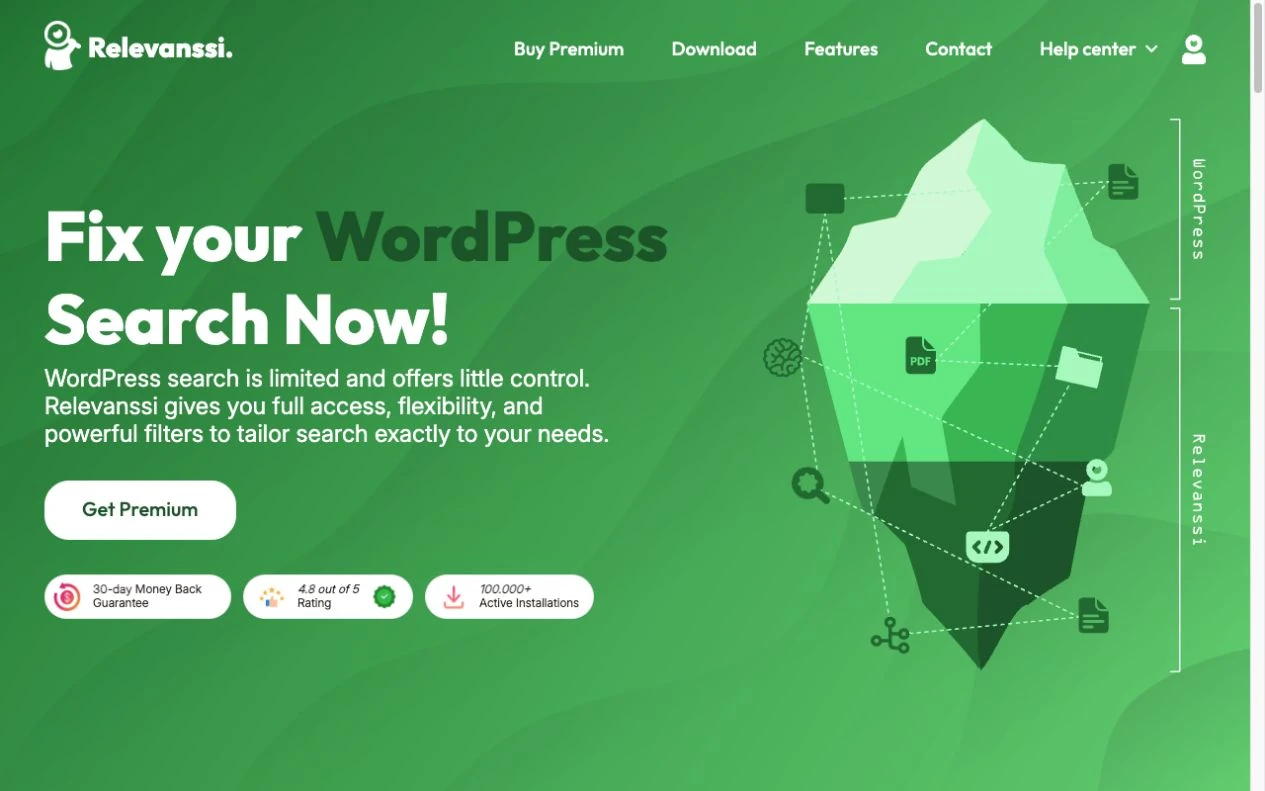
Relevanssi replaces the standard WordPress search behavior with its own indexed search. It supports features such as partial matching, phrase searching, relevance-based ordering, and configurable weighting. Premium features extend its capabilities, including additional matching and multisite options.
The free version is suitable for many blogs, publications, and knowledge bases. Administrators can adjust which content is indexed and assign more importance to titles, tags, or other fields.
Relevanssi’s index can consume substantial database space on a large website. Check its documentation, create a backup, and measure index size in staging before enabling it on a large production site.

Ivory Search lets administrators create multiple search forms with different rules. One form can search blog posts, while another searches products or a specific custom post type.
The plugin supports WooCommerce, taxonomies, custom post types, and AJAX search, although access to particular features depends on the selected version. Forms can be placed in supported site areas using the available WordPress integration methods.
Ivory Search is a practical choice when different sections of a website require distinct search scopes. Review each form after changing themes or page builders to confirm that its placement and styling still work correctly.

Ajax Search Lite provides live suggestions as visitors type. It can search posts, pages, and supported custom post types while displaying results in an interactive dropdown.
The plugin is most appropriate when the primary goal is to add live search without implementing a more extensive relevance or filtering system. Its interface includes customization options, but complex sites may require the separately available premium product, Ajax Search Pro.
Live search can generate repeated requests while users type. Test it with caching, security, and performance plugins enabled, and confirm that mobile visitors can use the results without the dropdown covering important controls.
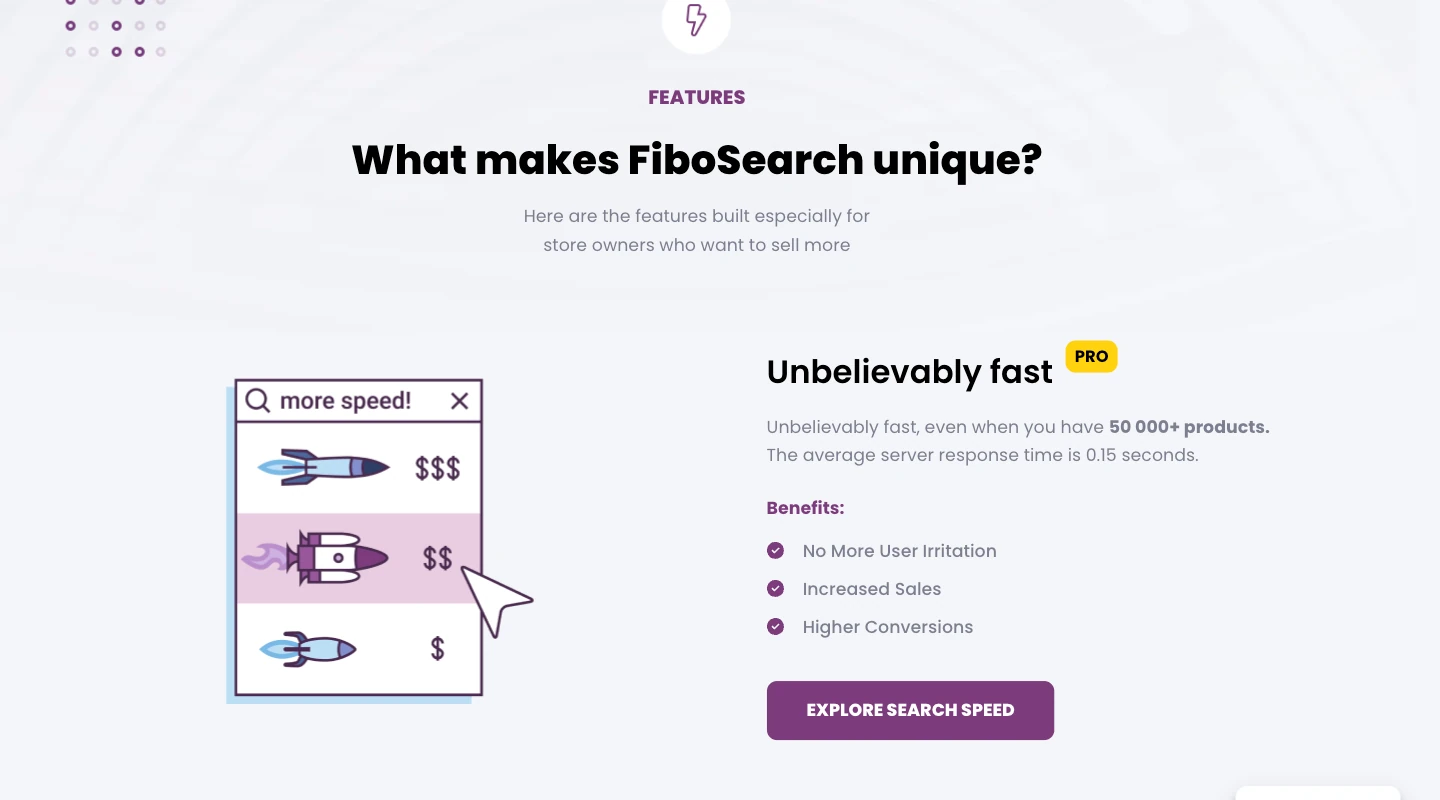
FiboSearch is built specifically for WooCommerce product search. Its autocomplete can show product names, images, prices, and other supported product information while a shopper types. Depending on configuration and version, stores can also make identifiers such as SKUs searchable.
This product-focused presentation helps shoppers distinguish between similar items before opening a product page. It is generally a better fit for a WooCommerce catalog than a plugin designed mainly for posts and pages.
FiboSearch has free and premium versions. Stores should check which catalog size, indexing method, and advanced search features are supported by the version under consideration. For the rest of the store stack, compare these WordPress ecommerce plugins.
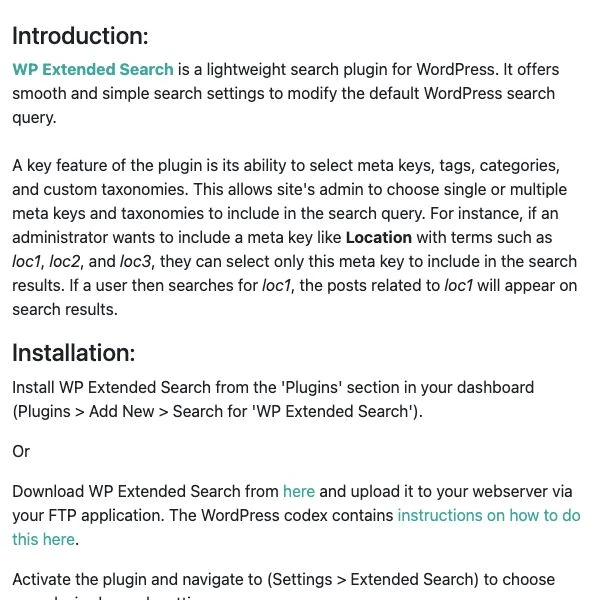
WP Extended Search adds controls for the content included in standard WordPress searches. Administrators can configure searchable post types, metadata, taxonomies, and other supported fields without adopting a more elaborate search interface.
Its narrower feature set is useful for sites that mainly need to adjust search scope. For example, an organization could include a custom resource post type while excluding landing pages that should not appear in public results.
This plugin is less suitable when the project requires sophisticated autocomplete, typo tolerance, analytics, or faceted navigation. Confirm compatibility with other plugins that modify the main WordPress search query.
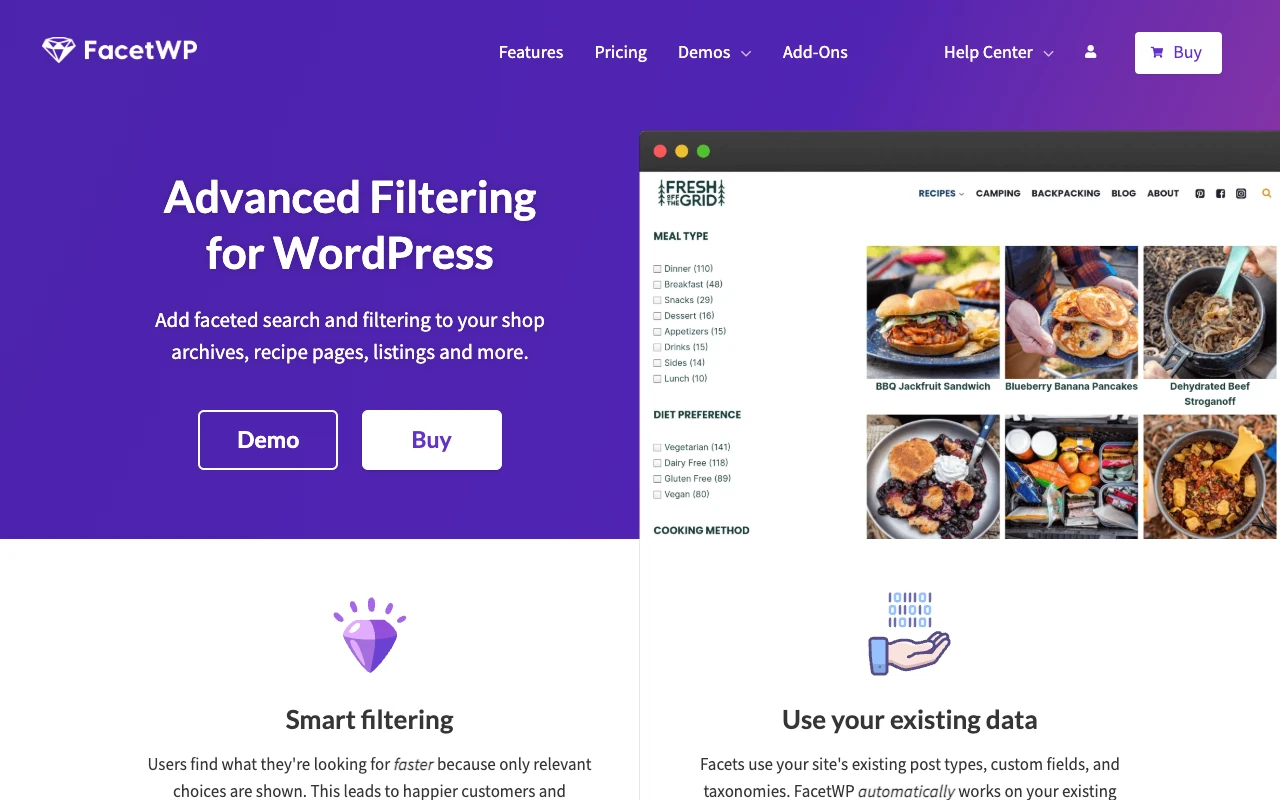
FacetWP focuses on faceted filtering rather than serving as a simple replacement for the standard search box. It lets visitors refine structured content using controls such as checkboxes, dropdowns, sliders, and search facets.
This approach works well for directories, real estate listings, resource libraries, and product catalogs with meaningful attributes. It can integrate with supported WordPress content and query setups, but implementation may require template configuration or developer involvement.
Choose FacetWP when filtering is central to navigation. A small blog that only needs better keyword relevance will usually benefit from a simpler plugin.
Match the plugin to a defined search problem instead of selecting the option with the longest feature list.
Start with Relevanssi if you need better matching, relevance-based ordering, and control over how posts are indexed. SearchWP is another option when you need more detailed source and weighting controls or supported integrations.
Consider FiboSearch when customers need product autocomplete, images, prices, or SKU-based discovery. SearchWP may be more suitable when the store’s main problem is relevance across products and other site content rather than a visual autocomplete interface.
FacetWP is a suitable option in this list when users need to narrow a large result set by several structured attributes. Confirm that your theme, custom fields, and query setup are compatible before committing to the implementation.
Ivory Search is useful when separate areas of the website need different forms and searchable content. It can prevent a product-only search from being mixed with blog posts or unrelated pages.
WP Extended Search may be sufficient if you only need to include custom fields or post types, exclude unwanted content, or change what the standard search covers. Ajax Search Lite is a better match when live suggestions are the main requirement.
Do not evaluate a plugin using only one or two obvious keywords. Build a test set based on actual visitor behavior and the content that matters to the business.
Websites with sustained traffic should test search under realistic load and review whether their WordPress hosting setup can support high traffic before enabling request-heavy live features.
A plugin cannot compensate for disorganized content. Use descriptive titles, consistent product attributes, clear categories, and focused taxonomy terms so the search engine has useful information to index.
Review unsuccessful queries regularly. If visitors repeatedly search for a topic that has no result, create the missing content or add the terminology they use to an appropriate page. Redirecting common synonyms to the same concept can also improve discovery when the plugin supports that behavior.
Avoid indexing content that provides no value in results, such as internal templates, thank-you pages, or outdated landing pages. A smaller, intentional index can be more useful than one containing every public database entry.
The best WordPress search plugin is the one that fixes a specific discovery problem without adding unnecessary complexity. Relevanssi and SearchWP offer stronger relevance controls for general content, FiboSearch specializes in WooCommerce product discovery, Ivory Search supports multiple search forms, and FacetWP is designed for structured filtering.
Before selecting a plugin, document the queries that currently fail, confirm support for your content types, and test indexing and response times in staging. This process helps you choose a search system that returns useful results while remaining manageable as the website grows.
Does every WordPress website need a search plugin?
Can a search plugin index custom fields and custom post types?
Can WordPress search plugins find WooCommerce SKUs?
Will a search plugin slow down WordPress?
Can two WordPress search plugins run at the same time?
What should I do before changing search plugins?

Quick Customer care response, accurate and broad assistance, easy to use client area.....
I am very happy with the service. I am with site valley for many years and at the present usimg 2 hosting packages. Their service is excellent and super fast. Thanks & Greatly Appreciated
I've been hosting my websites with Sitevalley for more than 6 years. Very satisfied with the services and reliability they provide, competitive prices, almost no downtime, fast and knowledgeable customer support.
I have been using side valley for a couple of years now and have to say I am very happy with the service they offer.I use many Hosting services but site valley stands out in front. Reliable service, great support.I don't normally leave reviews but felt I wanted to for this service as it has been fantastic
I didn't want to review so soon on into taking out hosting with site valley but I feel obliged because their customer service is outstanding, second to none, every time I had an issue it was sorted immediately. I would highly recommend Site Valley.
I have been with Sitevalley for over a year and it's the best hosting I have EVER used. And I have been through a lot of them.
The support staff are amazing, and it's clear that they have a passion for hosting websites. I've rather enjoyed this webhosting company and it's stability for the price is bar-none, amazing.
My collegue adviced me to use SiteValley as a reliable hosting provider with great prices, professional and fast Customer Service. My experience with SiteValley was exactly the way I was promised.
I have been with SiteValley for many years, and plan to stay with them for many more. Customer support is very responsive and knowledgeable.
SiteValley.com is rated 4.8 / 5 based on 329 Reviews »

© 2001 – 2026 SiteValley.com. All Rights Reserved.
