

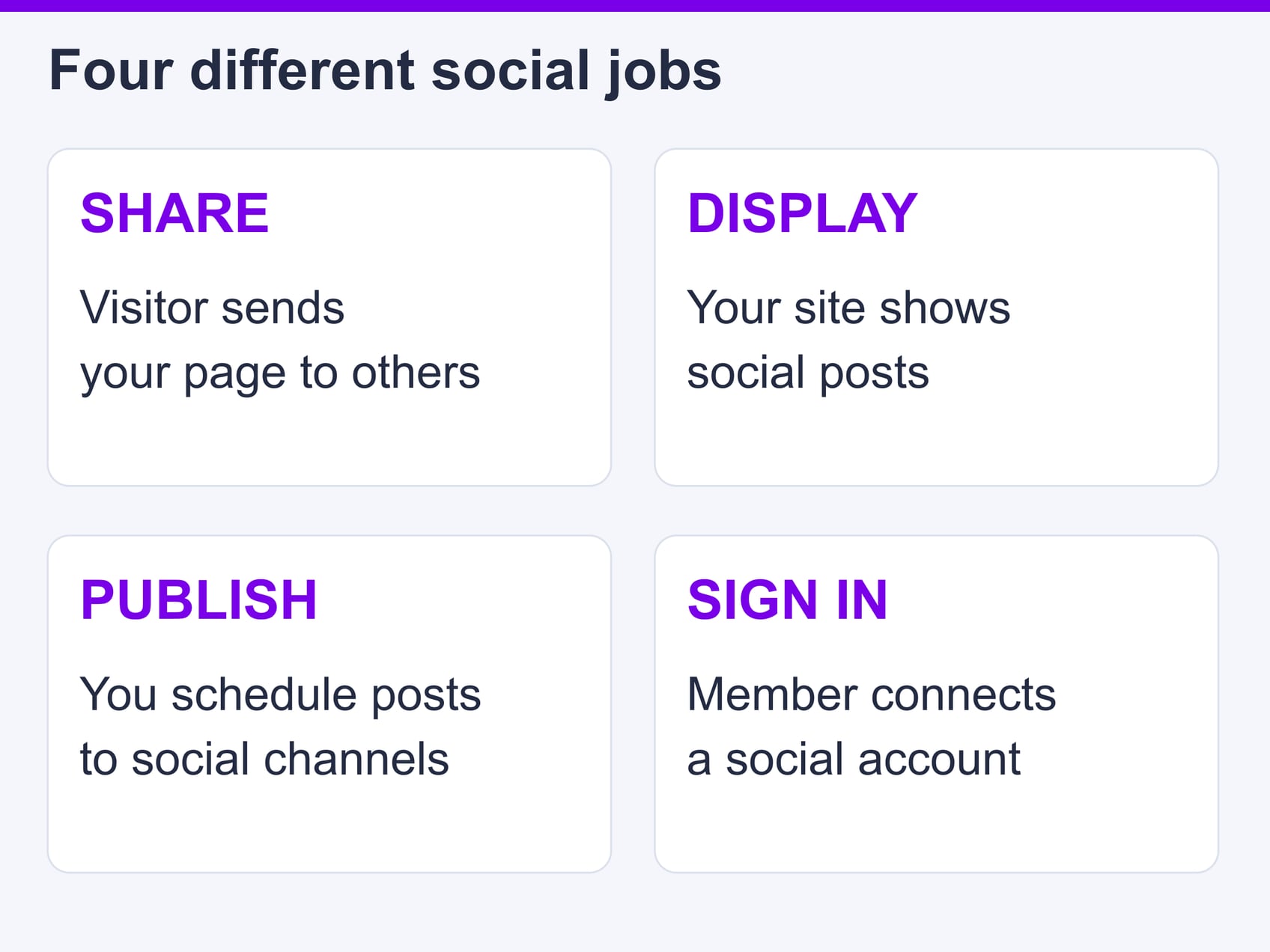
The best social media plugin for WordPress is the one that solves your next visitor problem. Sharing an article, displaying an Instagram feed, scheduling promotional posts and signing in with a social account are four different jobs. Installing a popular plugin for the wrong job adds maintenance without helping the reader.
This guide compares seven familiar options by purpose, setup effort and limitations. It draws on current official product pages and documentation, not a hands-on performance benchmark. Two older recommendations need particular care: Shared Counts has left the WordPress.org directory, and Social Warfare’s directory listing carries a compatibility warning.
Keep a recovery route ready with web hosting that includes daily backups, 60 recovery points and a 24/7 support team.
Write down the action you want someone to take before comparing features. A share button sends your page to a visitor’s chosen service. A feed brings social content onto your site. An auto-posting tool sends your own content out on a schedule. Social login connects a visitor’s identity to a WordPress account.
These functions can complement one another, but they are not substitutes. A feed will not automatically promote new articles, and a sharing plugin will not manage customer registration. If you only need links to your social profiles, ordinary links or your theme’s social icons may be enough.
| Primary goal | Shortlist and decision |
|---|---|
| Let readers share pages | Compare AddToAny and Novashare; review the maintenance caveats before choosing Social Warfare or Shared Counts. |
| Display social content | Smash Balloon: choose the specific network’s feed plugin and required edition. |
| Schedule your own promotion | Revive Social: confirm the network, account type and scheduling features in the intended plan. |
| Simplify member sign-in | Nextend Social Login: check provider setup and whether your forms require its Pro Addon. |
Start with one candidate for your main job. The website images below show the vendors’ public pages; their marketing claims are not independent proof of speed, conversion gains or security.
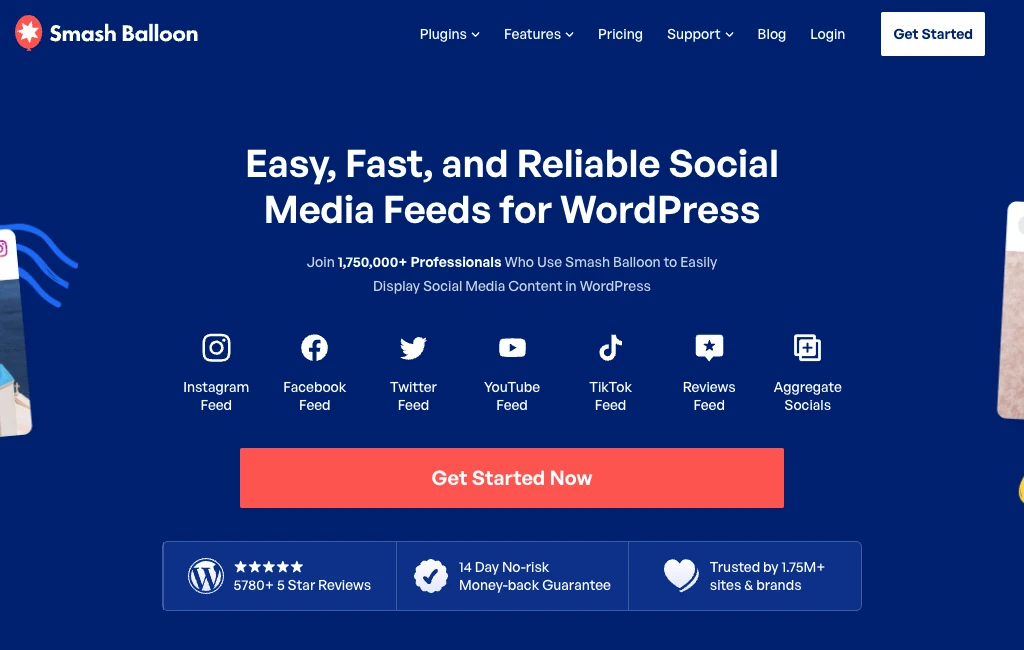
Smash Balloon is a family of feed plugins, with products for Instagram, Facebook, X, YouTube and TikTok, plus reviews. It suits a business that already publishes useful social content and wants visitors to see that activity on its website. Choose the network-specific product; do not assume every feed or combined social wall comes with a single base purchase.
The vendor documents feed caching and customization. Those features can reduce repeated retrieval work, but a media-heavy feed still needs testing on your pages. Check account eligibility, reconnection requirements, free-versus-paid layouts and consent integration. A cached feed can remain visible while showing older content, so someone should own freshness checks.
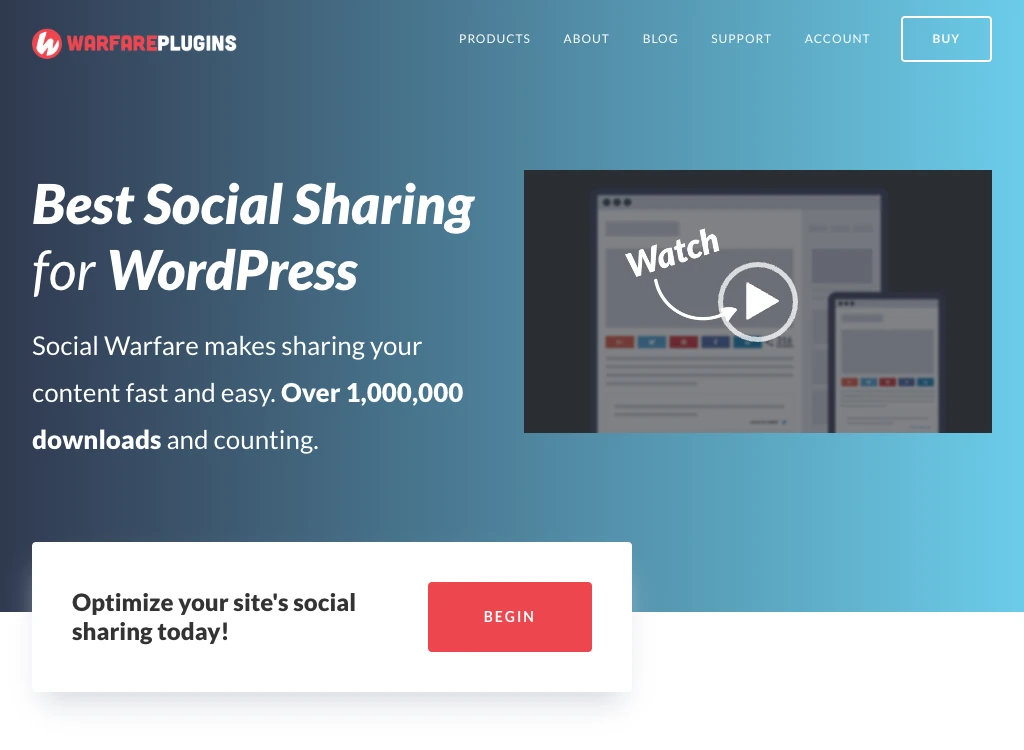
Social Warfare focuses on sharing buttons and how shared content is presented. Its public site describes placement and customization options, making it a candidate for publishers who need more control than basic links. Verify the features in the exact free or Pro edition before buying.
There is a material qualification: at this review, the official WordPress.org listing warns that the free plugin has not been tested with the latest three major WordPress releases. That warning does not establish that every installation is broken or that the commercial product is abandoned. It does mean a new installation needs current compatibility and support confirmation, followed by staging tests. It should not be presented as an unconditional recommendation.
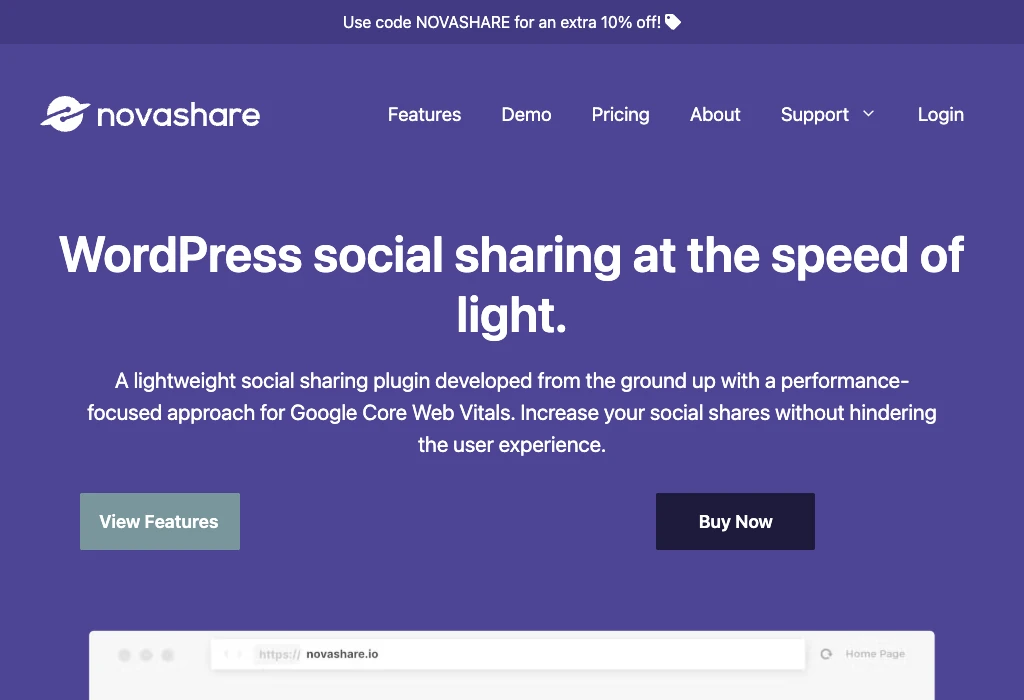
Novashare is a paid sharing plugin with inline and floating buttons, follow buttons, share counts and block-editor integration. It is a useful shortlist option when you want sharing controls with a relatively focused feature set instead of feeds, login and publishing automation in one package.
The developer emphasizes a small frontend footprint and avoiding a jQuery dependency. Treat that as a design description, not a measured speed advantage on your site. Counts, extra features, theme behavior and caching affect the final result. Test the configuration you will actually use, including whether floating controls cover text or checkout buttons on a phone.
Shared Counts provides sharing buttons, cached counts and developer customization hooks. Its own website links to a GitHub download. However, its WordPress.org listing says the directory entry was permanently closed at the author’s request on 27 September 2024.
Directory closure is not proof that the GitHub project has disappeared. It does change the installation and update decision. Check the official repository, release you intend to install, update mechanism and support arrangements. For a non-technical owner wanting ordinary dashboard installation and predictable maintenance, consider the other sharing options first. Existing users should assess their installed version and migration needs rather than assume the directory will deliver future updates.
AddToAny offers a broad sharing menu, standard and floating buttons, follow links and image-sharing options. Its official WordPress plugin is a practical free starting point for a blog that wants readers to choose their preferred service without managing a separate AddToAny account.
Broad network coverage is useful only if the controls remain easy to use. Show a small set relevant to your audience and keep less common choices in the menu. Test destinations, focus order and touch targets. Where you enable externally loaded scripts, counts or analytics integrations, review their behavior with your consent settings and performance tools.
Revive Social, associated with the Revive Old Posts plugin, schedules promotion of WordPress content and can resurface older posts. Its product page describes content filtering, recurring schedules and tracking features. It fits a publisher with an evergreen archive and an owner who can review what is eligible to be shared.
Confirm which networks, account types and features your chosen plan supports. Platform permissions and connection requirements can change; a connected account today is not a promise of uninterrupted publishing. Exclude expired offers, outdated advice and sensitive posts. Review a small initial queue before enabling recurrence, and check failed jobs rather than assuming a schedule proves delivery.
Nextend Social Login adds social sign-in to WordPress. The current edition comparison lists Facebook, Google and X in the free version; additional providers and automatic placement on forms such as WooCommerce require the Pro Addon. Confirm your exact membership or checkout form is supported.
Social login still needs provider configuration and testing. Keep a working alternative sign-in and account-recovery route. Test both a new user and an existing account, including linking and unlinking, redirects and correct access permissions. Easier login does not by itself prove stronger identity verification, fewer fraudulent orders or increased sales.
Start with a sharing plugin if readers already find the articles useful enough to pass on. Place controls near a natural reading endpoint and track referral visits or useful actions, not just displayed share counts. Add scheduled promotion only when the archive is kept current.
A feed can help visitors inspect recent work, events or products. It earns its place when it answers a customer question; an empty or stale feed can do the opposite. Keep contact details, key services and booking links available even when the social platform is unavailable.
Treat login as an account workflow, not a decorative widget. Test existing customers, access to paid content and checkout continuity before deployment. Choose sharing and feed features separately from authentication, and keep promotional controls away from essential purchase actions.

Use an isolated WordPress staging environment, a recent recoverable backup and a single candidate configuration. Prevent staging from posting to real social accounts or sending customer notifications. A successful homepage load is only the start of the test.
| Check | What passing looks like |
|---|---|
| Mobile layout | Buttons are tappable, text stays readable, and floating bars do not cover navigation, consent choices or checkout. |
| Real sharing | The intended URL opens at the chosen service with a sensible title and image. No private or staging URL is shared. |
| Consent and loading | The feature behaves as intended before and after consent; blocked external requests do not leave broken page layout. |
| Performance | Compare the same page before and after activation under the same conditions, including cached and uncached visits. |
| Accounts and automation | Sign-in permissions, recovery and scheduled jobs work; expired connections and failures are visible to an owner. |
| Recovery | You know how to disable the feature safely and restore the necessary files or settings without erasing newer site activity. |
For consent-sensitive embeds, use the configuration guidance from the plugin and your consent tool. A vendor’s compliance label is not a complete assessment of your installation. Our cookie-plugin guide explains the practical distinction between displaying a banner and controlling what loads.
Pay for a requirement you can name: a particular provider, supported checkout integration, needed layout, scheduling control or access to support. Compare renewal terms, site limits and what happens when a license expires. Avoid purchasing an entire bundle when one feature addresses the problem.
Free software can be the right fit, but maintenance still costs time. Directory availability, documented update paths and compatibility evidence matter more than the word “free.” Likewise, a paid license does not make a configuration fast or reliable without checking it on your site.
Assign someone to review connections, updates and the visible result. Remove duplicate sharing tools, retire unused integrations and refresh the content selected for automated promotion. Check the feature again after changes to your theme, caching, consent settings or account permissions.
Measure a result connected to the original goal: referral visits for sharing, useful visits from scheduled promotion, or successful sign-ins for login. A count displayed beside a button may be cached or unavailable for some services; it is not a complete record of engagement. Keep the integration only while it serves visitors.
Choose the job first, then compare the smallest practical shortlist. AddToAny and Novashare address sharing; Smash Balloon addresses feeds; Revive Social addresses promotion; Nextend addresses sign-in. Social Warfare and Shared Counts need the maintenance checks described above before selection. Test one configuration, keep a recovery route and expand only when another feature has a clear purpose.
Do I need a plugin just to link to my social profiles?
Can I use a sharing plugin and a feed plugin together?
Why does a shared link show the wrong image or title?
Is a zero share count proof that nobody shared the page?
Will social login replace my customers' existing accounts?
What should I do if an automatic posting connection stops working?

Quick Customer care response, accurate and broad assistance, easy to use client area.....
I am very happy with the service. I am with site valley for many years and at the present usimg 2 hosting packages. Their service is excellent and super fast. Thanks & Greatly Appreciated
I've been hosting my websites with Sitevalley for more than 6 years. Very satisfied with the services and reliability they provide, competitive prices, almost no downtime, fast and knowledgeable customer support.
I have been using side valley for a couple of years now and have to say I am very happy with the service they offer.I use many Hosting services but site valley stands out in front. Reliable service, great support.I don't normally leave reviews but felt I wanted to for this service as it has been fantastic
I didn't want to review so soon on into taking out hosting with site valley but I feel obliged because their customer service is outstanding, second to none, every time I had an issue it was sorted immediately. I would highly recommend Site Valley.
I have been with Sitevalley for over a year and it's the best hosting I have EVER used. And I have been through a lot of them.
The support staff are amazing, and it's clear that they have a passion for hosting websites. I've rather enjoyed this webhosting company and it's stability for the price is bar-none, amazing.
My collegue adviced me to use SiteValley as a reliable hosting provider with great prices, professional and fast Customer Service. My experience with SiteValley was exactly the way I was promised.
I have been with SiteValley for many years, and plan to stay with them for many more. Customer support is very responsive and knowledgeable.
SiteValley.com is rated 4.8 / 5 based on 329 Reviews »

© 2001 – 2026 SiteValley.com. All Rights Reserved.
