

Below is a quick overview of five popular self-hosted CRM solutions. In this comparison, SuiteCRM is the familiar classic CRM choice, ERPNext extends into broader business operations, Odoo Community is modular yet often nudges you toward add-ons, Yetiforce offers extensive features for teams that can handle extra configuration, and CiviCRM excels when contact management, donations, memberships, or event organization are as important as sales.
| CRM | Primary language | Database | License | Notable built-in modules |
|---|---|---|---|---|
| SuiteCRM | PHP | MariaDB / MySQL | AGPL v3 | Leads, Opportunities, Accounts, Cases, Campaigns, Quotes, Reports |
| ERPNext | Python + JavaScript | MariaDB | GPL v3 | CRM, Sales, Accounting, Projects, Help Desk, Inventory |
| Odoo Community | Python + JavaScript | PostgreSQL | LGPL v3 | CRM, Sales, Invoicing, Inventory, Project, Email Marketing |
| Yetiforce | PHP | MariaDB / MySQL | YetiForce Public License | Leads, Contacts, Sales Pipeline, Projects, Support, Inventory, Documents |
| CiviCRM | PHP | MariaDB / MySQL | GPL v3 | Contacts, Contributions, Memberships, Events, Mailings, Cases |
\*Use official project sources for release dates and community metrics before publishing. GitHub stars are easy to verify, but forum/member counts are subject to change.
The platforms naturally split into two groups. SuiteCRM and Yetiforce focus on CRM-first functionality, while ERPNext and Odoo extend into full business suites that include CRM capabilities. CiviCRM distinguishes itself with a focus on relationship management rather than a strict sales pipeline.
A solo founder managing deals may favor a CRM with a streamlined sales workflow, whereas a business juggling quotes, inventory, invoices, and support tickets might benefit from an integrated system like ERPNext or Odoo. Nonprofits and organizations managing events, memberships, or donations will appreciate CiviCRM’s tailored features.

Choosing the right CRM isn’t only about a long list of features; it’s also about deployment ease, maintenance, and fitting the platform to your workflow. Consider these factors when evaluating a self-hosted CRM:
Installation and Maintenance:
Look for projects that provide Docker images, clear package documentation, or one-click deployment scripts. A straightforward setup can reduce installation time from days to hours. Also, review the upgrade process; if updates demand manual command-line work, database migrations, or extensive module testing, the so‑called “free” CRM might incur hidden costs.
Core Feature Completeness:
Focus on essential features such as contact management, leads, deal tracking, notes, tasks, and reporting. A CRM with underdeveloped reporting can create blind spots in your sales pipeline, making it hard to pinpoint where revenue might be lost.
Customization and Extensibility:
Most businesses eventually require custom fields, role-based views, and API integrations to connect with other tools. A rich extension marketplace and a well-documented REST API ensure the CRM can grow alongside your business.
Performance:
Some CRMs operate smoothly on a modest VPS with 2–4 GB of RAM; others demand more robust hardware and databases. Slow response times, such as lag when opening a contact record, can disrupt business operations.
| Criterion | Why It Matters | Importance |
|---|---|---|
| Ease of install and updates | Reduces time-to-launch and administrative workload | High |
| Core CRM features | Prevents reliance on excessive plugins for basic tasks | High |
| Customization and API | Ensures the system adapts to unique workflows | High |
| Performance footprint | Controls hosting costs | Medium-High |
| Community and extensions | Enhances support speed and long-term viability | Medium-High |
| Security and compliance | Protects customer data and fulfills regulations like GDPR | High |
The recommendation is to focus first on installation ease, core functionality, and security. Additional features only matter if the CRM is simple and reliable.
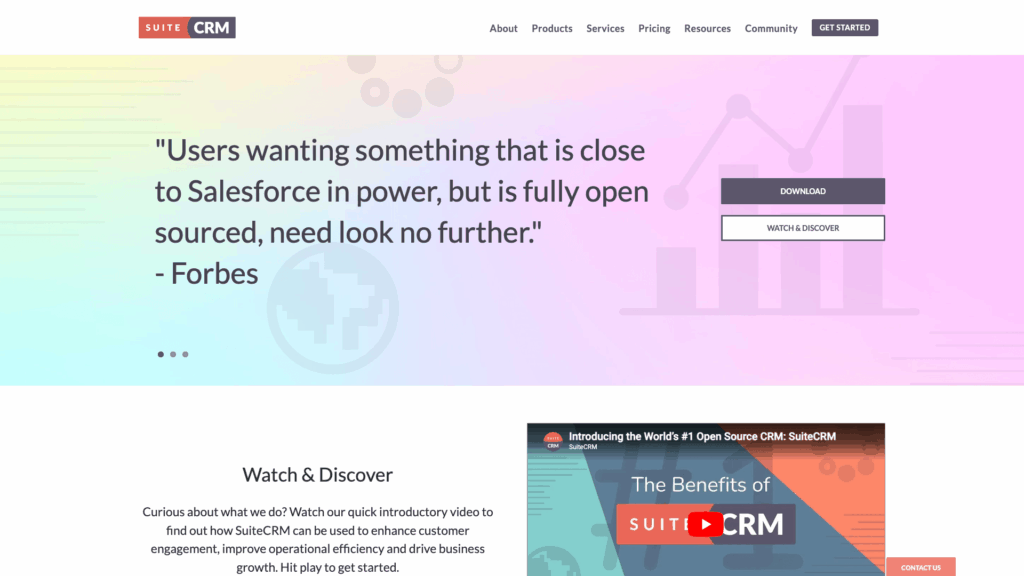
SuiteCRM is a solid choice if you need a traditional sales CRM without modifying your existing workflow scenarios. It deploys on a Linux LAMP stack with an installer that supports Ubuntu 22.04/24.04 LTS and Debian 11/12. It performs well on standard shared hosting or a small VPS running PHP 8.1/8.2, MySQL 8 (or MariaDB), and either Apache or NGINX. Most cPanel-compatible PHP hosts can run the solution, although background jobs and upgrades are better managed on a VPS.
The built-in modules include a comprehensive list: Accounts, Contacts, Leads, Opportunities, Cases, Targets, Campaigns, Emails, Meetings, Calls, Tasks, Quotes, Products, Invoices, Contracts, Projects, Reports, and Workflows. Reporting functions allow for pipeline and activity tracking, even if some dashboard elements may require additional setup.
Customization is a strong point. SuiteCRM includes a tool called Studio for creating custom fields and tweaking layouts, a Module Loader for installing extensions, and a documented v8 REST API (in addition to legacy API support). While the extension marketplace is modest compared to others, it effectively supports common integrations like telephony, payment processing, or email services.
| Criterion | Score (out of 5) | Notes |
|---|---|---|
| Ease of deployment | 4/5 | Standard PHP/MySQL stack; simpler than Python-based CRMs |
| Core CRM features | 5/5 | Extensive built-in modules for sales, service, and reporting |
| Customization and API | 5/5 | Studio, Module Loader, and v8 REST API enable tailoring |
| Performance footprint | 3/5 | Runs comfortably on a 2–4 GB VPS; may slow with heavy custom modules |
| Community health | 4/5 | Active GitHub project and established forums |
| Security/compliance | 4/5 | Solid role controls and audit logs, though host setup is crucial |
| Winner for | — | Core CRM functionality and flexible customization |
SuiteCRM is ideal when a recognizable CRM workflow is needed promptly, even if the user interface may not be as polished as some newer competitors.
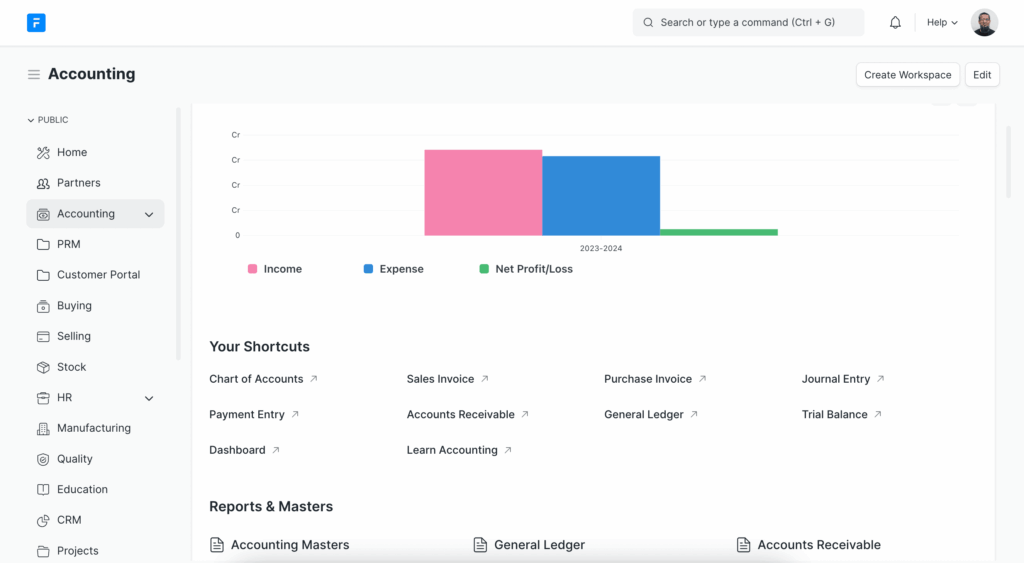
ERPNext is suited for organizations whose needs extend beyond typical CRM tasks. It integrates sales with broader business processes such as quotations, sales orders, invoices, subscriptions, helpdesk support, projects, and accounting within a unified database. This reduces potential synchronization issues between disparate systems.
Deployment options include a Docker-based setup, an Ubuntu production install via the Frappe/Bench installer, or a managed cloud service. For self-hosted setups, Docker allows for a quick start, while a native install provides greater control at the cost of increased complexity.
ERPNext’s CRM components are robust enough for companies combining sales with operational needs. It supports Leads, Opportunities, Customers, Contacts, Quotations, Sales Pipeline reporting, email integration, assignments, notes, and dashboards. The reporting capabilities allow insight into customer activity merged with revenue and fulfillment data.
Customization leverages the Frappe framework, which includes a documented REST API, support for server scripts, custom fields, workflows, and an extensive app marketplace. Note that ERPNext typically requires more resources; a basic deployment might need 2 vCPU and 4 GB RAM to run effectively, especially with active background processes.
| Criterion | Score (out of 5) | Notes |
|---|---|---|
| Ease of deployment | 3/5 | Docker simplifies setup, but native installs are more complex |
| Core CRM features | 4/5 | Excellent for integrated sales, invoicing, and support |
| Customization and API | 5/5 | Frappe framework and REST API offer high flexibility |
| Performance footprint | 3/5 | Works well on a small VPS; not ideal for ultra-light environments |
| Community health | 5/5 | Large GitHub following and active forum support |
| Security/compliance | 4/5 | Good roles and auditing, assuming competent server maintenance |
| Winner for | — | Businesses needing CRM integrated with operational processes |
ERPNext is best when you require a unified system that goes beyond a pure CRM solution.
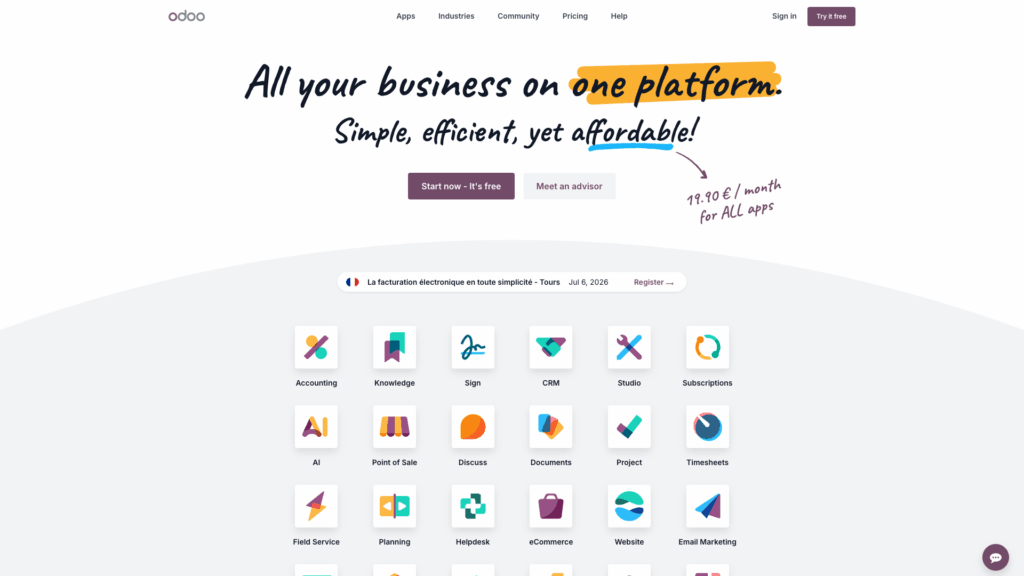
Odoo Community Edition is designed for small businesses that require a CRM along with adjacent sales workflows. Self-hosting can be done on Ubuntu/Debian either via package-based installation or source deployment, and an official Docker image is available for containerized setups. While Docker may offer a rapid start, a native install on a VPS is typically easier to maintain.
The Community edition provides core modules including CRM, Sales, Invoicing, Contacts, Discuss, Calendar, Project, and Inventory. Note that some marketing modules require commercial add-ons or community-developed extensions. This means the out-of-the-box experience may need to be supplemented for a full-featured marketing suite.
Odoo’s extensive customization capabilities are one of its strongest points. A large GitHub community, active support from the Odoo Community Association (OCA), and a comprehensive external API enable extensive modifications and integrations.
| Criterion | Score (out of 5) | Notes |
|---|---|---|
| Ease of deployment | 4/5 | Docker and Linux installs are well documented |
| Core CRM features | 4/5 | Strong contact and sales management; limited marketing in CE |
| Customization and API | 5/5 | Vast add-on ecosystem and mature APIs provide high adaptability |
| Performance footprint | 3/5 | Suitable for small teams but can become slower with more modules |
| Community health | 5/5 | Active ecosystem with official forums and OCA support |
| Security/compliance | 4/5 | Robust roles and access controls when properly maintained |
| Winner for | — | Modular customization and extensibility |
Odoo Community is ideal if you need the flexibility to extend your CRM through a wide range of add-ons, provided you are comfortable addressing any gaps with community modules.
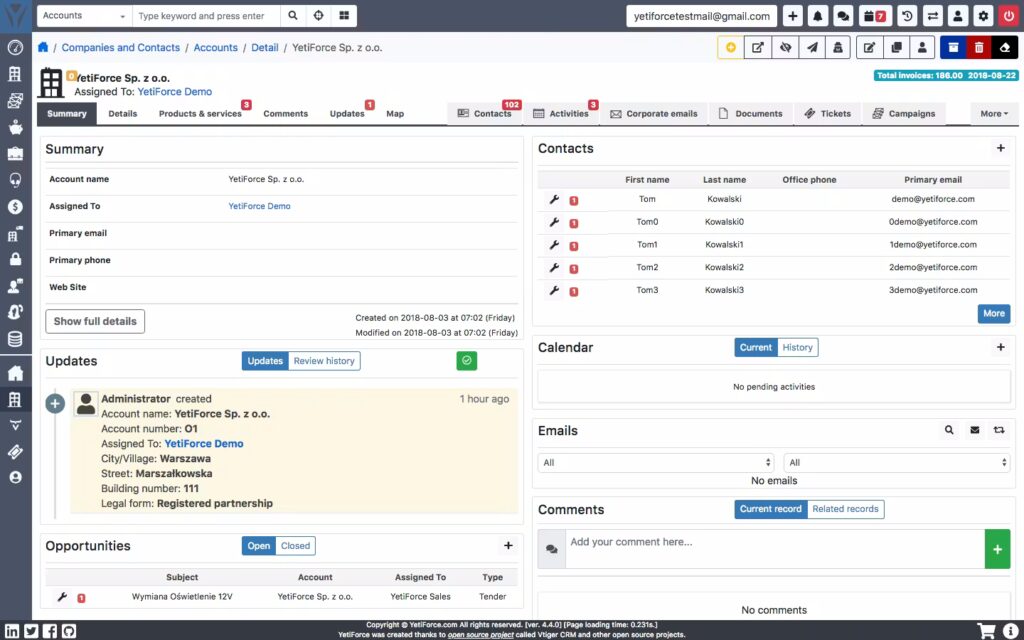
Yetiforce targets businesses that need a wide range of CRM functionalities without moving into full ERP territory. It supports manual installation on a traditional PHP + Apache/NGINX + MySQL/MariaDB stack and also offers an installer-based setup via a browser. This makes it suitable for deployment on a small VPS or shared hosting (provided the PHP version and extensions meet the requirements).
Its strength lies in its extensive built-in modules which include Leads, Contacts, Accounts, Opportunities, Quotes, Sales Orders, Invoices, Products, Services, Campaigns, Projects, Tasks, Time Control, Help Desk, Knowledge Base, Documents, Calendar, email integration, and inventory modules. This breadth eliminates the need for additional plugins for many basic CRM tasks.
Yetiforce also provides detailed developer documentation, a REST API, and a growing marketplace for extensions. However, the richness of its features can introduce complexity, necessitating some initial configuration to streamline menus and permissions.
| Criterion | Score (out of 5) | Notes |
|---|---|---|
| Ease of deployment | 3/5 | Browser installer simplifies setup, but environment checks are rigorous |
| Core CRM features | 5/5 | Comprehensive modules covering sales, support, and projects |
| Customization and API | 4/5 | REST API, detailed docs, and a marketplace support future growth |
| Performance footprint | 3/5 | Generally suited for 2 vCPU and 2–4 GB RAM setups, though resource use should be verified |
| Community health | 3/5 | Active GitHub and forum presence; current scale may vary |
| Security/compliance | 4/5 | Granular permissions and audit controls bolster security |
| Winner for | — | Feature-rich CRM without extra licensing costs |
Yetiforce is best when extensive, built-in CRM functionality is required without a significant financial investment, assuming the user is prepared for a more complex setup.
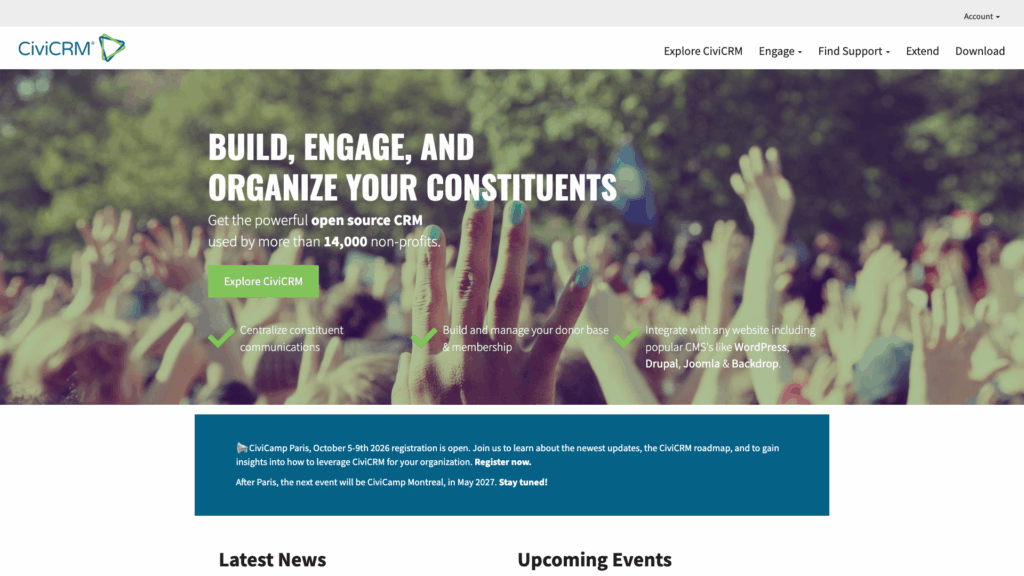
CiviCRM is tailored for organizations where relationship management extends beyond a traditional sales pipeline. It integrates with popular CMS platforms—such as Drupal 10/11, Backdrop CMS, Joomla 4/5, and WordPress—to unite web content and CRM data. This enables smooth management of webforms, user accounts, and CRM records within a single ecosystem.
The platform includes specialized modules like CiviContribute for donations and payments, CiviEvent for registrations, CiviMember for memberships, CiviMail for bulk emails, CiviCase for case management, CiviCampaign, and CiviReport. These features make it particularly suitable for nonprofits, associations, and membership-driven organizations.
CiviCRM offers an Extensions Directory and a well-documented APIv4 to support custom integrations and automation. Its hosting requirements are modest for small organizations—typically needing PHP 8.1+, MariaDB/MySQL, 2 vCPU, and 2–4 GB RAM, with scalability options for larger deployments.
| Criterion | Score (out of 5) | Notes |
|---|---|---|
| Ease of deployment | 3/5 | Dependent on your existing CMS setup, which may add complexity |
| Core CRM features | 4/5 | Outstanding for managing contributions, memberships, and events |
| Customization and API | 4/5 | Extensions Directory and APIv4 enable tailored integrations |
| Performance footprint | 4/5 | Modest resource requirements make it manageable on small VPS setups |
| Community health | 4/5 | Long history and vibrant community support |
| Security/compliance | 4/5 | Strong permission systems and mature data handling practices |
| Winner for | — | Memberships, donations, and relationship-focused workflows |
CiviCRM is optimal when relationship and membership management take precedence over traditional sales processes.
For reliable CRM performance, choose a server that maintains responsiveness during peak usage and provides robust backup and DNS services for rapid recovery after downtime. Many self-hosters find that a VPS strikes the right balance by offering sufficient power without the complexity of an enterprise setup. Whether you need to open contact records, save notes, send emails, or run reports, a well-configured server ensures smooth operations even during busy periods.
Key factors include:
For those setting up self-hosted CRMs, it may be beneficial to consider a robust VPS solution. For instance, SiteValley’s Cloud VPS Hosting offers plans starting at $9.99/mo under the KVM1 plan, which features 1 Core, 2 GB DDR5 RAM, and 20 GB NVMe storage. This service, available in regions such as Los Angeles, Atlanta, Amsterdam, and several others, provides full root access and a suite of security features that can help ensure your CRM runs smoothly.

The right CRM depends on your business type and specific needs. A solo consultant and a donation-focused organization might both require contact management, but the underlying workflows differ significantly. Choosing an ill-suited CRM can create additional administrative burdens, while the correct choice will integrate naturally with your operations.
| Entrepreneur Profile | Best-Fit CRM | Why it Fits | Watch-Out |
|---|---|---|---|
| Solopreneur | SuiteCRM | Familiar layout, broad sales features, and manageable hosting complexity | Initial setup may require UI customization |
| E-commerce Seller | ERPNext | Seamlessly integrates CRM with quotes, orders, invoices, and inventory | More resource-intensive and setup complexity |
| Service Agency | Yetiforce | Extensive modules covering sales, projects, help desk, and team workflows | Requires detailed initial configuration and cleanup |
| Nonprofit Organizer | CiviCRM | Tailored for contributions, memberships, events, and relationship tracking | Less optimized for traditional sales pipelines |
| Tech-Savvy Founder | Odoo Community | Extensive add-on ecosystem and API support for custom integration | Community edition may need extra modules for marketing |
Selecting the right self-hosted CRM depends on aligning your business processes with the platform’s strengths. SuiteCRM offers a quick-start, familiar interface; ERPNext delivers a unified suite for operations; Odoo Community provides modularity and expansive customization; Yetiforce brings extensive built-in features; and CiviCRM specializes in relationship management beyond mere sales pipeline tracking. Aligning your CRM choice with appropriate hosting—such as a reliable VPS solution—ensures a productive, scalable deployment.
What factors should I prioritize when choosing a self-hosted CRM?
How do hosting requirements vary across different CRM platforms?
How does DNS optimization affect CRM performance?

Quick Customer care response, accurate and broad assistance, easy to use client area.....
I am very happy with the service. I am with site valley for many years and at the present usimg 2 hosting packages. Their service is excellent and super fast. Thanks & Greatly Appreciated
I've been hosting my websites with Sitevalley for more than 6 years. Very satisfied with the services and reliability they provide, competitive prices, almost no downtime, fast and knowledgeable customer support.
I have been using side valley for a couple of years now and have to say I am very happy with the service they offer.I use many Hosting services but site valley stands out in front. Reliable service, great support.I don't normally leave reviews but felt I wanted to for this service as it has been fantastic
I didn't want to review so soon on into taking out hosting with site valley but I feel obliged because their customer service is outstanding, second to none, every time I had an issue it was sorted immediately. I would highly recommend Site Valley.
I have been with Sitevalley for over a year and it's the best hosting I have EVER used. And I have been through a lot of them.
The support staff are amazing, and it's clear that they have a passion for hosting websites. I've rather enjoyed this webhosting company and it's stability for the price is bar-none, amazing.
My collegue adviced me to use SiteValley as a reliable hosting provider with great prices, professional and fast Customer Service. My experience with SiteValley was exactly the way I was promised.
I have been with SiteValley for many years, and plan to stay with them for many more. Customer support is very responsive and knowledgeable.
SiteValley.com is rated 4.8 / 5 based on 329 Reviews »

© 2001 – 2026 SiteValley.com. All Rights Reserved.
