
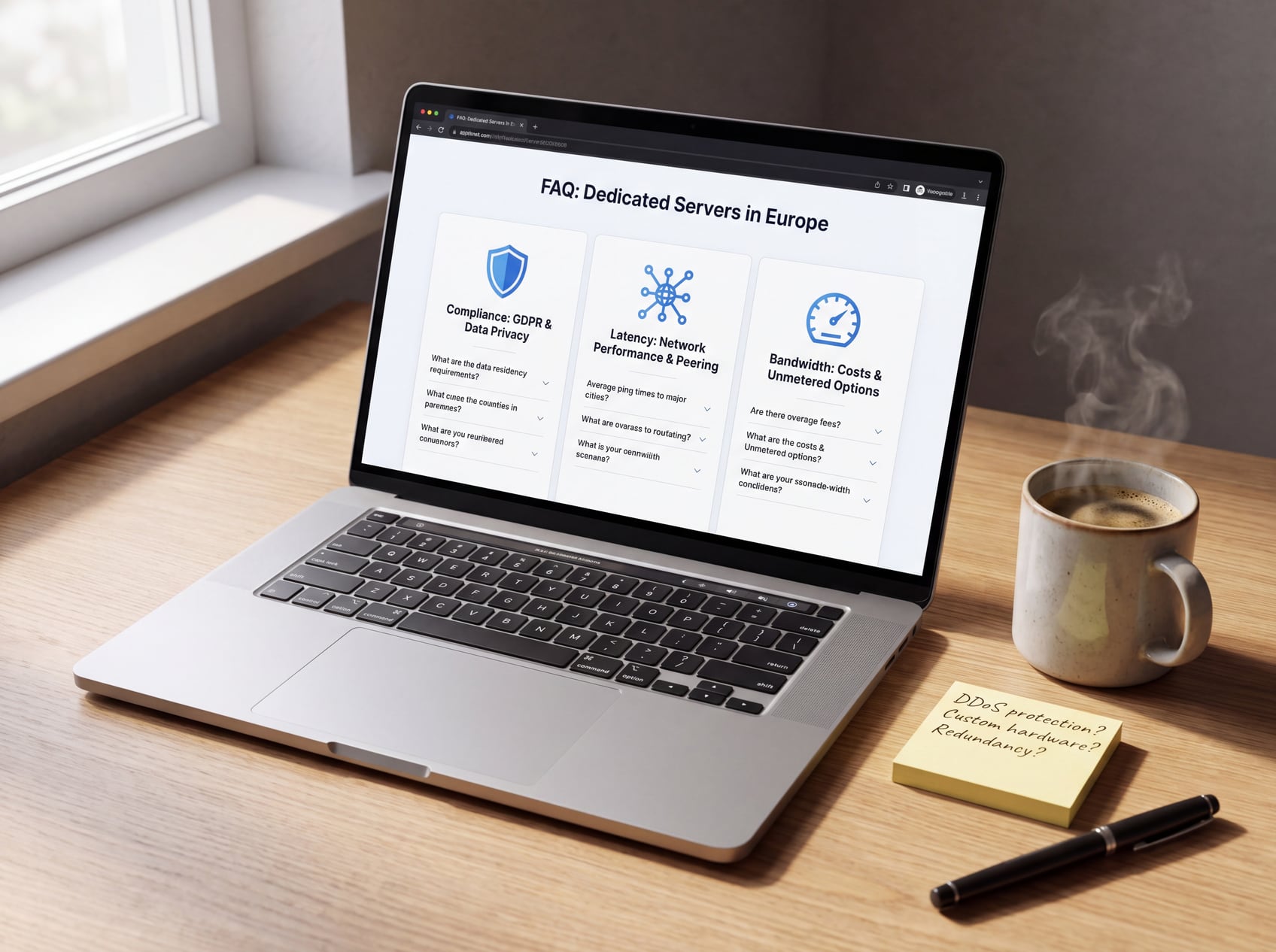
The best dedicated server in Europe is the one that matches your users, data obligations, traffic pattern, and operating model. Processor and RAM matter, but location, network policy, recovery access, and contract terms often determine whether a server remains predictable after launch.
This guide compares Hetzner, OVHcloud, and Scaleway, then gives you a practical framework for checking any European dedicated-server offer. Product ranges and prices change, so verify the exact configuration, data center, support tier, and traffic policy at checkout.
If you want another option with locations across Europe, review the current SiteValley dedicated hosting catalog. Its live inventory lets you filter by location, hardware, storage, and bandwidth rather than forcing every workload into one standard plan.
| Provider | Useful starting point | Verify before ordering |
|---|---|---|
| Hetzner | German or Finnish location, transparent hardware ranges, and extensive European peering | Selected data center, uplink, traffic policy, setup fee, and recovery options |
| OVHcloud | Broad bare-metal range, built-in anti-DDoS protection, and private-network options | Range-specific SLA, bandwidth guarantee, certification coverage, and support level |
| Scaleway | Dedibox hardware, private networking, and service-level choices | Exact data center, public/private bandwidth, support plan, backup, and DDoS tier |
Hetzner is a practical shortlist candidate when you want a dedicated root server in Germany or Finland and can manage the operating system yourself. Its current data-center page lists Nuremberg and Falkenstein in Germany plus Helsinki in Finland, alongside its public peering information.
Do not reduce the decision to the advertised monthly price. Check whether the selected server has the uplink, traffic terms, remote-console access, replacement policy, and storage layout your workload needs. Auction hardware and current-generation lines can have different economics and operational trade-offs.
OVHcloud is worth considering for bandwidth-heavy or public-facing workloads. Its official dedicated-server overview lists anti-DDoS protection as standard and describes private networking, high-bandwidth options, and multiple bare-metal ranges.
The exact SLA and included services vary by range and location. Certification claims also need range-level verification: OVHcloud notes that not every certification applies in every location. Match the order page and contract to the specific server you intend to deploy.
Scaleway’s Dedibox line suits teams that value dedicated hardware with private-network options. The current Dedibox network overview describes private networking up to 10 Gbit/s and optional public-bandwidth upgrades. Support and service levels should be checked for the exact server being ordered.
Confirm the exact data center and plan before treating a feature as included. Backup capacity, response targets, private-network bandwidth, and advanced protection can depend on the selected service level and server offer.
An EU data center can reduce distance to European users and may simplify parts of your data-location policy, but it does not make a workload GDPR-compliant by itself. You still need to understand what personal data you process, who can access it, where backups and support systems operate, and how data is deleted or returned.
When a hosting provider processes personal data on your behalf, the European Commission explains that the relationship requires a contract or other legal act and sufficient technical and organizational guarantees. Review the provider’s processor obligations under Article 28, Data Processing Agreement, sub-processor list, security measures, deletion terms, and international transfer mechanism with qualified counsel.
A city name does not guarantee a particular round-trip time. Routing, peering, congestion, last-mile networks, and your application stack all affect the result. Test from the countries and networks that matter to your users instead of accepting a generic latency target.
If your audience spans several continents, a content delivery network can reduce delivery distance for cacheable assets, but it does not erase origin latency for dynamic or uncached requests. Place the origin for the workload that is hardest to accelerate.
Collect at least several weeks of CPU utilization, memory pressure, storage growth, disk latency, peak connections, and outbound traffic from the current environment. Size for sustained load and failure recovery, not one short benchmark or a marketing label.
NVMe can improve latency-sensitive databases and busy application stacks, but drive type is only one part of the design. Check the number of drives, RAID responsibility, controller behavior, replacement process, spare capacity, and backup restore time. RAID can improve availability; it is not a backup.
A 10 Gbit/s port does not mean your workload can sustain 10 Gbit/s indefinitely. Verify guaranteed versus burst bandwidth, included traffic, fair-use language, overage pricing, mitigation behavior, and whether private traffic uses the same interface.
Ask how you regain control when the operating system will not boot. Remote console access, rescue media, drive replacement targets, spare hardware, backups, and a tested rebuild procedure usually matter more during an incident than a small CPU difference.
For a Linux-focused deployment plan, see SiteValley’s guide to Linux dedicated servers. If you need a control panel, review the separate operational trade-offs in the cPanel dedicated hosting guide.
On 22 September 2026, the SiteValley dedicated hosting catalog lists a Frankfurt server with a Xeon E3-1240 v6 processor, 32 GB RAM, 1 TB SATA storage, and a 1 Gbit/s port from $110 per month. The product page also lists IPMI/KVM access and free DDoS protection among its dedicated-hosting features. Inventory, price, and configuration can change, so confirm the final order details before relying on them.
That configuration can be a sensible entry point for a moderate website, application, or multi-site workload that values a Frankfurt location more than the newest CPU generation. Storage performance, redundancy, backup, and growth requirements should still decide whether it is the right fit.
The best choice is the server you can operate, recover, and budget for with confidence. Compare the exact orderable configuration and contract, then run your own network and workload tests before migrating production.
Does hosting in an EU data center make a website GDPR-compliant?
Which European data-center location is best?
Is unmetered traffic the same as guaranteed bandwidth?
Is RAID enough for a dedicated server?
What should I verify before migrating?

Quick Customer care response, accurate and broad assistance, easy to use client area.....
I am very happy with the service. I am with site valley for many years and at the present usimg 2 hosting packages. Their service is excellent and super fast. Thanks & Greatly Appreciated
I've been hosting my websites with Sitevalley for more than 6 years. Very satisfied with the services and reliability they provide, competitive prices, almost no downtime, fast and knowledgeable customer support.
I have been using side valley for a couple of years now and have to say I am very happy with the service they offer.I use many Hosting services but site valley stands out in front. Reliable service, great support.I don't normally leave reviews but felt I wanted to for this service as it has been fantastic
I didn't want to review so soon on into taking out hosting with site valley but I feel obliged because their customer service is outstanding, second to none, every time I had an issue it was sorted immediately. I would highly recommend Site Valley.
I have been with Sitevalley for over a year and it's the best hosting I have EVER used. And I have been through a lot of them.
The support staff are amazing, and it's clear that they have a passion for hosting websites. I've rather enjoyed this webhosting company and it's stability for the price is bar-none, amazing.
My collegue adviced me to use SiteValley as a reliable hosting provider with great prices, professional and fast Customer Service. My experience with SiteValley was exactly the way I was promised.
I have been with SiteValley for many years, and plan to stay with them for many more. Customer support is very responsive and knowledgeable.
SiteValley.com is rated 4.8 / 5 based on 329 Reviews »

© 2001 – 2026 SiteValley.com. All Rights Reserved.
