
If you have a shared hosting account (except Newbie) you can restore the files and folders of your websites, as well as databases right from cPanel.
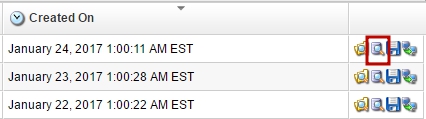
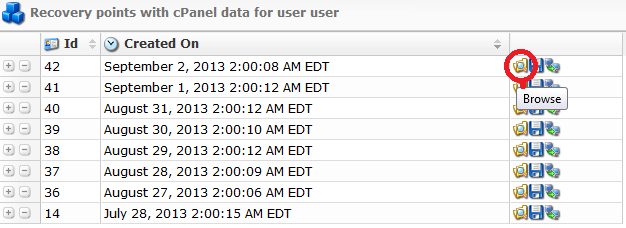
In order to restore the backup copy, you need to login to cPanel and go to Files > R1Soft Restore Backups. You will be redirected to the page with list of available backups. To begin the backup copy restoration you need to click on the “Browse” icon.
In the new window you need to tick the folder or the file you want to restore and click one of the buttons above.

Restore Selected – automatically replace selected files and folders in the cPanel account.
Download Selected – download selected files and folders to your PC/Mac.
Send Selected to Agent – send the archive of selected files and folders to the cPanel account.
Again, if you need to restore a database, go to R1Soft Restore Backups. Click on the Browse Database. Choose the DB and press Restore Selected. This will replace the current version of the database with a backup copy.