

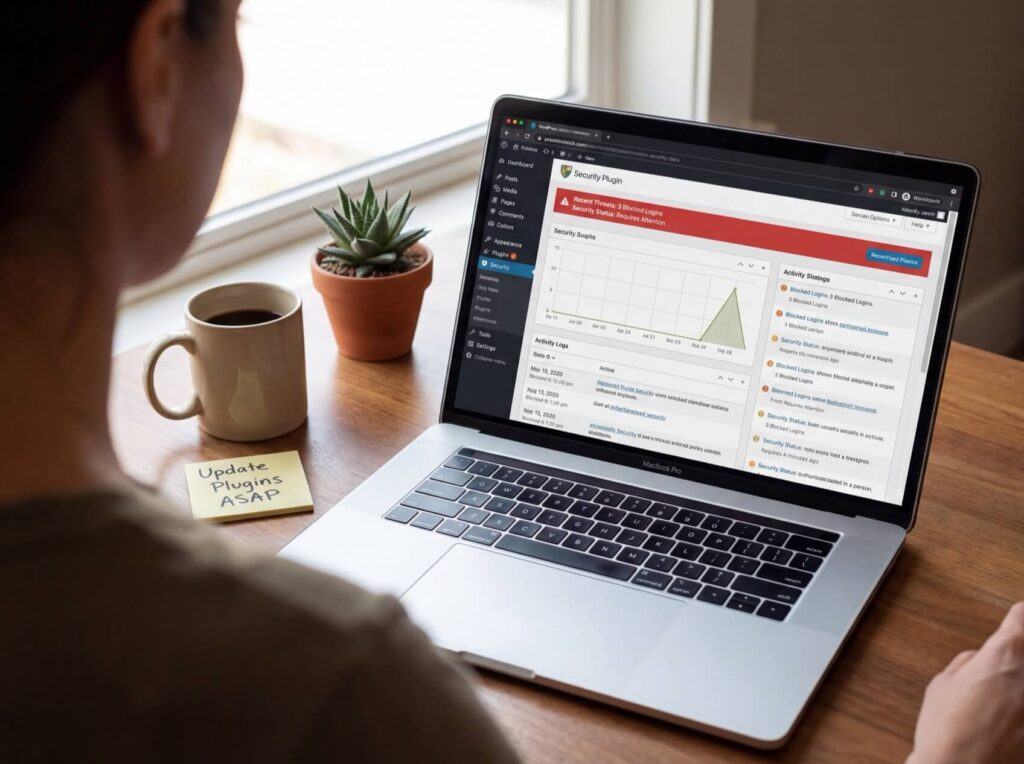
Contact forms are a vital component for many websites. A quality WordPress contact form plugin provides an organized and customizable system to handle inquiries, support requests, and lead generation. A good contact form plugin for WordPress not only improves communication but also protects your email from spam and clutter.
A reliable plugin for WordPress contact forms balances ease of use with flexibility while keeping a light footprint. Consider the following factors when evaluating options:
Understanding the main categories helps in selecting the best WordPress contact form plugin:
These plugins focus on an intuitive drag-and-drop interface, allowing you to create functional forms quickly. They are ideal for small sites or users who prefer a straightforward approach. For more on choosing the right platform, review Magento vs WordPress.
Designed for users with complex workflows, these plugins support conditional logic, multi-page forms, and integrations with third-party services. They suit membership sites and businesses with detailed lead management needs, though they come with a steeper learning curve and higher costs.
For simple contact forms, lightweight plugins provide the essential features with minimal impact on site performance, ensuring faster load times on every page.
Some plugins combine contact forms with marketing tools such as popups and email capture. While they simplify management by centralizing functionalities, they might require more system resources.
When evaluating a WordPress contact form plugin, keep the following features in mind:
A straightforward builder lets non-technical users create and update forms without developer support. This ease of modification encourages ongoing form optimization.
This feature tailors the form in real time based on user inputs, displaying only relevant fields and improving completion rates.
Breaking long forms into steps can significantly reduce user fatigue, especially for detailed applications or surveys.
Ensure the plugin reliably delivers submissions and supports automated responses, including confirmation emails and internal alerts. For additional peace of mind regarding your website’s performance, you might consider the benefits of a quality hosting service such as SiteValley Web Hosting, which offers plans starting at only $8.95/mo. It provides features like cPanel access, free SSL, and 24/7 support to help keep your WordPress site running smoothly.
Direct integrations with email marketing platforms, CRM systems, or payment gateways add efficiency by automating data entry and workflow management.

Your selection largely depends on your website’s needs. For optimal performance when running advanced plugins, review your hosting environment as well:
Even the best plugin may underperform if implemented poorly. Avoid these pitfalls:
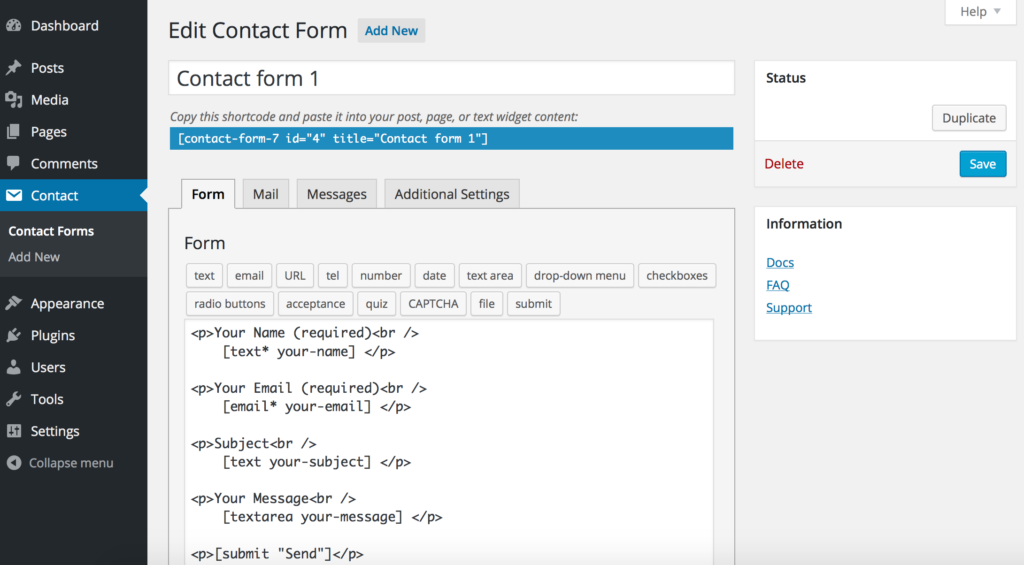
Focus on user experience by keeping forms concise and clear. Label each field logically and include strong call-to-action prompts that outline the next steps. Responding promptly to submissions is essential to retain user interest.
The most effective WordPress contact form plugin will align with your specific requirements. For simple sites, lightweight options work well, while businesses may benefit from more advanced features such as automation and integration capabilities. Matching the plugin to your workflow and ensuring it operates within an optimized hosting environment will enhance your site’s user engagement.
Q: What are the essential features of a good contact form plugin for WordPress?
A: Key features include ease of use, high customization, spam protection, desirable integrations, and minimal performance impact.
Q: Can I start with a free contact form plugin on WordPress?
A: Yes, free plugins are sufficient for basic forms, though advanced features like conditional logic and automation often require a paid option.
Q: How do contact form plugins affect website speed?
A: Some plugins may load extra scripts on all pages; therefore, lightweight plugins that load resources selectively are ideal for maintaining fast page speeds.
Q: What types of websites benefit most from advanced form plugins?
A: Business, e-commerce, and membership sites benefit from advanced plugins, as they support complex workflows and integrations for lead management and payment processing.
Q: How can hosting influence the performance of my contact form plugin?
A: Reliable hosting with optimized server response times, SSD storage, and strong uptime practices ensures that forms load quickly and submissions are processed efficiently.

Quick Customer care response, accurate and broad assistance, easy to use client area.....
I am very happy with the service. I am with site valley for many years and at the present usimg 2 hosting packages. Their service is excellent and super fast. Thanks & Greatly Appreciated
I've been hosting my websites with Sitevalley for more than 6 years. Very satisfied with the services and reliability they provide, competitive prices, almost no downtime, fast and knowledgeable customer support.
I have been using side valley for a couple of years now and have to say I am very happy with the service they offer.I use many Hosting services but site valley stands out in front. Reliable service, great support.I don't normally leave reviews but felt I wanted to for this service as it has been fantastic
I didn't want to review so soon on into taking out hosting with site valley but I feel obliged because their customer service is outstanding, second to none, every time I had an issue it was sorted immediately. I would highly recommend Site Valley.
I have been with Sitevalley for over a year and it's the best hosting I have EVER used. And I have been through a lot of them.
The support staff are amazing, and it's clear that they have a passion for hosting websites. I've rather enjoyed this webhosting company and it's stability for the price is bar-none, amazing.
My collegue adviced me to use SiteValley as a reliable hosting provider with great prices, professional and fast Customer Service. My experience with SiteValley was exactly the way I was promised.
I have been with SiteValley for many years, and plan to stay with them for many more. Customer support is very responsive and knowledgeable.
SiteValley.com is rated 4.8 / 5 based on 329 Reviews »

© 2001 – 2026 SiteValley.com. All Rights Reserved.
