

In recent years, artificial intelligence (AI) has begun to transform all aspects of web development, including for WordPress, one of the world’s most popular content-management systems. For many developers and site-owners, writing code (PHP, JavaScript, CSS, HTML) still takes considerable time and involves repetitive tasks. But with the best WordPress AI code generator that integrates or works alongside WordPress, you can dramatically streamline workflows: generate custom snippets, automate layout tweaks, even scaffold plugins or theme functions.
By using an AI code generator, you can reduce manual errors, speed up development, and even empower non-developers to make meaningful customizations. This article explores exactly what a WordPress AI code generator is, how it works, why you might want one, reviews top tools in 2025, explains how to choose and use one, addresses limitations and risks, and paints a picture of where this technology is headed.

Broadly speaking, an AI code generator is a tool powered by artificial intelligence (often large-language models or specialized code models) that helps you create or modify code based on your prompts or input. When applied to WordPress, this means:
In short: the purpose is to accelerate development, reduce boilerplate drudgery, and allow users (even beginners) to build or customize sites more quickly. For example: instead of manually writing a custom post type registration in PHP, you might prompt the AI: “Generate a custom post type ‘Portfolio’ with taxonomy ‘project-category’ and support for featured image, editor, and custom metabox ‘Client Name’.” The generator responds with the full snippet ready to insert.
These tools vary in sophistication: some are simple prompt → snippet, others integrate with WordPress via plugin UI. They aim to balance ease of use with the ability to tweak/generate code manually.

To understand the best AI for WordPress development, let’s break down the mechanics and integration methods.
You give the AI a descriptive prompt that outlines what you want. For example:
“Create a shortcode [recent_portfolio] that lists the last 5 ‘portfolio’ custom post type items styled with a grid, each with featured image, title and excerpt.”
The AI returns PHP + HTML + minimal CSS. You paste into your theme or plugin.
This is the most common model: flexible, fast, but you must validate the result.
Some generators come as WordPress plugins (or plugin + external AI API) allowing you to stay inside the WP dashboard: type your prompt, select where to insert the code (theme, plugin, widget), preview output. Others are standalone web tools/cloud AI services where you generate code → copy → paste into WP. Either way, the connection to WordPress (theme files, plugin files, template parts) is key.
More advanced tools don’t just spit out code, they can also:
So the workflow becomes: Prompt → Code → Validate & Adjust → Insert into WP → Test.
Let’s consider the tangible advantages. When you use the best WordPress AI code generator, these benefits become even more noticeable, especially for time efficiency and learning.
Tasks that used to take minutes or hours (writing custom post types, meta-boxes, widget logic, shortcodes) can now be done in seconds. That frees you to focus on higher-level design, UX, content strategy, rather than boilerplate.
Since many routine patterns can be auto-generated, the risk of typos, missing hooks, and wrong PHP syntax is reduced. Especially for less experienced developers, having a “starting scaffold” helps avoid common pitfalls.
If you’re less familiar with PHP/WordPress internals, seeing AI-generated code gives you real examples. You can study what it did, modify it, and thereby learn faster.
For larger WordPress sites (multi-site networks, multiple custom post types, e-commerce extensions) using an AI generator can let you spin up new features and templates quickly, making development more scalable.
Site owners who aren’t full-time code writers can still tweak their sites meaningfully by using prompts like “Add a sticky header after scroll” or “Generate CSS to make images crop to square and turn grayscale on hover”. The AI does much of the heavy lifting.
Here are some of the standout options if you’re looking for the best AI for WordPress coding:
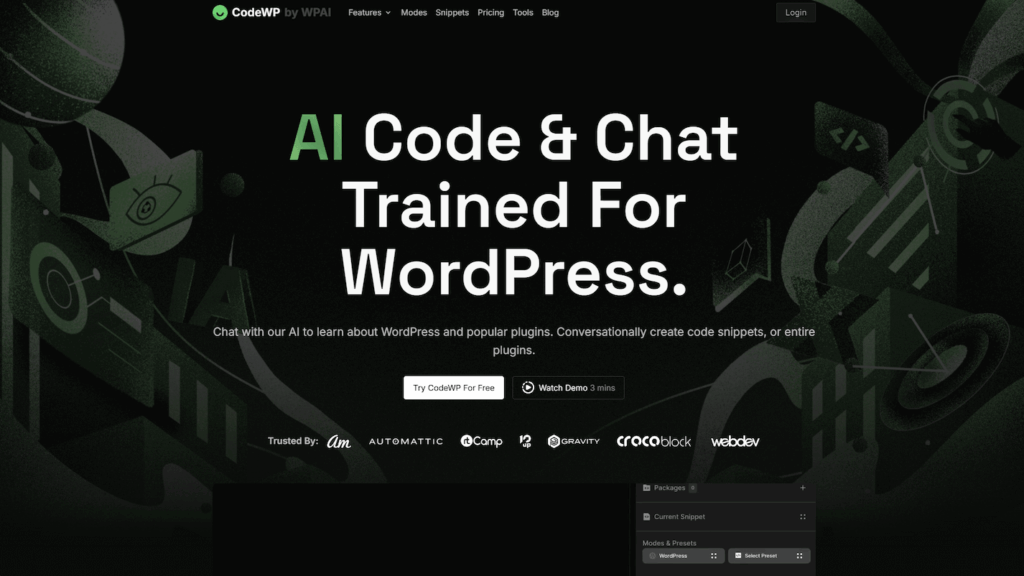
Marketed as a WordPress-specific code generator, focusing on PHP, JavaScript, WooCommerce snippets.
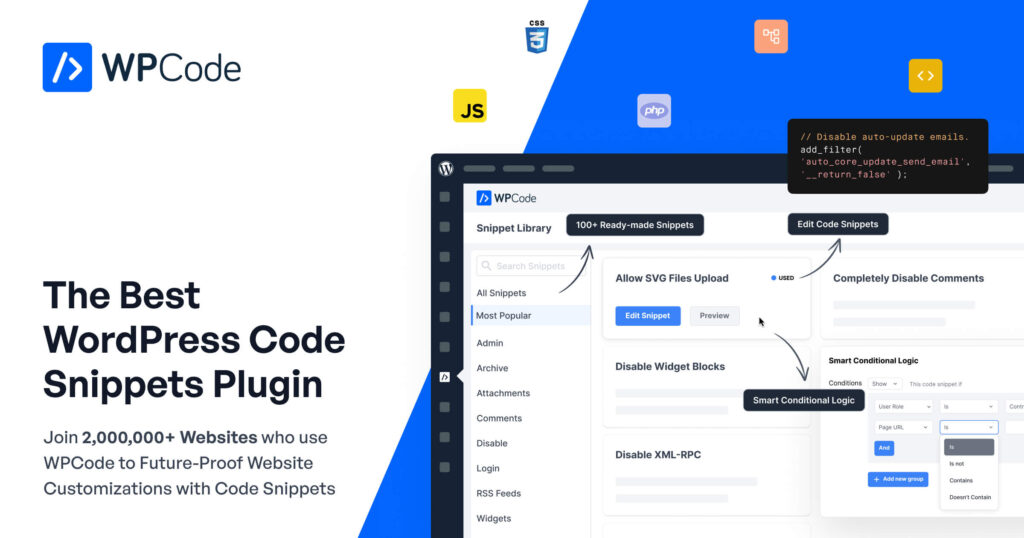
Though more of a snippet-manager plugin, it has AI-assistant features for generating custom code to drop into functions.php or custom plugins.
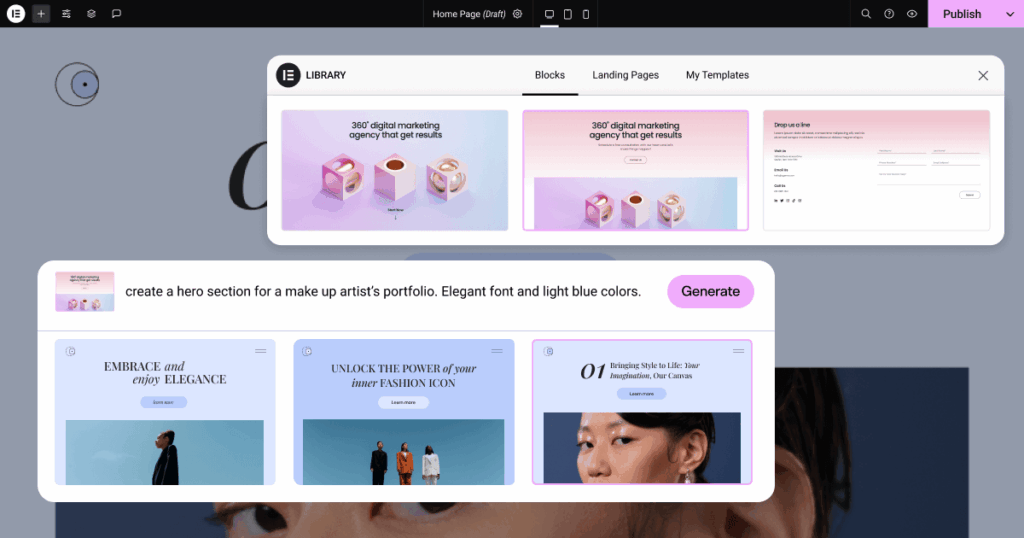
For users of the popular page-builder Elementor, this tool uses AI to generate widget designs, layout sections, and custom CSS for Elementor pages.
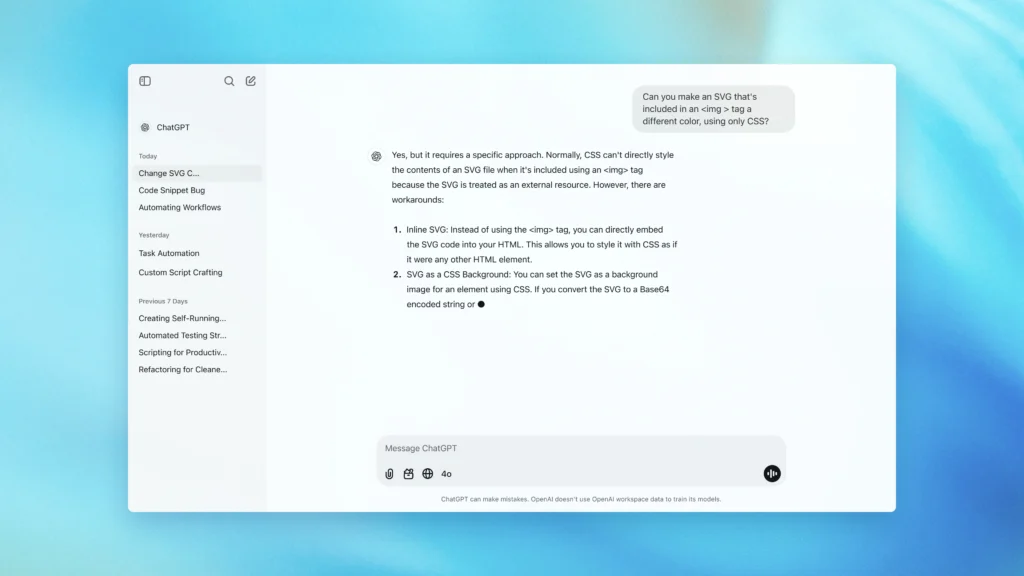
AI such as ChatGPT, while not WordPress-specific, they can generate bespoke snippets when prompted correctly; this gives maximum flexibility but demands more manual validation.
For each tool, review the pros and cons carefully:
With so many tools available, how do you decide which is the best AI for WordPress coding to fit your workflow?
Match tool to needs:
Consider your experience.
Balance features and cost.
Focus on safe output.
Check available help.
Here are actionable steps and best-practice tips to maximise your results:
The better your prompt, the better the output. Be specific about what you want:
Even good AI outputs will need review. Check for:
Use AI as the assistant, not the sole developer. A human should review, refactor, test across environments (staging, live), ensure performance and security.
After you paste the generated code into your functions.php, child theme, or plugin:
Keep track of where AI-generated code was placed and why. Document the prompt used, version of WordPress, plugin/theme context as this helps future maintenance.
No tool is perfect. When using AI code generators for WordPress, be mindful of these pitfalls:
AI may hallucinate functions, use deprecated hooks, or assume libraries that aren’t present. Always test thoroughly.
Generated code might omit sanitisation, escaping, nonce checks, user-capability checks, or proper enqueuing. Weak spots can expose your site to attacks (XSS, CSRF, SQL injection).
Relying solely on AI means missing out on learning and the human insight needed for architecture decisions, performance tuning, future-proofing. AI is a tool, not a replacement for developer judgement.
If the AI tool uses external APIs or shares your prompt/data, be aware of privacy implications. Also check licensing of generated code if the tool uses third-party libraries.
AI-generated code may not follow the same conventions as your team or standard frameworks, making future upkeep harder. Additionally, changes in WordPress core might render snippets obsolete.
Looking ahead, the best AI for WordPress development is set to drive an even more exciting evolution:
For WordPress site-owners and developers, that means the pace of development will accelerate, but it also means staying current with AI tools, code standards and security practices will matter more than ever.
AI code generators are no longer just novelty tools, they are rapidly becoming serious utilities in the WordPress ecosystem. From speeding up development to enabling non-technical site owners to do meaningful customisations, they offer real value. But success depends on choosing the right tool for your project, using it wisely (with human oversight), and remaining vigilant about code quality, security and maintenance.
If you’re building or maintaining a WordPress site, exploring an AI code generator makes sense. Just remember: it’s a lever, not a crutch. Use it to empower your creativity and productivity, and you’ll reap the benefits.
At SiteValley, we deliver dependable hosting optimized for WordPress users who want simplicity and performance. Whether you’re experimenting with AI-powered code tools or managing multiple websites, our servers keep your projects running smoothly with solid uptime and responsive support.
We recommend our Pro Hosting plan, which includes free SSL, cPanel access, daily backups, and unmetered web space. It is a perfect choice for developers and businesses looking for reliable WordPress hosting without compromise.
Choose SiteValley today and enjoy a hosting experience built for stability, speed, and growth.

Quick Customer care response, accurate and broad assistance, easy to use client area.....
I am very happy with the service. I am with site valley for many years and at the present usimg 2 hosting packages. Their service is excellent and super fast. Thanks & Greatly Appreciated
I've been hosting my websites with Sitevalley for more than 6 years. Very satisfied with the services and reliability they provide, competitive prices, almost no downtime, fast and knowledgeable customer support.
I have been using side valley for a couple of years now and have to say I am very happy with the service they offer.I use many Hosting services but site valley stands out in front. Reliable service, great support.I don't normally leave reviews but felt I wanted to for this service as it has been fantastic
I didn't want to review so soon on into taking out hosting with site valley but I feel obliged because their customer service is outstanding, second to none, every time I had an issue it was sorted immediately. I would highly recommend Site Valley.
I have been with Sitevalley for over a year and it's the best hosting I have EVER used. And I have been through a lot of them.
The support staff are amazing, and it's clear that they have a passion for hosting websites. I've rather enjoyed this webhosting company and it's stability for the price is bar-none, amazing.
My collegue adviced me to use SiteValley as a reliable hosting provider with great prices, professional and fast Customer Service. My experience with SiteValley was exactly the way I was promised.
I have been with SiteValley for many years, and plan to stay with them for many more. Customer support is very responsive and knowledgeable.
SiteValley.com is rated 4.8 / 5 based on 329 Reviews »

© 2001 – 2026 SiteValley.com. All Rights Reserved.
