

AI image generation has moved well beyond the novelty phase. Website owners, marketers, freelancers, and developers now use these tools daily to produce visuals at a pace and cost that traditional workflows can’t match — product mockups, social media graphics, blog hero images, ad creatives, and branded content that once required expensive designers or stock libraries.
But with the landscape evolving fast, choosing the right AI image generator in 2026 means understanding how each tool actually performs in production — not just in curated demos. This guide compares the leading tools based on real-world output, pricing, licensing, and workflow fit so you can pick the one that matches how you actually work.
Not every AI image generator is built for the same person. Before diving into comparisons, it helps to know which category you fall into, because it changes what matters most:
Small business owners and solopreneurs need fast, affordable visuals for websites, social media, and basic marketing — without spending hours learning prompt engineering. Ease of use, commercial rights, and cost-per-image matter most.
Content creators and marketers generate images at volume for blog posts, social campaigns, email headers, and ads. Speed, brand consistency, and the ability to produce variations quickly are key.
Designers and creative professionals need style control, high resolution, and the ability to iterate visually. Integration with tools like Photoshop or Illustrator can be a dealbreaker.
Developers and technical users care about API access, self-hosting options, automation potential, and integration into existing pipelines. UI polish matters less than flexibility and scalability.
E-commerce operators need realistic product mockups, lifestyle shots, and consistent branded visuals across catalogs — often at high volume.
The right tool depends entirely on which of these roles you’re filling. A designer’s top pick may be completely wrong for a small business owner managing their own website.
Marketing pages make every tool look impressive. Here’s what separates genuinely useful tools from ones that frustrate you within a week:
Prompt understanding — Some tools need carefully engineered prompts to produce anything usable. Others deliver solid results from simple, natural descriptions. If you’re not willing to learn prompt syntax, this matters enormously.
Output consistency — One great image means nothing if the next four are unusable. Consistency across generations is especially critical for branding, serialized content, or any project requiring visual coherence.
Speed — Generation time ranges from under 3 seconds to over a minute depending on the tool and plan. For bulk workflows, even small delays compound.
Commercial licensing — Some tools restrict commercial use on free plans. Others require specific tiers for business use. If images end up on your website or in paid campaigns, verify licensing before you commit.
Pricing at scale — A tool that seems affordable at 50 images per month can become expensive at 500. Credit systems, GPU time limits, and per-image costs behave very differently as usage grows.
Integration and workflow fit — Does it plug into your existing tools? Can you automate it via API? Do you need to leave your design app to use it? These practical details determine whether a tool sticks in your workflow.
Pricing: Included with ChatGPT Plus ($20/month) | API access available
Free tier: Limited via Bing Image Creator
Commercial use: Yes, on paid plans
Best for: Casual users, quick concept generation, non-designers
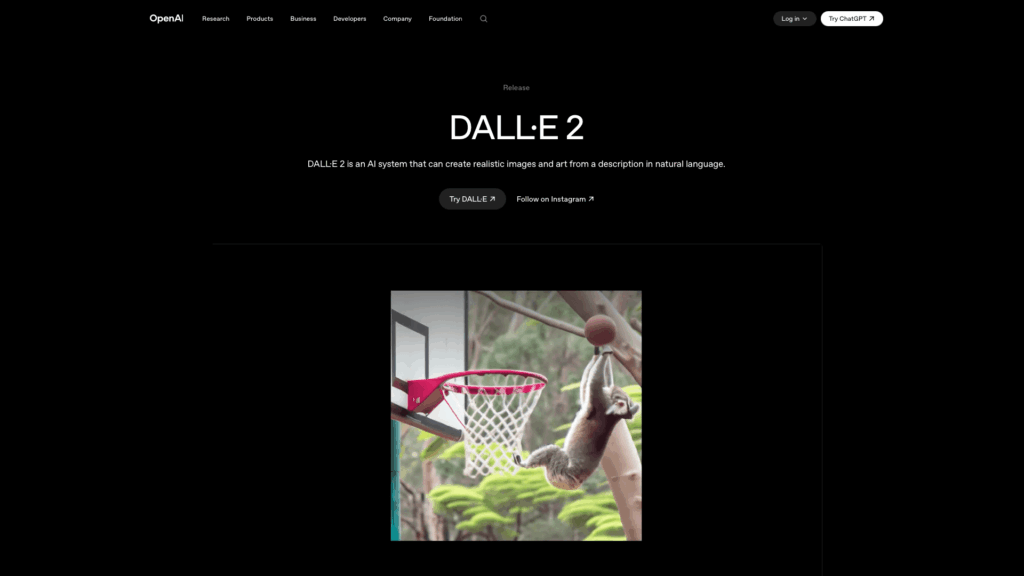
DALL-E 2 remains relevant primarily through its ChatGPT integration, though it’s been largely superseded by GPT Image 1.5 for most use cases. It still powers some workflows, including Microsoft’s Bing Image Creator (free, with daily limits) and the OpenAI API for developers.
Its main advantage is accessibility — if you’re already paying for ChatGPT Plus, you have access to both DALL-E 3 and GPT Image 1.5. The API is also straightforward for developers who need programmatic image generation without the complexity of self-hosting.
Strengths: Accessible, API-friendly, included with ChatGPT
Limitations: Superseded by GPT Image 1.5 in quality, limited style control
Pricing: $10/month (Basic) | $30/month (Standard) | $60/month (Pro) | $120/month (Mega)
Free tier: None
Commercial use: Yes, on all paid plans (Pro/Mega required for companies over $1M revenue)
Best for: Designers, creative professionals, brand-focused content
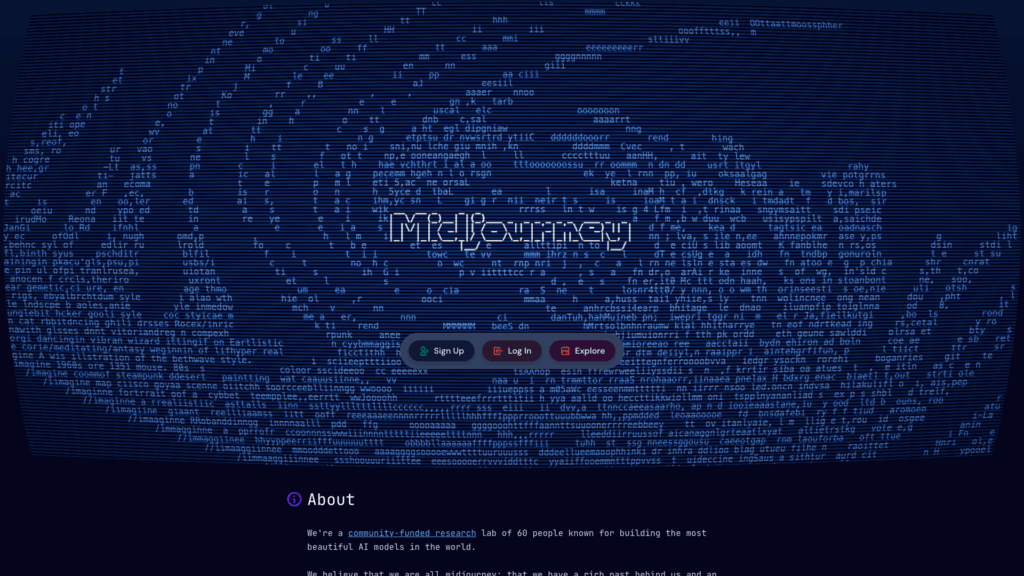
Midjourney remains the benchmark for images that look deliberately crafted rather than algorithmically generated. Version 7 produces images with a cinematic quality — dramatic lighting, strong composition, and a distinctive aesthetic that other generators still struggle to match.
Where it truly differentiates is consistency: where other tools might produce one good image in five attempts, Midjourney reliably delivers four strong compositions from a single prompt. For anyone producing brand assets, marketing visuals, or creative content where visual quality is the priority, it’s hard to beat.
The Standard plan at $30/month includes unlimited generation in Relax mode, making it surprisingly cost-effective for high-volume use. The main friction points are the Discord-based workflow (though a web app now exists) and the lack of a free tier to test before committing.
Strengths: Best aesthetic quality, strong consistency, unlimited generation on Standard+
Limitations: No free trial, Discord learning curve, stealth mode requires Pro ($60/month), no official API
Pricing: $9.99/month (Standard) | $19.99/month (Pro) | Included with Creative Cloud subscriptions
Free tier: Yes, limited credits
Commercial use: Yes, with IP indemnification on paid plans
Best for: Agencies, in-house creative teams, anyone in the Adobe ecosystem
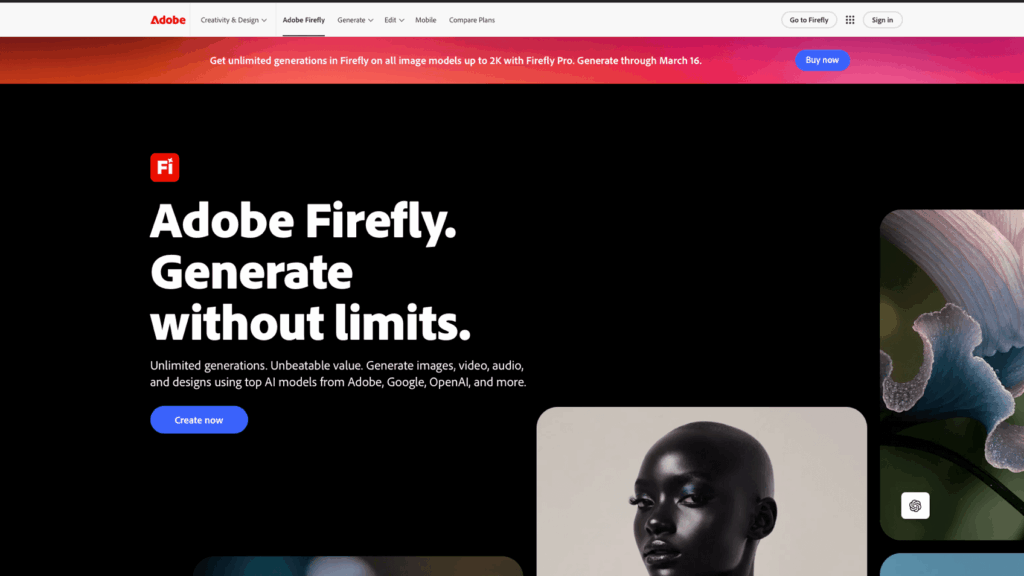
Adobe Firefly’s killer advantage isn’t raw image quality — it’s commercial safety. Trained exclusively on Adobe Stock images, openly licensed content, and public domain material, it’s the only major generator that offers IP indemnification. If a client or legal team asks “can we use this commercially without risk,” Firefly is the clearest answer.
The deep integration into Photoshop (Generative Fill, Generative Expand), Illustrator, and Express makes it genuinely different from standalone tools. You can select an area in Photoshop, type a prompt, and the AI fills it seamlessly — preserving lighting, perspective, and layer structure. This eliminates the export-edit-reimport cycle that other tools require.
Image quality is professional but not as stylistically distinctive as Midjourney. For production work where licensing clarity and integration matter more than artistic flair, it’s the obvious choice.
Strengths: IP indemnification, native Photoshop/Illustrator integration, commercially safe training data
Limitations: Image quality behind Midjourney, credit system can be restrictive, requires internet connection even in desktop apps
Pricing: Included with Google AI subscriptions, API access via Google AI Studio
Free tier: Yes, via Gemini and AI Studio
Commercial use: Yes, on paid tiers
Best for: Fast prototyping, Google Workspace users, iterative design
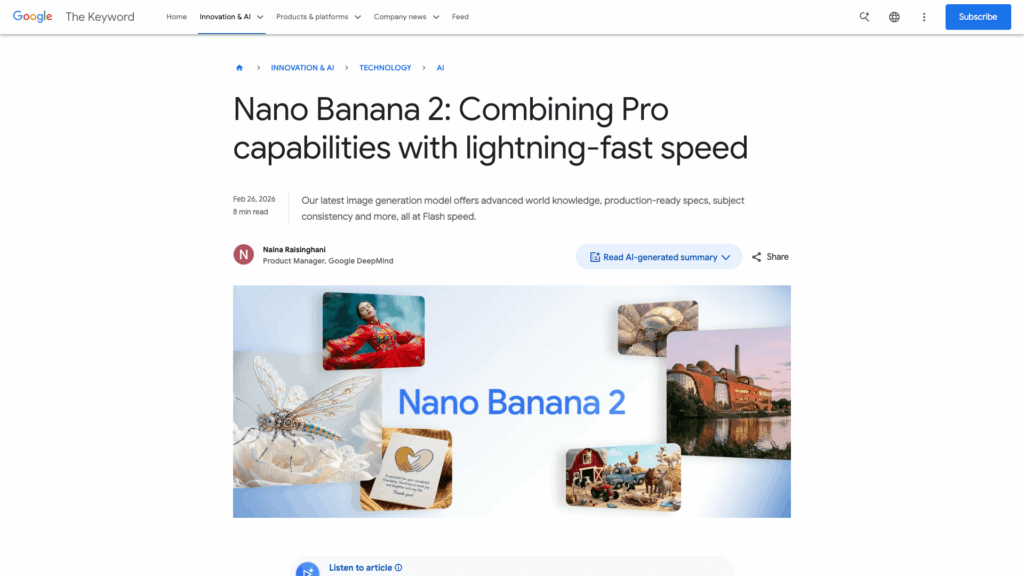
Nano Banana (powered by Google’s Gemini architecture) emerged as a serious contender in late 2025 and has quickly become a favorite for users who need speed and reliability. It generates 4K assets in under 3 seconds and handles complex spatial instructions — like “place the product on the left at a 30-degree angle” — with impressive accuracy.
The real draw is ecosystem integration. Image generation works within Gemini conversations, Google AI Studio, and increasingly across Google Workspace tools. For teams already operating in Google’s ecosystem, this eliminates the context-switching overhead that separate tools impose.
It also combines generation and editing in a single interface, so you can create an image and refine it conversationally without switching tools. Prompt adherence is strong, and photorealism is among the best available — particularly for product photos, architecture, and portrait work.
Strengths: Fastest generation, excellent photorealism, Google ecosystem integration, strong free tier
Limitations: Less artistic flexibility than Midjourney, newer tool with evolving feature set
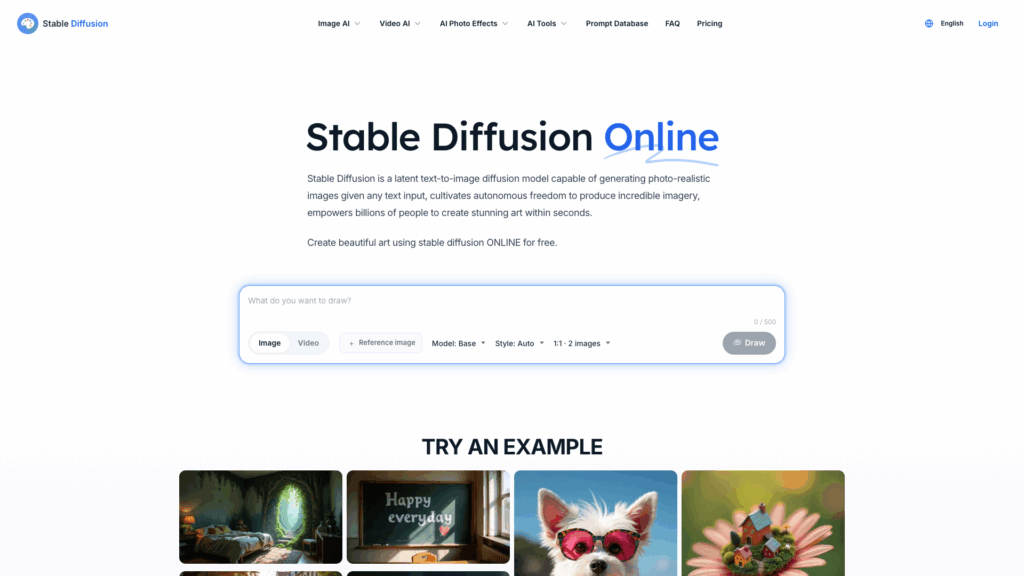
Pricing: Free to self-host (under $1M revenue) | API from $0.01/credit via Stability AI
Free tier: Yes (self-hosted)
Commercial use: Free under $1M revenue, enterprise license required above
Best for: Developers, privacy-sensitive projects, custom pipelines
Stable Diffusion and the Flux model family remain the go-to for anyone who needs full control over their image generation pipeline. Running locally on your own hardware means no recurring subscription costs, complete data privacy, and the ability to fine-tune models for specific use cases.
The Flux 2 Max model represents the current peak of open-weight image generation, with strong customization options including ControlNet workflows for structural guidance. For developers building image generation into applications, internal tools, or automated pipelines, the flexibility is unmatched.
The tradeoff is clear: you need powerful hardware (a modern GPU with at least 8GB VRAM), technical knowledge to set up and maintain the environment, and willingness to troubleshoot without vendor support. There’s no IP indemnification, and commercial licensing above $1M revenue requires an enterprise agreement.
Strengths: Free to self-host, maximum customization, full privacy, no vendor lock-in
Limitations: Requires technical setup and GPU hardware, no IP indemnification, no official support
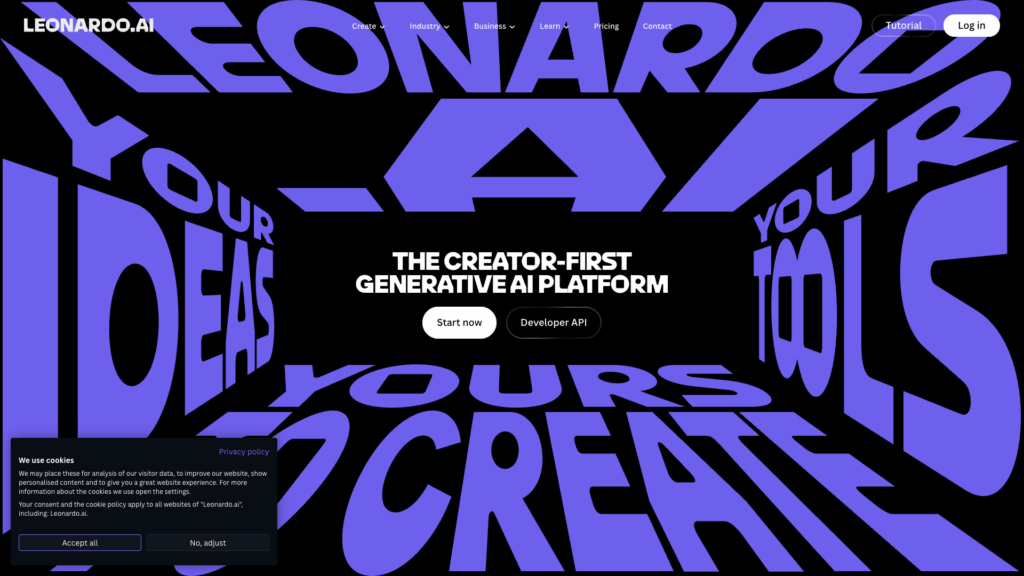
Pricing: $12–$120/month depending on tier
Free tier: Yes, with daily credit limits
Commercial use: Yes, on paid plans
Best for: Game developers, concept artists, asset pipelines
Leonardo AI has carved a strong niche in game art and creative asset production. It offers fine-tuning capabilities, asset libraries, and prompt history tools that make it particularly effective for iterative creative workflows. The ability to train custom models on your own reference images is valuable for maintaining visual consistency across large projects.
For game developers and concept artists who need to generate multiple related assets — characters, environments, items — in a consistent style, Leonardo’s workflow is better suited than general-purpose tools.
Strengths: Custom model training, asset libraries, strong for game/concept art
Limitations: Narrower use case, credit system can be limiting, less suited for photo-realistic or marketing content
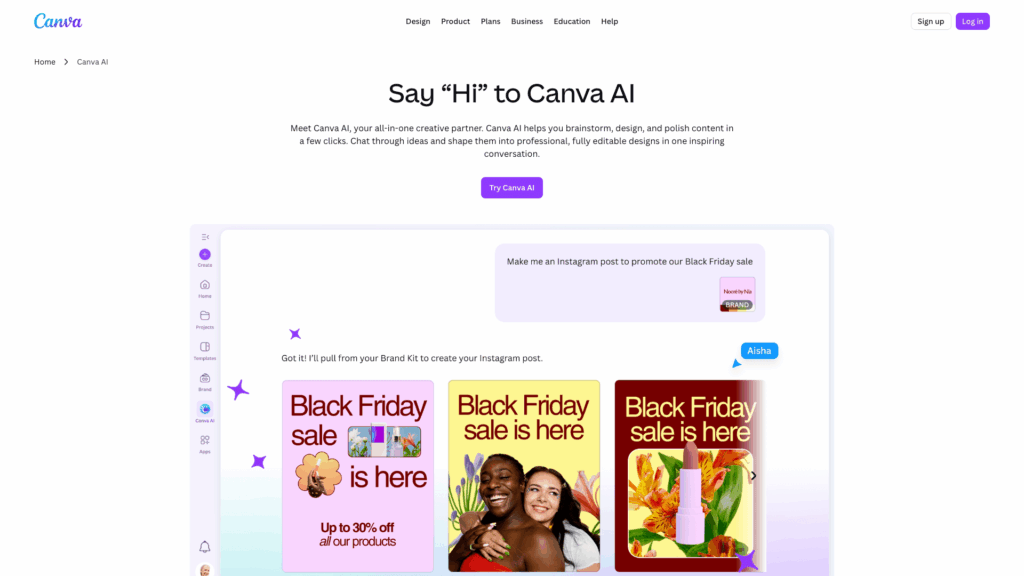
Pricing: Included with Canva Pro ($12.99/month) and Canva Teams
Free tier: Limited generations on Canva Free
Commercial use: Yes, on Pro plans
Best for: Small business owners, social media managers, marketing teams
Canva’s AI image generation isn’t the most powerful on this list, but it’s embedded in the tool that many small businesses already use for everything from social posts to presentations. The integration means you can generate an image and immediately drop it into a template, resize it for different platforms, and export — all without leaving the app.
For small business owners managing their own marketing, this workflow efficiency often matters more than raw image quality. The learning curve is effectively zero if you already know Canva.
Strengths: Zero learning curve, integrated into design templates, good for social media
Limitations: Lower quality than specialized tools, limited control, dependent on Canva ecosystem
| Tool | Starting Price | Free Tier | Commercial Use | Best For | API Access |
|---|---|---|---|---|---|
| ChatGPT (GPT Image) | $20/mo | Limited | Yes (paid) | All-rounder | Limited |
| Midjourney V7 | $10/mo | No | Yes (all plans) | Creative quality | No official API |
| Adobe Firefly | $9.99/mo | Yes | Yes + indemnity | Adobe users, agencies | Yes |
| Nano Banana / Gemini | Varies | Yes | Yes (paid) | Speed, Google users | Yes |
| Stable Diffusion / Flux | Free (self-host) | Yes | Yes (<$1M) | Developers, privacy | Full control |
| DALL-E 2 | $20/mo (via ChatGPT) | Bing Creator | Yes (paid) | Casual, API | Yes |
| Leonardo AI | $12/mo | Yes | Yes (paid) | Game art, assets | Yes |
| Canva AI | $12.99/mo | Limited | Yes (Pro) | Non-designers | No |
Free tiers are useful for testing, but they impose real constraints that matter for production work.
Free plans typically limit resolution, add watermarks, throttle generation speed, restrict daily usage to a handful of images, and — critically — often restrict or prohibit commercial use. For exploring how a tool interprets prompts and whether its output style matches your needs, free tiers are ideal. For anything that ends up on your website or in a campaign, paid access is almost always necessary.
The real question isn’t “free or paid” but “which paid model works at my scale.” Credit-based systems (Adobe Firefly, Leonardo) can become expensive if you generate frequently, because every generation costs credits regardless of whether you keep the result. Time-based systems (Midjourney’s Relax mode, Stable Diffusion self-hosted) are more predictable for high-volume work.
For website owners producing content regularly, a $20–30/month tool that removes the need for stock photo subscriptions and designer fees often pays for itself within the first week.
Even the best tools have limitations worth understanding before you commit:
Quality varies by subject matter. A tool that excels at portraits may struggle with product photography, and vice versa. Test with prompts that match your actual needs, not generic demonstrations.
Consistency across generations remains the hardest problem. If you need a character or brand mascot to look the same across 20 images, most tools will frustrate you without significant prompt engineering or reference image workflows. Midjourney and Nano Banana handle this better than most, but perfection isn’t available yet.
Common failure points include distorted hands, facial asymmetry, incorrect text rendering, and perspective errors in complex scenes. These have improved dramatically but aren’t fully solved. Budget time for iteration — the first result is rarely the final one.
Prompt sensitivity varies significantly. Midjourney rewards creative, evocative prompts. ChatGPT works well with conversational descriptions. Stable Diffusion benefits from structured, technical prompts. Adapting your prompting style to each platform makes a measurable difference in output quality.
Licensing is one of the most overlooked aspects of AI image generation, and it can create real business risk if you ignore it.
Most paid plans grant commercial rights, but the specifics vary. Midjourney requires Pro or Mega plans for companies over $1M in annual revenue. Adobe Firefly is the only major tool offering IP indemnification — meaning Adobe will defend you legally if someone claims their work was reproduced in your generated images.
Free tier rights are often restricted. Many tools limit or prohibit commercial use on free plans. Always verify before using free-tier images in any business context.
AI-generated images currently cannot be copyrighted in the US if they are purely AI-created. However, images that are substantially modified by a human (using Photoshop’s Generative Fill as part of a larger composition, for example) may qualify for copyright protection on the human-authored elements.
Content filters may block certain subjects, styles, or themes. These constraints vary by platform and can affect creative freedom — worth checking if your use case involves any sensitive or edge-case content.
For developers and businesses running Stable Diffusion, Flux, or other open-source models, hosting infrastructure becomes a critical piece of the equation. Self-hosted image generation requires:
A VPS or dedicated server gives you the flexibility to run AI models alongside your website, application, or internal tools — all on infrastructure you control. This eliminates ongoing per-image API costs and keeps your data entirely private.
The key is matching your hosting plan to your actual generation volume. Occasional use might work fine on a standard VPS with CPU-based inference (slower but cheaper). Production-scale generation benefits from dedicated GPU resources and higher memory allocations.
Rather than chasing the “best” tool, match the tool to your situation:
If you want the easiest path to good-enough images: Start with ChatGPT Plus. The conversational interface means you can generate and refine without learning any new tools. For most website content and marketing needs, this covers it.
If visual quality is your top priority: Midjourney Standard ($30/month) gives you the best aesthetic output with unlimited generation. Worth the investment for brand-focused content.
If you’re in the Adobe ecosystem: Firefly is a no-brainer addition. The Photoshop integration and IP indemnification make it uniquely valuable for professional design work.
If you need to control the pipeline: Stable Diffusion or Flux self-hosted on a VPS gives you maximum flexibility, privacy, and zero per-image costs. Best for developers and teams with technical capability.
If you’re a small business owner using Canva: Canva AI keeps everything in one place. It won’t win any image quality awards, but the workflow efficiency is hard to beat for social media and basic marketing.
If budget is the primary constraint: Nano Banana via Google’s free tier, Bing Image Creator (DALL-E), and self-hosted Stable Diffusion all offer capable free options. Upgrade to paid only when free limitations actually block your work.
There is no single best AI image generator — the right answer depends on your role, budget, volume, and how the tool fits into your existing workflow. General-purpose tools like ChatGPT image generation work well for most people. Specialized tools like Midjourney, Firefly, or Stable Diffusion shine when you have specific needs around aesthetics, licensing, or technical control.
The most common mistake is choosing based on impressive demo images rather than testing with your actual use cases. Take advantage of free tiers to experiment, then commit to the tool that produces consistently usable results with the least friction in your real workflow.
AI image generation tools are evolving rapidly — models that lead today may be overtaken within months. What remains constant is the importance of choosing based on practical fit rather than hype, and ensuring your infrastructure (whether cloud-based tools or self-hosted models on your own server) can support the workflow you’re building.

Quick Customer care response, accurate and broad assistance, easy to use client area.....
I am very happy with the service. I am with site valley for many years and at the present usimg 2 hosting packages. Their service is excellent and super fast. Thanks & Greatly Appreciated
I've been hosting my websites with Sitevalley for more than 6 years. Very satisfied with the services and reliability they provide, competitive prices, almost no downtime, fast and knowledgeable customer support.
I have been using side valley for a couple of years now and have to say I am very happy with the service they offer.I use many Hosting services but site valley stands out in front. Reliable service, great support.I don't normally leave reviews but felt I wanted to for this service as it has been fantastic
I didn't want to review so soon on into taking out hosting with site valley but I feel obliged because their customer service is outstanding, second to none, every time I had an issue it was sorted immediately. I would highly recommend Site Valley.
I have been with Sitevalley for over a year and it's the best hosting I have EVER used. And I have been through a lot of them.
The support staff are amazing, and it's clear that they have a passion for hosting websites. I've rather enjoyed this webhosting company and it's stability for the price is bar-none, amazing.
My collegue adviced me to use SiteValley as a reliable hosting provider with great prices, professional and fast Customer Service. My experience with SiteValley was exactly the way I was promised.
I have been with SiteValley for many years, and plan to stay with them for many more. Customer support is very responsive and knowledgeable.
SiteValley.com is rated 4.8 / 5 based on 329 Reviews »

© 2001 – 2026 SiteValley.com. All Rights Reserved.
