

Wix and WordPress are two of the most widely used website platforms, but they cater to very different needs. Wix appeals to beginners thanks to its easy drag-and-drop interface and all-in-one pricing model. WordPress, on the other hand, powers more than 40% of all websites globally, making it the most flexible and customizable solution on the market. Many site owners eventually find themselves outgrowing Wix and looking for more control, scalability, and long-term value. That’s where the process of Wix to WordPress migration comes in. This guide explains why migration is worth it, how to migrate Wix to WordPress successfully, how to prepare, the different ways to move your content, and the steps needed for a seamless transition.
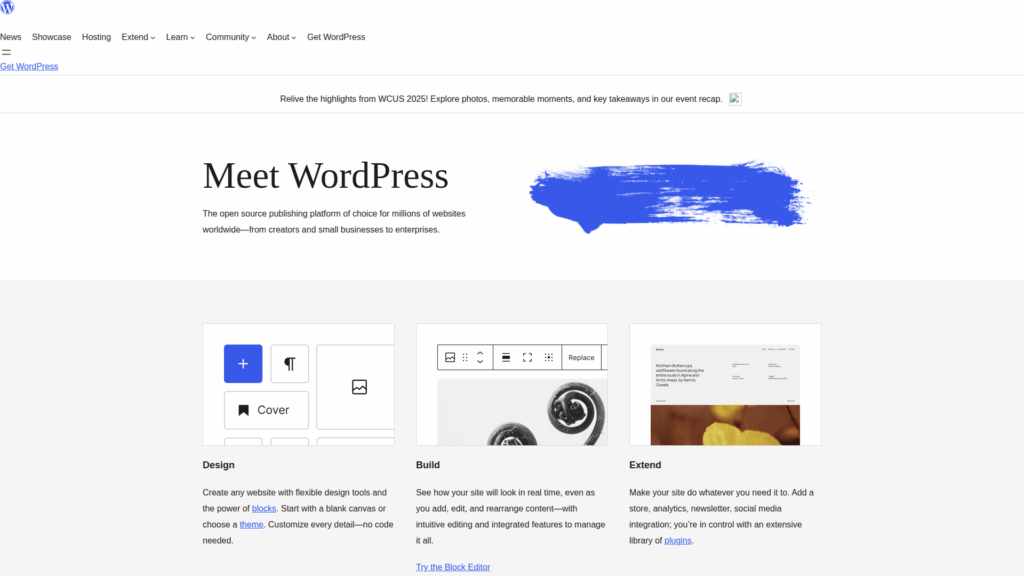
Making the switch isn’t just about trying something new, as it’s usually motivated by real growth needs. Wix is fantastic for starting out, but as websites expand, its limitations become more noticeable. WordPress, with its open-source foundation, offers far greater possibilities.
Wix restricts customization to its own tools and templates. WordPress, however, gives you direct access to themes, plugins, and even the code itself, meaning your site can be tailored to exact specifications.
A small blog or portfolio may fit on Wix, but businesses scaling into eCommerce, membership platforms, or large content hubs benefit from WordPress’s capacity to grow without hitting platform walls.
Wix has a limited app marketplace, whereas WordPress boasts tens of thousands of plugins. From SEO tools to advanced security features, you can integrate virtually anything with WordPress.
Wix bundles hosting, templates, and features into tiered pricing. As you upgrade, costs climb quickly. With WordPress, you only pay for hosting, a domain, and premium plugins you actually need, often making it more budget-friendly in the long run.

Before you begin the move, it’s crucial to understand what migration involves and what decisions must be made upfront. Choosing between WordPress.com and WordPress.org is the first step: WordPress.org (self-hosted) is strongly recommended for full control. Hosting is another major factor, as your provider determines site performance and reliability.
Other points to consider include:
By handling these choices early, you avoid unnecessary disruptions later in the migration process.
Preparation is what makes or breaks a smooth migration. Rushing into it without a clear plan often results in missing content, broken links, or SEO issues. The more organized you are before you start, the easier the transition will be. This is especially true if you want to move a website from Wix to WordPress, since the platforms handle design and data in very different ways.
Some key preparation steps include:
There isn’t just one way to perform a Wix to WordPress migration. Learning how to migrate Wix to WordPress depends on the size of your website, the type of content you manage, and whether you prefer a manual or automated process.
This involves recreating your Wix site page by page in WordPress. It’s time-consuming but gives you complete control over design and formatting. It’s best suited for small sites or those wanting to restructure during migration.
If you primarily run a blog, you can export your content from Wix through an RSS feed. WordPress can then import these posts automatically. While images and formatting may need manual adjustments, this saves a lot of effort compared to copying hundreds of articles one by one.
For larger or more complex sites, automated migration tools and professional services are often the best choice. These solutions handle much of the heavy lifting, minimizing the chance of errors. While they come with a cost, they’re worth considering if you can’t afford downtime or data loss.
Once you’ve chosen your method, the actual migration process begins. Following a structured plan ensures nothing gets missed.
The migration doesn’t end when the content is transferred, as your new WordPress site needs fine-tuning. Once everything is in place, it’s time to test, optimize, and prepare for growth.
Important post-migration steps include:
No migration is perfect, and a few common issues tend to arise. The key is knowing how to resolve them quickly.
Beyond technical steps, there are best practices that make the entire process easier. Starting with a staging environment prevents mistakes from affecting your live site. Migrating your most important pages first ensures that your core site is up and running quickly, while secondary pages can be refined later.
It’s also wise to communicate with your audience if downtime is expected, so they aren’t caught off guard. Finally, thoroughly test redirects and SEO settings before fully launching your WordPress site.
Wix to WordPress migration is an investment in your website’s future. If you choose to move a website from Wix to WordPress, the process requires planning and effort, but the benefits of flexibility, scalability, and full ownership make the switch worthwhile. Whether you run a personal blog, a growing online store, or a business website, WordPress gives you the tools and freedom to keep building without limitations. With the right approach, you’ll not only migrate successfully but also position your site for long-term growth.
After completing your Wix to WordPress migration, reliable hosting is the key to ensuring your new site performs at its best. At SiteValley, our shared hosting plans are designed to combine affordability with robust features like free SSL, daily backups, DNS Anycast, and built-in security. With support always on hand, your WordPress site will be backed by the stability it needs to grow.
For the best balance of cost and capability, we recommend our Pro Hosting plan, which includes hosting for up to 10 websites, unmetered space and traffic, 100 branded emails, a free domain, and strong security protection, making it an excellent fit for most growing WordPress sites.

Quick Customer care response, accurate and broad assistance, easy to use client area.....
I am very happy with the service. I am with site valley for many years and at the present usimg 2 hosting packages. Their service is excellent and super fast. Thanks & Greatly Appreciated
I've been hosting my websites with Sitevalley for more than 6 years. Very satisfied with the services and reliability they provide, competitive prices, almost no downtime, fast and knowledgeable customer support.
I have been using side valley for a couple of years now and have to say I am very happy with the service they offer.I use many Hosting services but site valley stands out in front. Reliable service, great support.I don't normally leave reviews but felt I wanted to for this service as it has been fantastic
I didn't want to review so soon on into taking out hosting with site valley but I feel obliged because their customer service is outstanding, second to none, every time I had an issue it was sorted immediately. I would highly recommend Site Valley.
I have been with Sitevalley for over a year and it's the best hosting I have EVER used. And I have been through a lot of them.
The support staff are amazing, and it's clear that they have a passion for hosting websites. I've rather enjoyed this webhosting company and it's stability for the price is bar-none, amazing.
My collegue adviced me to use SiteValley as a reliable hosting provider with great prices, professional and fast Customer Service. My experience with SiteValley was exactly the way I was promised.
I have been with SiteValley for many years, and plan to stay with them for many more. Customer support is very responsive and knowledgeable.
SiteValley.com is rated 4.8 / 5 based on 329 Reviews »

© 2001 – 2026 SiteValley.com. All Rights Reserved.
