

Images are often the heaviest part of a WordPress website. A single unoptimized image can slow your page, and a gallery filled with them can significantly impact load times. This affects user experience, search rankings, and conversions. WordPress plugins for optimizing images can automatically compress, resize, and convert formats, helping to improve speed without manual tweaks.
Image optimization plugins reduce file sizes while preserving quality. They integrate directly with your media library to optimize images on upload or in bulk, making them essential for content-heavy sites.
A WordPress image optimization plugin automatically reduces image file sizes while preserving visual quality. Its core function is to compress and resize images with minimal quality loss. These plugins integrate with your media library to optimize images upon upload or through bulk processing. They also enable conversion to modern formats such as WebP or AVIF that can compress images more efficiently.
Optimized images reduce page load times, boost SEO rankings, and enhance overall user experience while helping your site meet Core Web Vitals metrics.
For more on improving page performance, learn about WordPress cache plugins that help speed up your site.
When evaluating a WordPress plugin for image optimization, consider these essential features:
Using a plugin without these features may lead to partial optimization and inconsistent performance.
Different plugins serve different needs. Below are some top-rated solutions, each balancing simplicity and advanced controls:
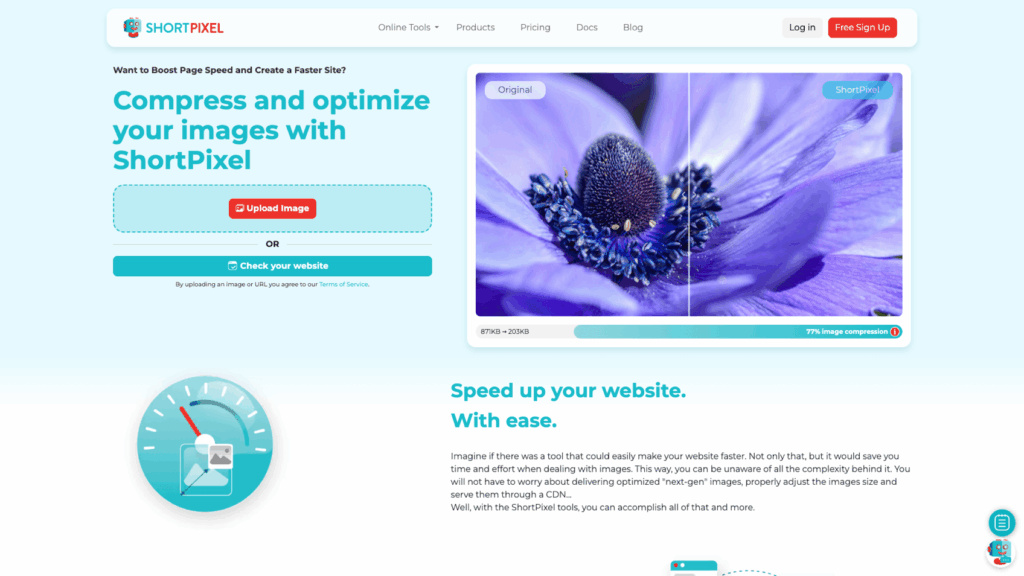
ShortPixel is known for its effective compression and flexible settings. It supports lossy, lossless, and glossy compression, and offers conversion to WebP and AVIF. Note that its credit-based pricing might be a factor for very large sites.

Imagify offers a straightforward integration process with three compression levels and automatic optimization on upload. Its user-friendly interface is particularly suited for small business websites and beginners.
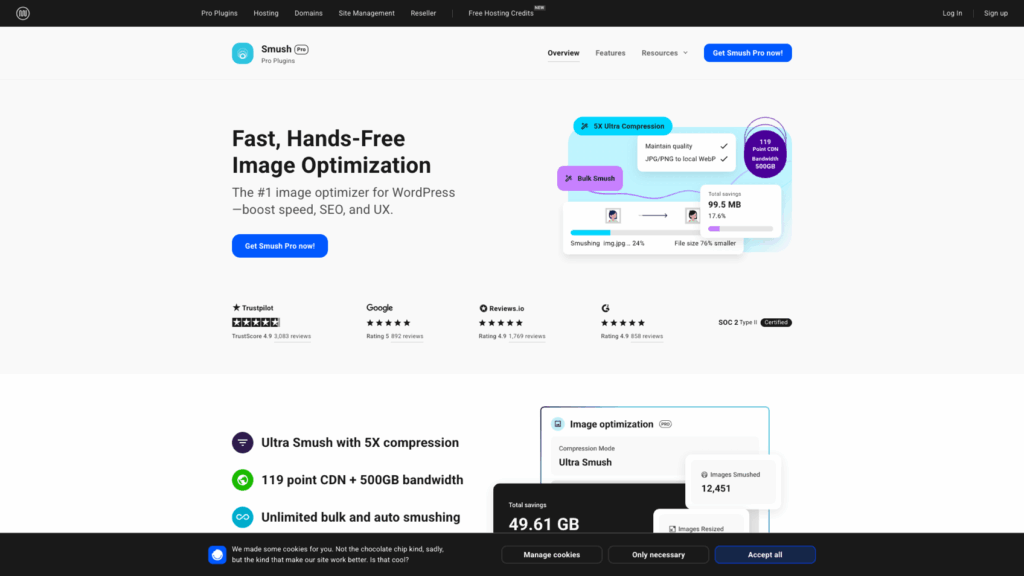
Smush is popular among beginners thanks to its generous free version, which includes bulk optimization and lazy loading. While advanced settings like higher-level compression and full WebP support require a paid plan, the free version remains an attractive option for many users.
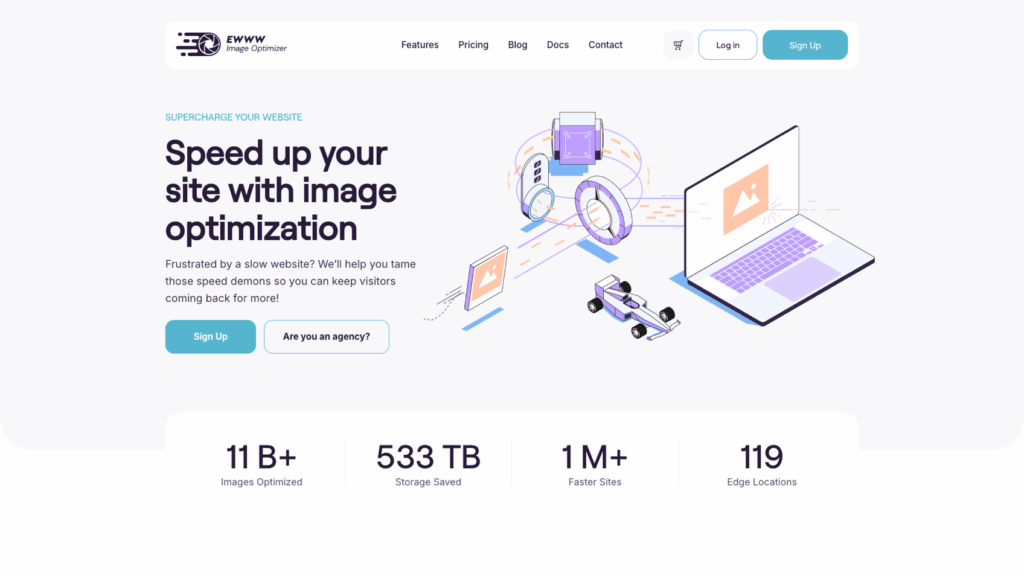
EWWW Image Optimizer processes images locally on your server rather than through external APIs. This local processing can offer greater control over data and performance, although its more complex setup might not suit every user.
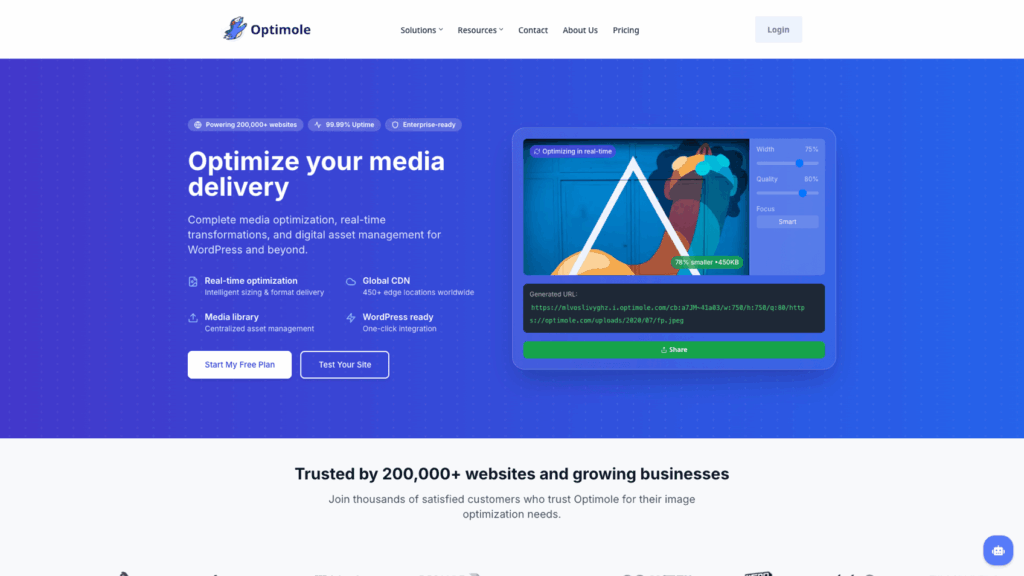
Optimole uses a cloud-based system with an integrated CDN to optimize and deliver images in real time. This makes it ideal for high-traffic sites that need consistent global performance, although it depends on external infrastructure.
Your choice between free or paid plugins depends on your site’s size and needs:
As your website grows, investing in a paid solution may offer increasingly beneficial features.
There is no single solution that fits every website. Consider your website type, traffic levels, and the control you need:
Once your chosen plugin is installed, follow these steps:
Even with a good plugin, avoid these common pitfalls:
Improving image performance on a WordPress site can have a marked impact on both user experience and SEO. The key is to choose a plugin that fits your website’s specific requirements.
Our hosting environment at SiteValley is set up to support performance-focused WordPress sites, including those with heavy image content like blogs, portfolios, and eCommerce stores. With features such as SSD storage and refined server configurations, the Small Business Hosting plan provides reliable performance. For detailed specifications, visit our Web Hosting pricing page.
Q: What is a WordPress image optimization plugin?
A: It is a tool that automatically compresses and resizes images to improve site speed and performance without significant quality loss.
Q: How do image optimization plugins improve website performance?
A: They reduce file sizes, speed up page load times, improve user experience, and contribute to better SEO rankings by enhancing Core Web Vitals.
Q: Are paid image optimization plugins necessary for all sites?
A: Not always. Free plugins may be sufficient for small sites, whereas paid options with advanced features like CDN integration are better suited for larger, performance-sensitive sites.
Q: Can over-compression affect my site’s image quality?
A: Yes, overly aggressive compression can lead to noticeable quality loss, so it’s important to balance file size reduction with maintaining visual integrity.

Quick Customer care response, accurate and broad assistance, easy to use client area.....
I am very happy with the service. I am with site valley for many years and at the present usimg 2 hosting packages. Their service is excellent and super fast. Thanks & Greatly Appreciated
I've been hosting my websites with Sitevalley for more than 6 years. Very satisfied with the services and reliability they provide, competitive prices, almost no downtime, fast and knowledgeable customer support.
I have been using side valley for a couple of years now and have to say I am very happy with the service they offer.I use many Hosting services but site valley stands out in front. Reliable service, great support.I don't normally leave reviews but felt I wanted to for this service as it has been fantastic
I didn't want to review so soon on into taking out hosting with site valley but I feel obliged because their customer service is outstanding, second to none, every time I had an issue it was sorted immediately. I would highly recommend Site Valley.
I have been with Sitevalley for over a year and it's the best hosting I have EVER used. And I have been through a lot of them.
The support staff are amazing, and it's clear that they have a passion for hosting websites. I've rather enjoyed this webhosting company and it's stability for the price is bar-none, amazing.
My collegue adviced me to use SiteValley as a reliable hosting provider with great prices, professional and fast Customer Service. My experience with SiteValley was exactly the way I was promised.
I have been with SiteValley for many years, and plan to stay with them for many more. Customer support is very responsive and knowledgeable.
SiteValley.com is rated 4.8 / 5 based on 329 Reviews »

© 2001 – 2026 SiteValley.com. All Rights Reserved.
